Table Kiosk

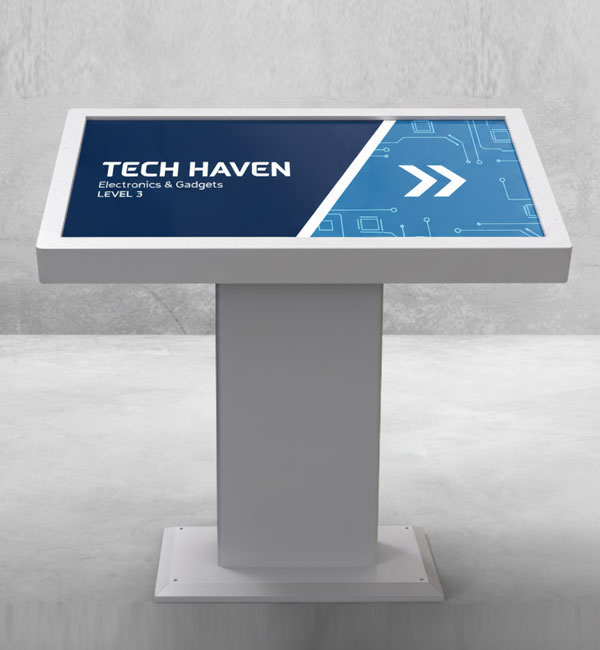
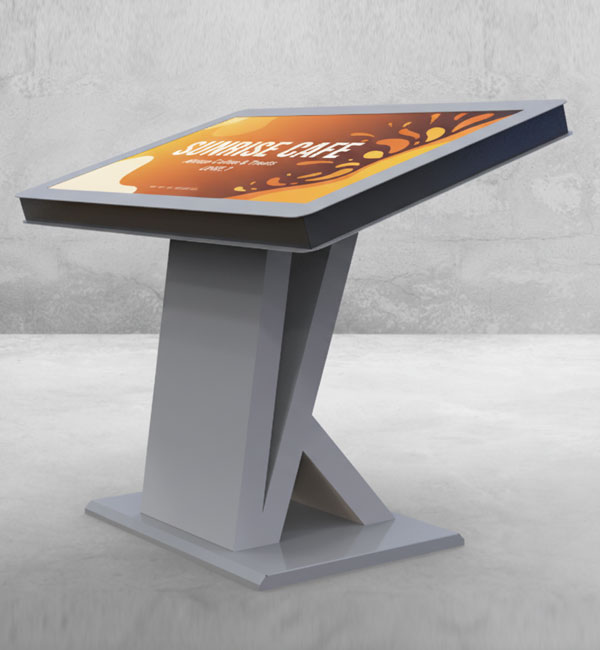
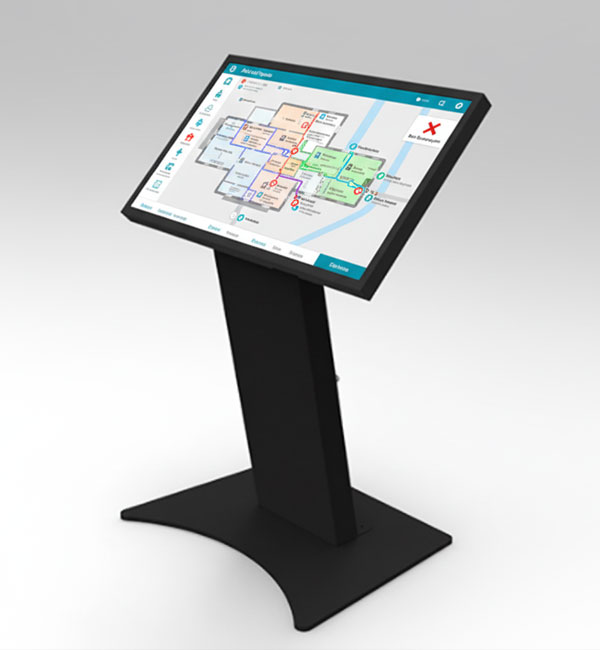
Kiosk table solutions are table-type digital systems where users interact directly with the screen. Especially used in restaurants, cafés, showrooms, and retail environments, these systems provide an interactive experience by placing user engagement at the center. Thanks to their table form design, users can interact with the screen in a more natural and comfortable way.

These systems can be used for various purposes such as self-service ordering, product exploration, catalog browsing, and information display. They accelerate ordering processes in restaurants while making product discovery more interactive in retail environments. Direct user interaction with the screen creates a more personalized and effective experience.

Unisign kiosk table systems are available with 21.5", 32", and 43" horizontal screen options, and all models feature 10-point PCAP multi-touch technology. With IK08-rated impact-resistant tempered glass and IP54 enclosure protection, they ensure durability and long-lasting performance in high-traffic environments. Android 11 or Windows 10/11 operating system options are available.

Technical Features and Integrated Structure of Kiosk Table Technology

Kiosk table systems deliver high performance by combining touchscreen technology with powerful hardware infrastructure. With multi-touch support, multiple users can interact simultaneously, making them ideal for group usage scenarios. In addition, user-friendly interfaces make the systems easy to use.

These displays typically operate on Android or Windows platforms, allowing integration with various software and applications. Built-in hardware components reduce the need for external devices, while centralized management systems enable remote content control. With their durable structure and designs optimized for long-term use, kiosk table solutions provide reliable performance in high-usage environments.

Request a live demo of our kiosk table solutions or contact us to explore application scenarios tailored to your restaurant or retail space.

Table Kiosk Frequently Asked Questions
    • A kiosk table is an interactive digital system with a table-type design that allows users to interact directly with the screen. These solutions simplify the self-service experience, especially in restaurants and retail stores, by accelerating transaction processes.
    • Kiosk table solutions are widely preferred in restaurants, retail stores, and exhibition areas to enhance user interaction. Thanks to their table form, users can interact with the screen more naturally and complete their transactions easily and comfortably.
    • Kiosk table systems enhance user experience by providing a more comfortable interaction with their ergonomic design and touchscreen structure. At the same time, their interactive usage helps businesses establish stronger digital communication with customers.
    • Design the interface for the selected display resolution and orientation. Place primary controls within easy reach and check text from the intended standing or seated position. Make back, cancel and help actions clear in the touch workflow. Assess the sample application, operating system and peripherals together before ordering so the hardware requirements are defined.
    • List the printer, reader, computer or payment terminal required by the workflow. Check each component’s physical fit, connection, power requirements and application support. Equipment shown in a product image is not necessarily standard in every configuration. Include the model code and chosen components in the quotation to establish what is supplied and which integrations are required.
    • Test the display, touch response, network connection and any selected peripherals with the intended application. Check that users can start and finish the main task and use cancel and help actions. Review cable access and maintenance points with the installation team. This checklist is purchasing guidance; the actual delivery, testing and installation scope should be stated in the quotation.
    • Examples from the current specification tables of models in this category: 32inch: display size 31,5", resolution 1920 X 1080, brightness 400 cd/m². 43inch: resolution 1920x1080, brightness 700 cd/m². 55inch: resolution 3840x2160, brightness 800 cd/m². 32inch: resolution 1920x1080, brightness 400 cd/m². 43inch: resolution 1920x1080, brightness 700 cd/m². 32inch: resolution 1920x1080, brightness 400 cd/m². KDCA270EA: resolution 1920x1080, brightness 300 cd/m². 43inch: resolution 1920x1080, brightness 700 cd/m². 55inch: resolution 3840x2160, brightness 800 cd/m². 23.8inch: resolution 1920x1080, brightness 550 cd/m². These values apply only to the named models and should not be generalised to the entire range. Resolution, brightness and physical screen size describe different characteristics. Use the complete model code when comparing similar-looking products, and check operating conditions for your application separately. Refer to each product’s own specification table for connections, mounting and additional equipment.
    • Screen size describes the physical image area, while resolution describes the number of pixels forming the image. Two products with the same diagonal can have different resolutions, so comparing inch values alone is insufficient. Brightness is a separate characteristic and should be assessed using the units in the specification table. Ambient light and viewing distance affect readability. If small text or a detailed interface is planned, prepare the design at the target display resolution and check it from the intended distance. A screen showing brief messages in large type may have different requirements. Hardware specifications do not compensate for poorly arranged content or an unsuitable mounting position. Define your priorities and compare candidate models using consistent criteria; a high value for one characteristic does not automatically satisfy every other requirement.