Ultra-Wide Digital Display Technology with Stretched Display Solutions
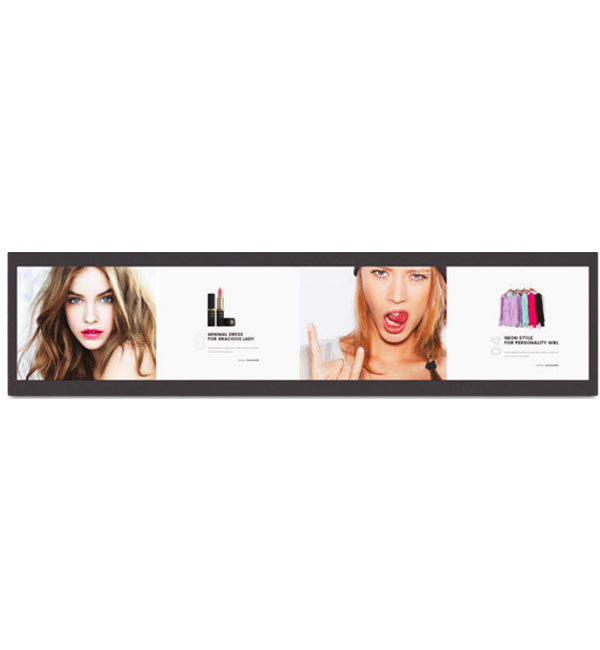
Stretched display (ultra-wide screen) solutions are professional digital display systems specially designed for narrow and elongated spaces where standard screen formats are insufficient. With their panoramic structure, these displays provide maximum visibility especially on shelf edges, narrow walls, and linear areas, delivering effective visual communication.

Thanks to their ultra-wide format, stretched display screens make it possible to present content even in spaces where traditional displays cannot fit, offering businesses a creative usage advantage.

Unisign stretched display screens are available in various sizes ranging from 19" to 58", with 32:9 and 16:3 aspect ratio options. With 700 nits brightness and IPS panel technology, they provide clear and vivid images even in narrow shelf spaces. A touch-enabled version is also available.

Fill out our quotation form or contact our sales team to get the most suitable stretched display size and technical specifications for your project.

Ultra-Wide Digital Display Technology with Stretched Display Solutions Frequently Asked Questions
    • A stretched display is a digital screen solution specially designed for ultra-wide and narrow spaces. These displays enhance visual communication by delivering effective content in areas such as shelf edges and narrow surfaces.
    • Stretched display systems increase space efficiency by enabling use in areas where standard screens cannot fit. At the same time, they ensure that content is presented in an eye-catching way thanks to high brightness and clear image quality.
    • Stretched display solutions are widely used in retail, transportation, and commercial environments for dynamic content presentation. They are especially effective in shelf-edge applications, displaying pricing, promotions, and product information clearly and efficiently.
    • Review sample content at its intended display size. Check small text, prices and logos from the furthest viewing position, and match the layout to the screen aspect ratio. Brightness alone does not determine readability: ambient light, reflections, contrast and text size also matter. Share sample content and the viewing distance before choosing a model.
    • Check the display dimensions, weight and any mounting pattern listed in the specification. The bracket load capacity must suit both the equipment and the mounting surface. Allow access to power and video cables, ventilation openings and maintenance points. Before installation, confirm that the chosen model supports the intended landscape or portrait orientation.
    • List the screen size, ambient light and content source at each location. If the same model will be used across sites, check that mounting orientation, connections and operating conditions are suitable everywhere. For central content updates, identify the existing software and network. Compare quotations with hardware, media players, software licences and mounting listed separately.
    • Examples from the current specification tables of models in this category: Stretched 19″ Bar Display: display size 19" Stretched Panel, resolution 1920x360, brightness 250. Stretched 24″ Bar Display: display size 24" Stretched Panel, resolution 1920x360, brightness 300. Stretched 28″ Bar Display: display size 28" Stretched Panel, resolution 1920x360, brightness 700. Stretched 37″ Bar Display: display size 37" Stretched Panel, resolution 1920x540, brightness 700. Stretched 23.1″ Bar Display: display size 23.1" Stretched Panel, resolution 1920x158, brightness 400cd/m2. Stretched 35″ Bar Display: display size 35" Stretched Panel, resolution 2880 x 158, brightness 400cd/m2. Stretched 46.6″ Bar Display: display size 46.6" Stretched Panel, resolution 3840 x 120, brightness 500cd/m2. These values apply only to the named models and should not be generalised to the entire range. Resolution, brightness and physical screen size describe different characteristics. Use the complete model code when comparing similar-looking products, and check operating conditions for your application separately. Refer to each product’s own specification table for connections, mounting and additional equipment.