 Türkçe
 Smart and Integrated Digital Display Technology with Android Display Solutions

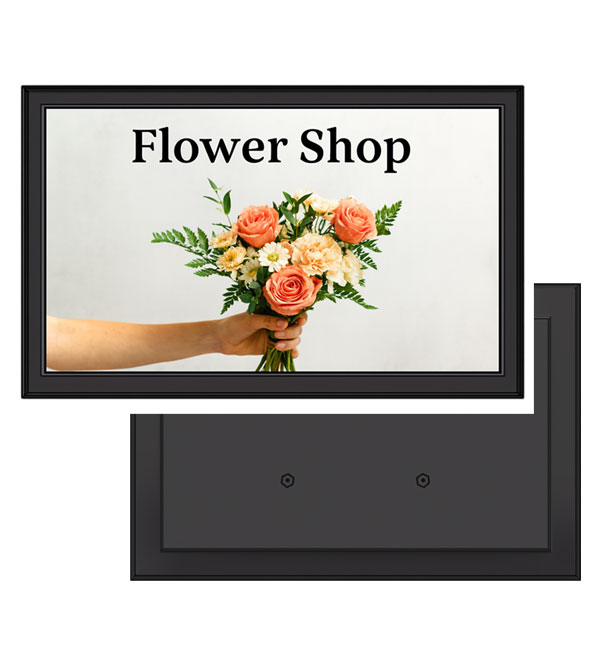
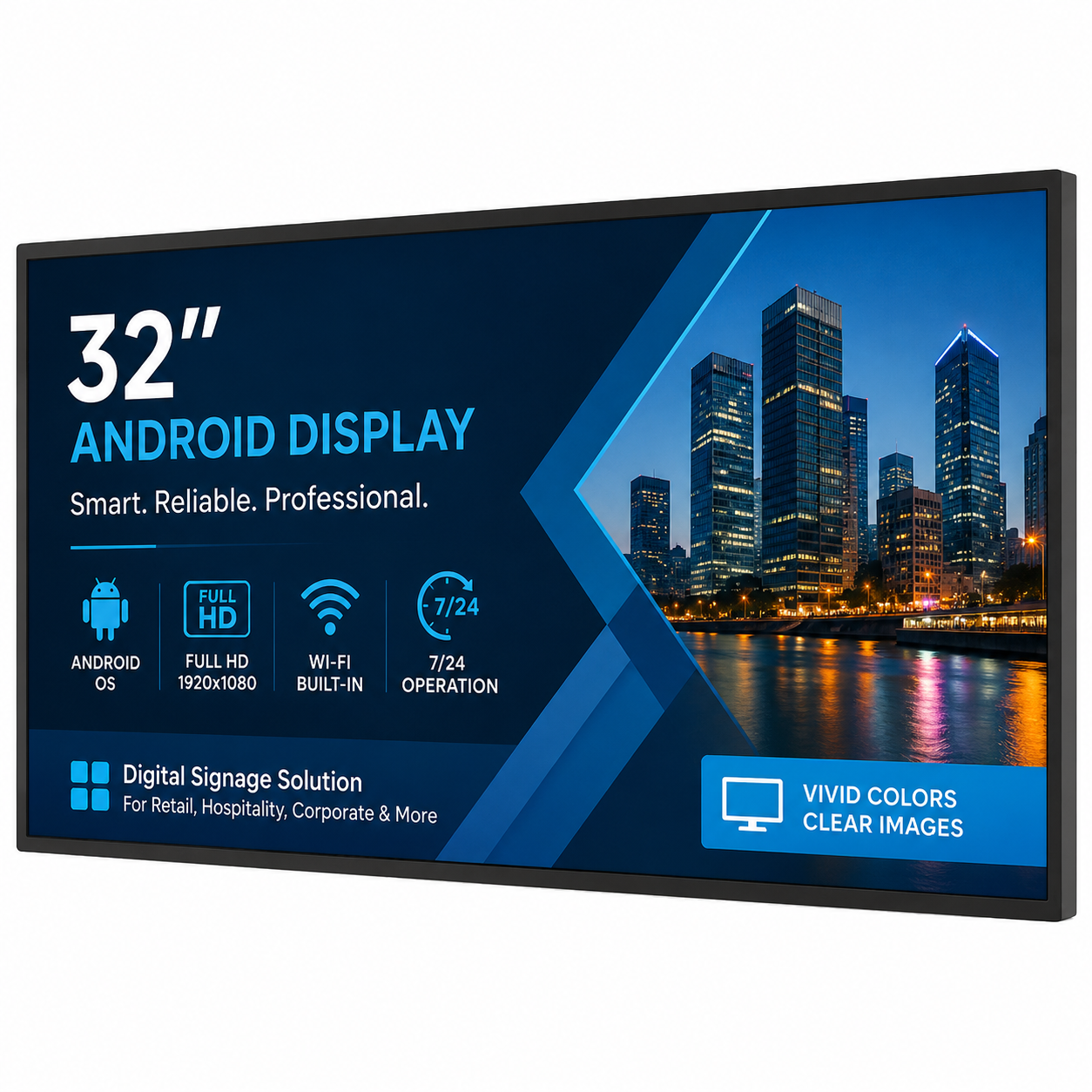
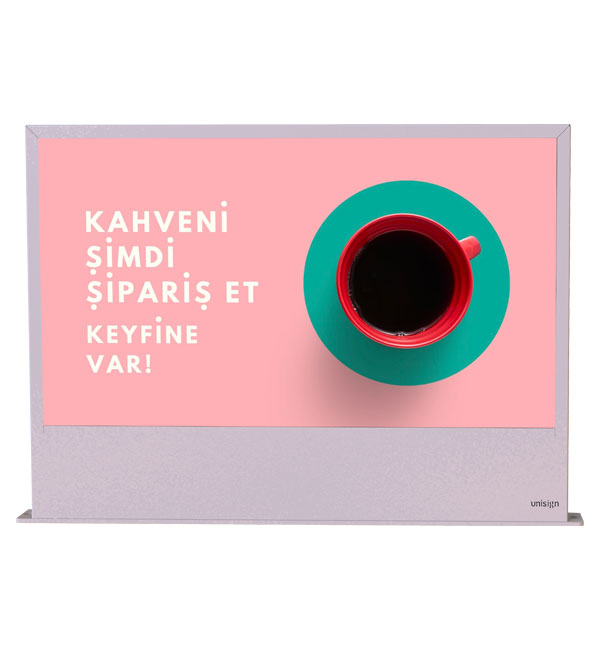
With the advancement of digital screen technologies, Android display solutions have become innovative systems that make content management and visual communication processes smarter for businesses. These screens, powered by a built-in Android operating system, eliminate the need for external media players, offering a simpler, faster, and more efficient user experience.
Android display screens play a key role in digital signage solutions thanks to their app compatibility, remote management capabilities, and flexible usage advantages.
Unisign Android display screens are equipped with the Android 11 operating system, a quad-core 1.8 GHz processor, 4 GB RAM, and 32 GB of internal storage. Supporting Wi-Fi (2.4/5 GHz), Bluetooth 5.0, and Ethernet connectivity, these screens work seamlessly with Unisign CMS software for remote content updates.
-
- Android display solutions are smart screen systems that can play content without the need for external devices, thanks to their built-in Android operating system. This structure enables easy control of digital content through application integration and remote management.
-
-
- Android display screens offer cost advantages to businesses thanks to their easy installation and low hardware requirements. At the same time, the ability to update content remotely via Wi-Fi and CMS integration increases flexibility in use.
-
-
- Android display solutions are smart screen systems that can play content without the need for external devices, thanks to their built-in Android operating system. This structure enables easy control of digital content through application integration and remote management.
-
-
- Review sample content at its intended display size. Check small text, prices and logos from the furthest viewing position, and match the layout to the screen aspect ratio. Brightness alone does not determine readability: ambient light, reflections, contrast and text size also matter. Share sample content and the viewing distance before choosing a model.
-
-
- Check the display dimensions, weight and any mounting pattern listed in the specification. The bracket load capacity must suit both the equipment and the mounting surface. Allow access to power and video cables, ventilation openings and maintenance points. Before installation, confirm that the chosen model supports the intended landscape or portrait orientation.
-
-
- List the screen size, ambient light and content source at each location. If the same model will be used across sites, check that mounting orientation, connections and operating conditions are suitable everywhere. For central content updates, identify the existing software and network. Compare quotations with hardware, media players, software licences and mounting listed separately.
-
-
- Examples from the current specification tables of models in this category: Dual 27″ Android Display: resolution 1920x1080, brightness 300 cd/m², ram 2GB. Poster 21.5″ Android Display: resolution 1920x1080, brightness 500, ram 2GB. Poster 43″ Android Display: resolution 1920x1080, brightness 700, ram 2GB. Pro 11.6″ Android Display: display size 11.6, resolution 1366x768, brightness 400 cd/m². Pro 15″ Android Display: display size 15, resolution 1024x768, brightness 350 cd/m². Pro 17″ Android Display: display size 17, resolution 1280 x 1024, brightness 500 cd/m². Pro 19″ Android Display: display size 19, resolution 1280 x 1024, brightness 450 cd/m². Pro 27″ Android Display: display size 27, resolution 1920x1080, brightness 300 cd/m². Pro 43″ Android Display: display size 43, resolution 1920x1080, brightness 700 cd/m². Pro 75″ Android Display: display size 75, resolution 3840 x 2160, brightness 500 cd/m². These values apply only to the named models and should not be generalised to the entire range. Resolution, brightness and physical screen size describe different characteristics. Use the complete model code when comparing similar-looking products, and check operating conditions for your application separately. Refer to each product’s own specification table for connections, mounting and additional equipment.
-

