Türkçe
 Lift and Learn
Lift & Learn technology is an intelligent retail experience solution that automatically displays information and content when customers lift a product.
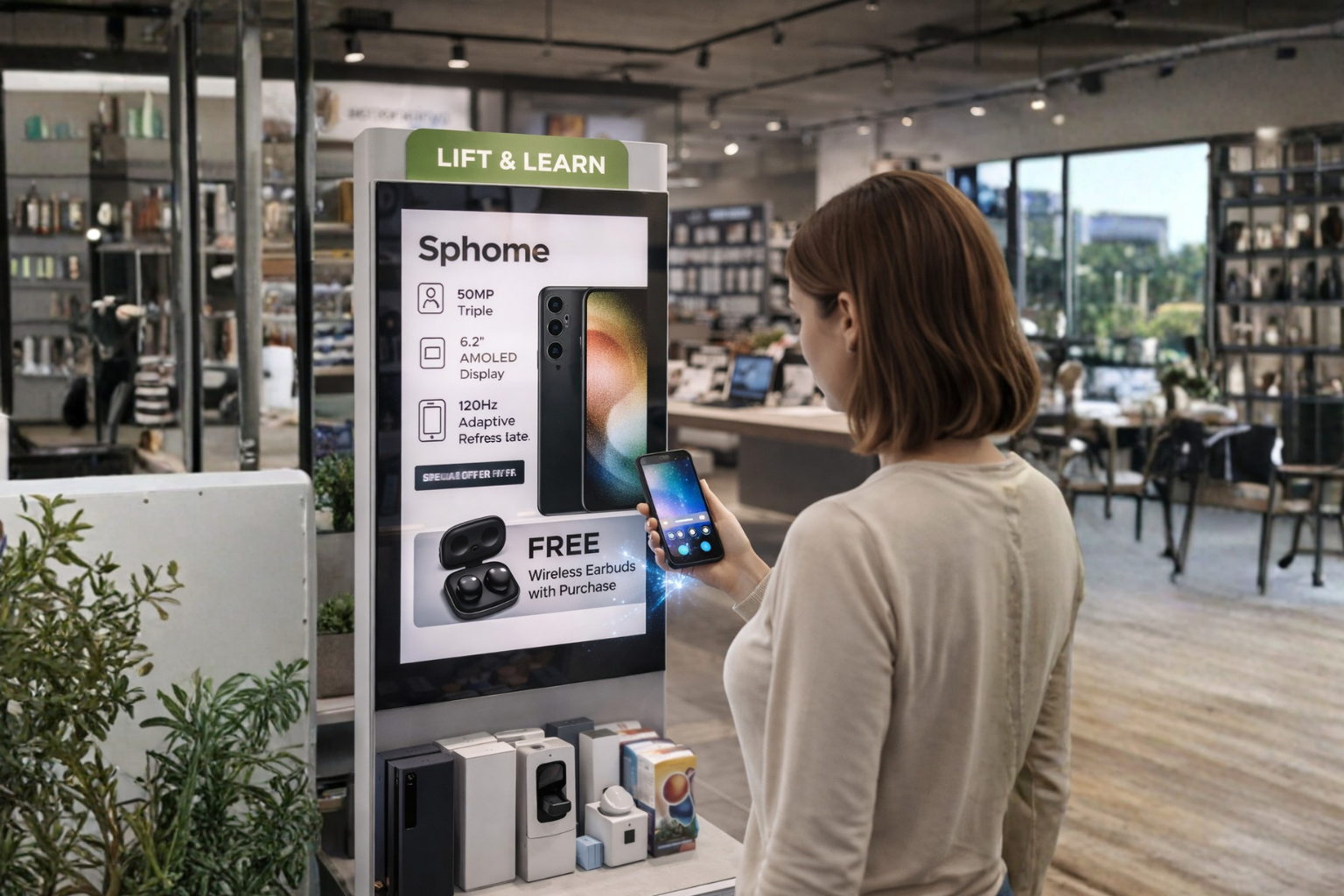
A flexible and intelligent system designed to enhance in-store experiences.
✔ The system detects interaction as soon as the product is picked up
✔ Relevant content is instantly displayed on the screen
✔ Videos and product details are presented simultaneously
Check out our demo on Instagram
A flexible and intelligent system designed to enhance in-store experiences.
✔ Sensor-based automatic detection
✔ Real-time content display
✔ Centralized content management
✔ Scenario-based content configuration
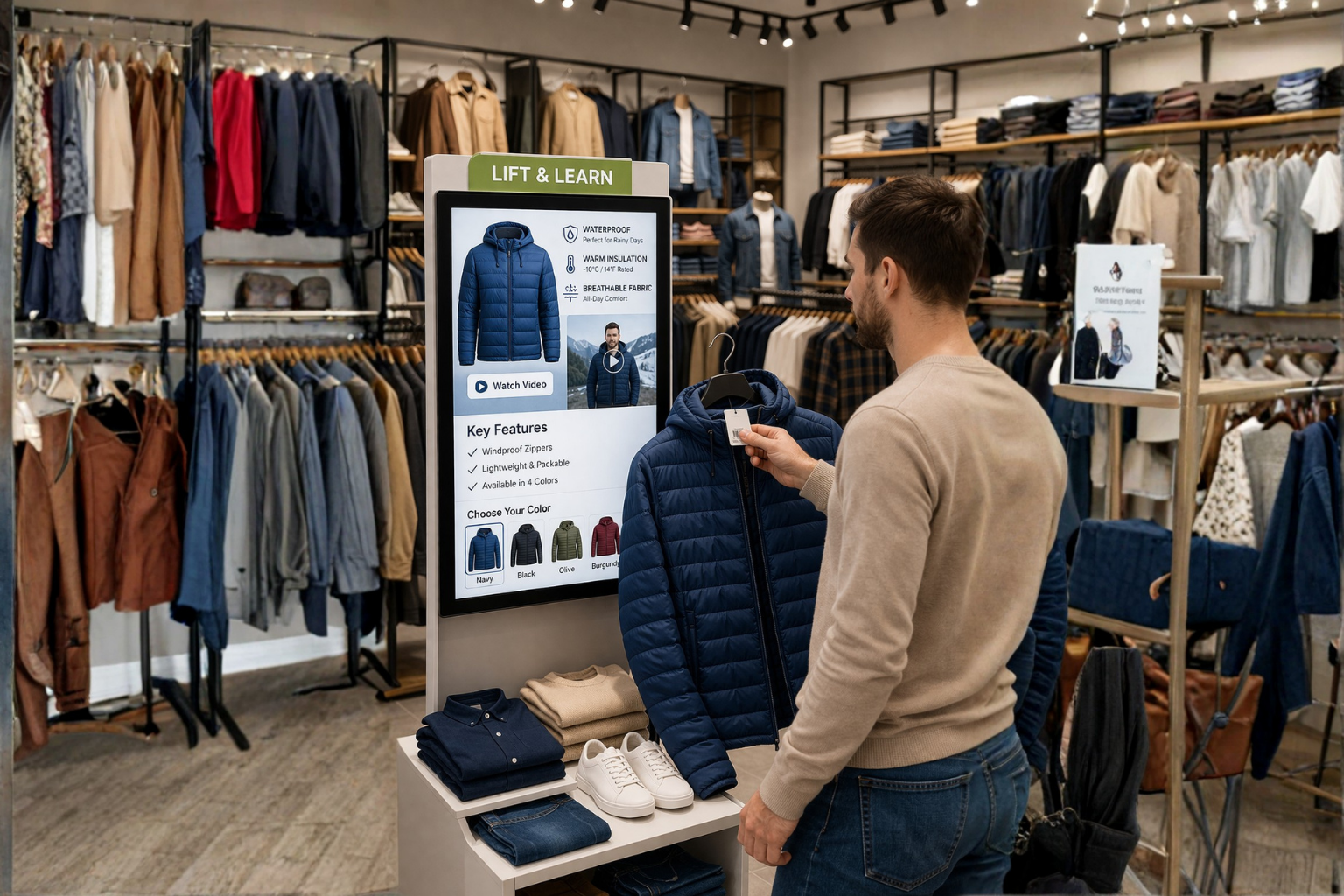
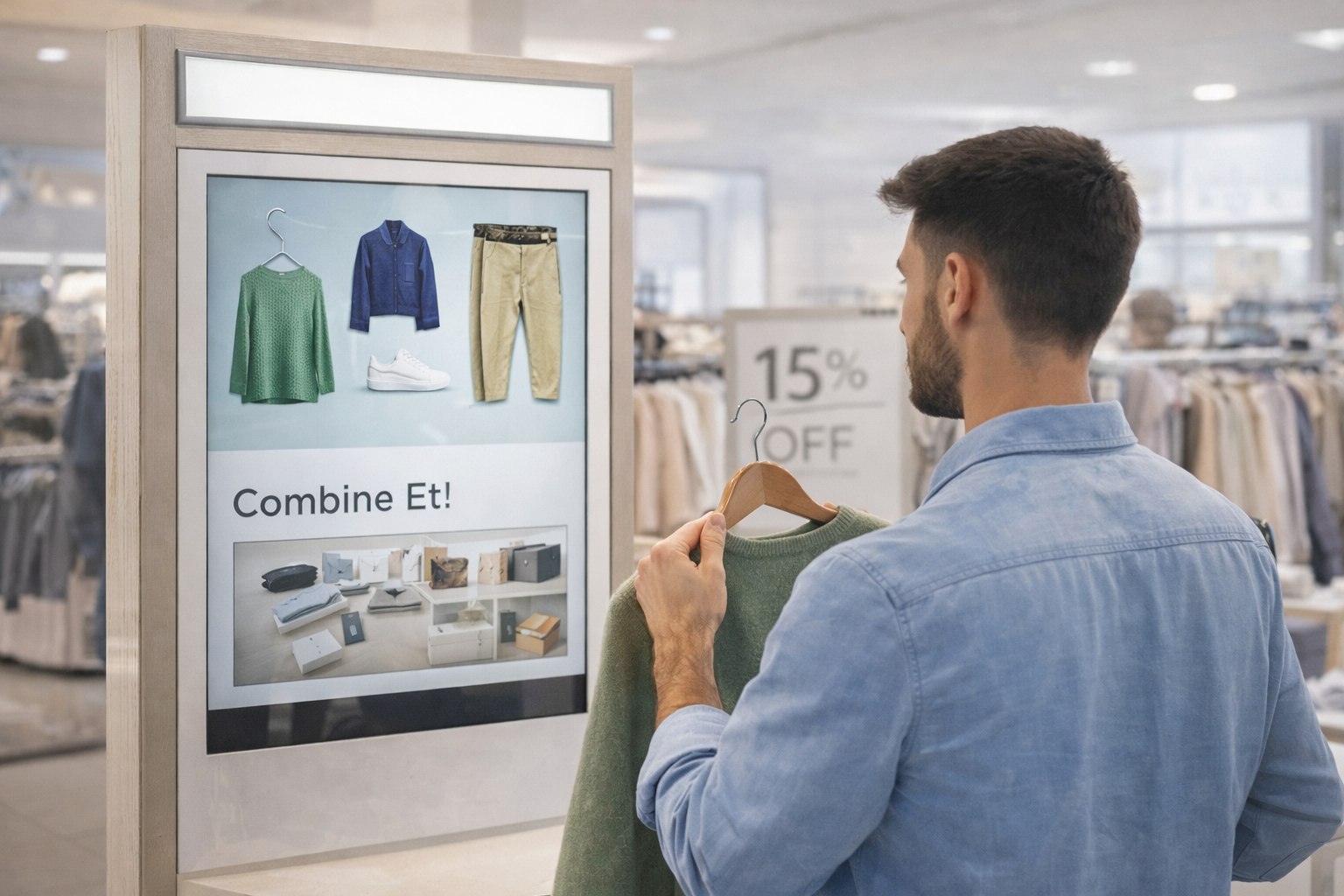
Adaptable across different industries and retail environments.
✔ Cosmetic stores
✔ Technology stores
✔ Retail environments
✔ Experience-driven showrooms
Designed to turn product interaction into measurable engagement.
✔ Transforms products into interactive experiences
✔ Creates a direct connection between customer and product
✔ Accelerates the purchase decision process
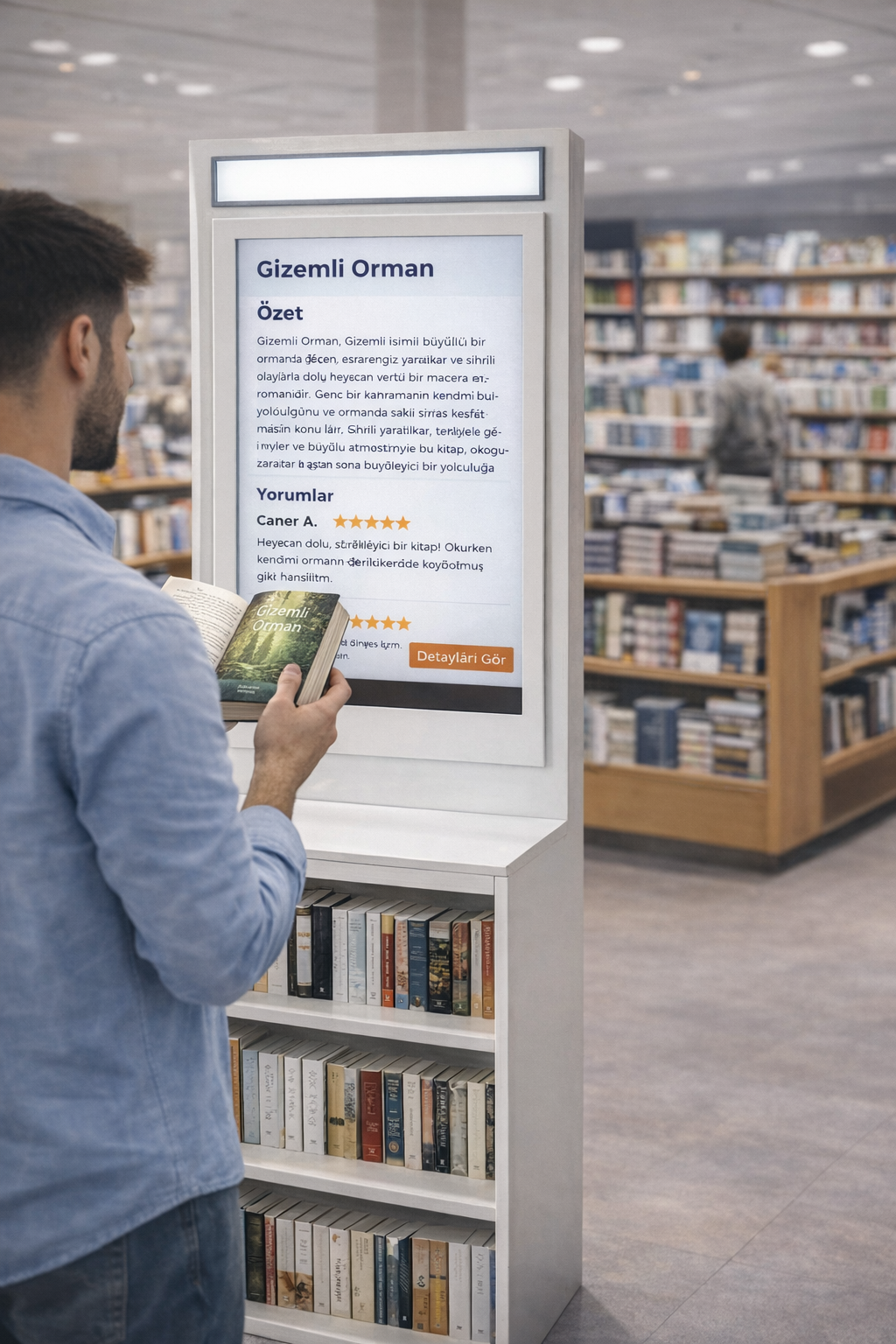
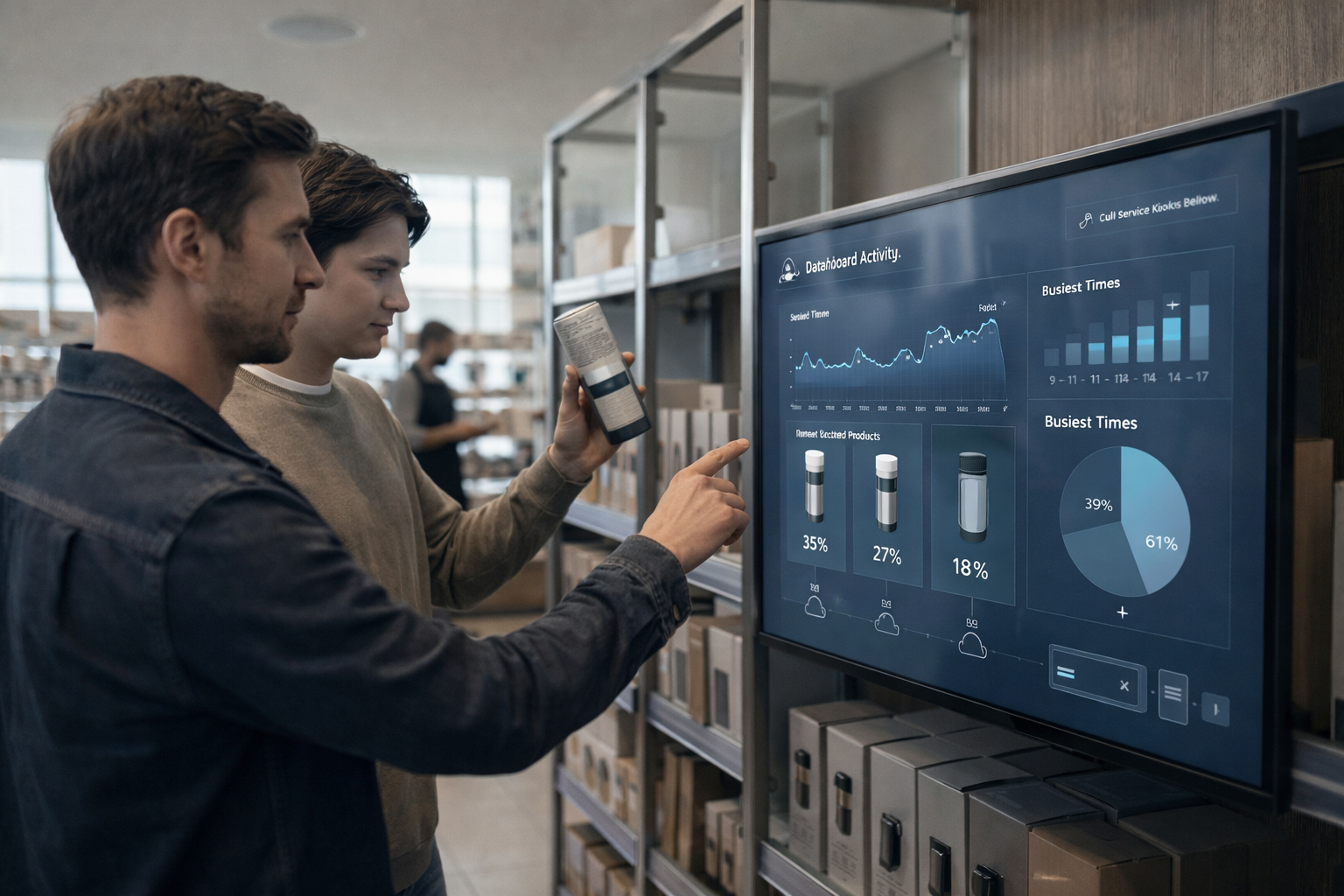
It makes user behavior measurable.

✔ Product interactions are measured
✔ User behavior is analyzed
✔ Provides data for sales and marketing

Frequently Asked Questions - Lift and Learn Çözümleri
Lift & Learn can support hands-on product displays such as electronics, headphones and cosmetics. Suitability depends on how the item is presented and how its movement will be detected. Define which products visitors may lift, how they return them and the information that should appear. Consider the available display space, power and screen position. Confirm the sensor arrangement and content mapping for the proposed setup instead of assuming every product can use the same installation.
The system links interaction with a displayed product to relevant information on a screen. This can help visitors find specifications, comparisons or demonstrations while examining the item. Plan a concise content sequence for each product, including what is shown before interaction and when the item is returned. Check that the screen remains readable from the demonstration position. A useful pilot assesses whether visitors understand the interaction and can find the information they need without excessive staff explanation.
Showing relevant information during product interaction can support a purchase decision, but a fixed sales increase should not be assumed. Results depend on the product range, content, location and customer journey. Define the purpose of the display before installation, such as explaining differences or demonstrating use. A pilot can compare interaction quality and staff feedback before wider rollout. Any measurement or reporting requirement should be checked against the selected system and the agreed project scope.
Content can include product features, demonstrations, comparisons, specifications and promotions. Plan which material corresponds to each physical product and keep the interaction concise. Confirm the screen orientation and supported media formats for the selected system. Test that the correct content appears when a product is handled and that the display returns to the intended starting state.
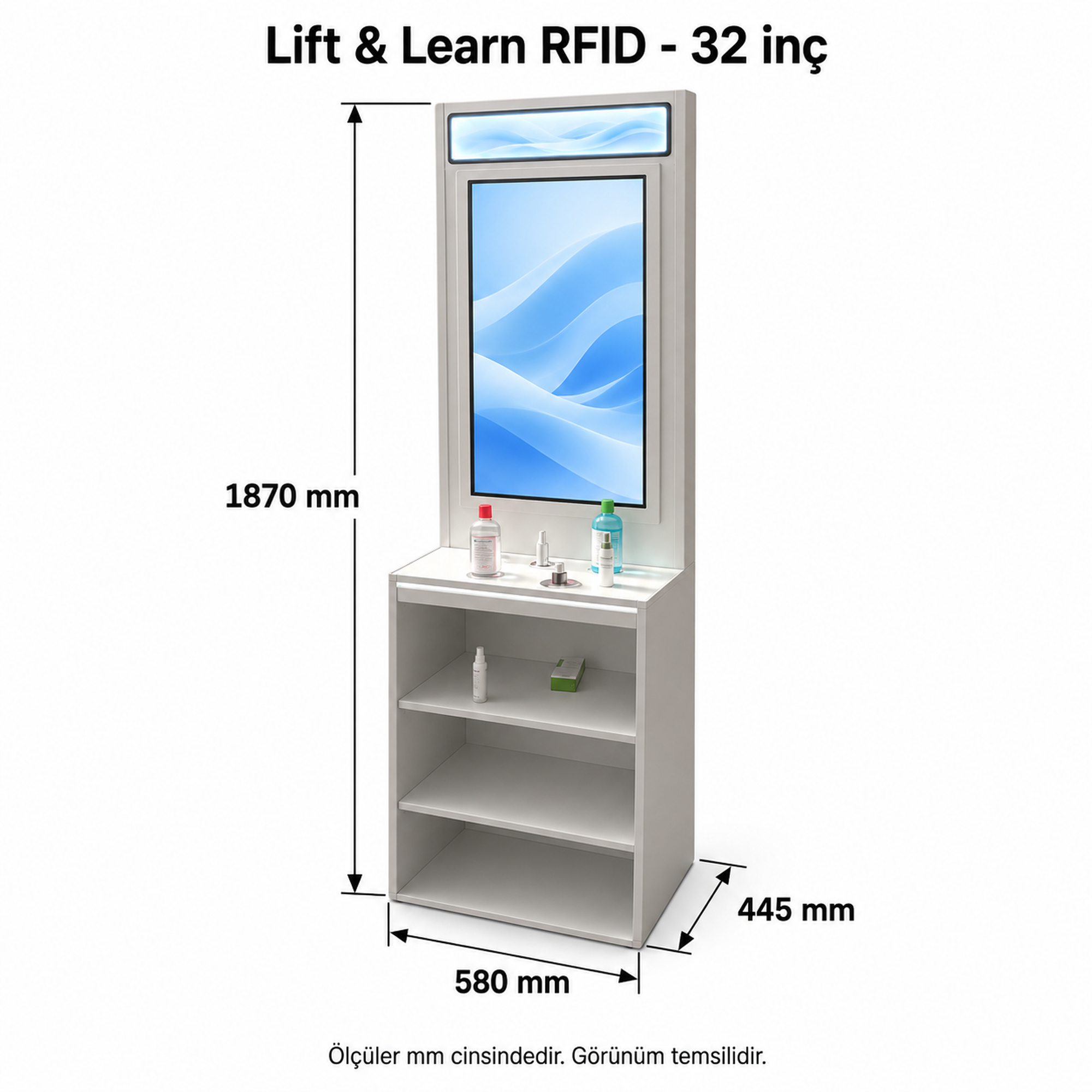
An existing store can be assessed for a Lift & Learn installation. Check the presentation furniture, sensor position, power, network access and display location. Identify any existing hardware or software that must be reused, as compatibility is project-specific. A trial setup can help confirm that the product interaction and content sequence suit the store before wider installation.
Stand and screen placement can be considered alongside the store concept, within the chosen hardware and installation constraints. Share the furniture dimensions, intended materials and product presentation layout. Ensure that branding and decorative finishes do not obstruct sensors, viewing angles, cables or service access. Confirm any custom design requirements separately from the standard product scope.
Central content management can be part of the selected Lift & Learn setup. Define product groups, publishing permissions and update responsibilities. Confirm the management software, connectivity and supported workflow for the proposed installation. Where multiple stores are involved, specify whether content should be shared or location-specific, and agree how updates will be checked on the screens.
Our 24/7 Expert Support Team Is Ready to Assist You!
Contact Us