 Türkçe
 High-Visibility Digital Advertising and Information Systems with Totem Display Solutions
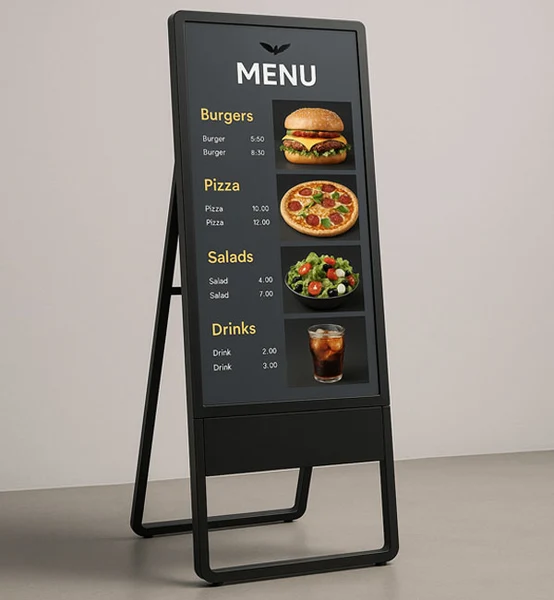
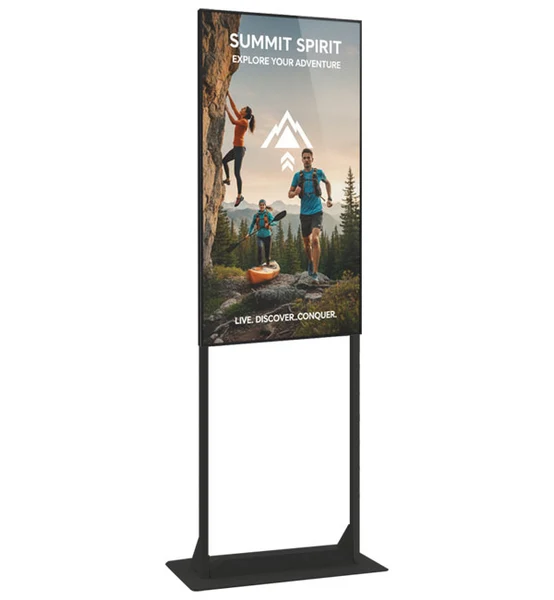
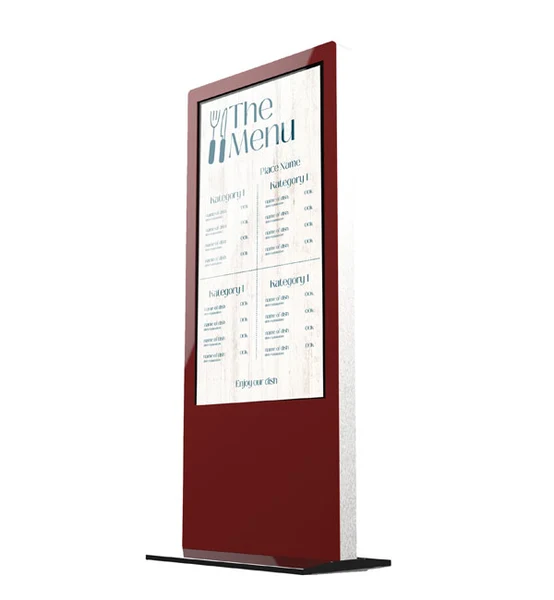
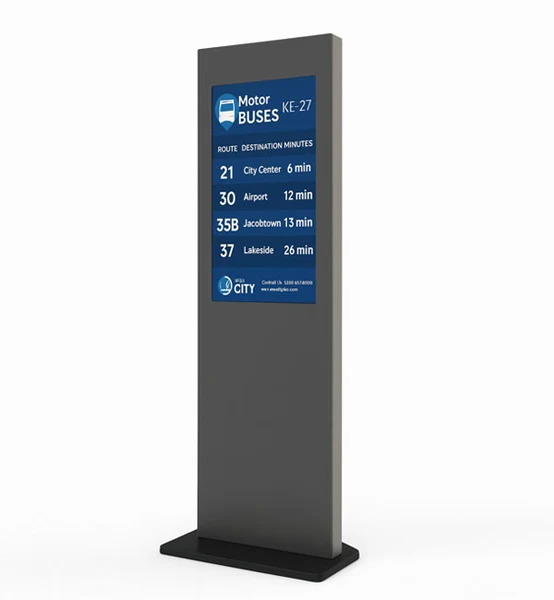
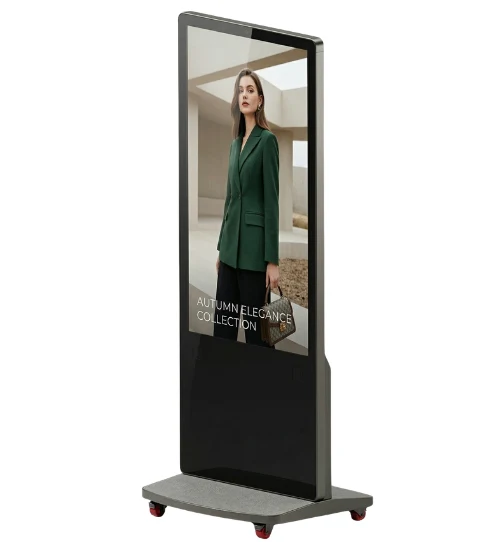
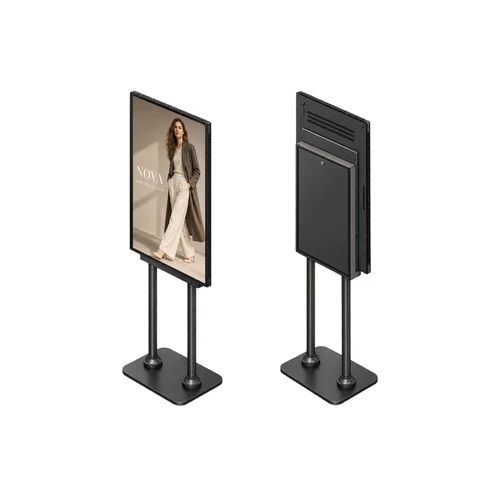
Digital totem solutions are professional vertical display systems designed to deliver high visibility in both indoor and outdoor environments. Combining modern design with reliable display hardware, digital totems provide an effective platform for advertising, information, wayfinding and corporate communication content.
Powered by digital signage technology, digital totem display systems allow businesses to centrally manage and update content across one or multiple locations. Indoor digital totem and outdoor digital totem solutions can be selected according to screen size, brightness, installation environment and operational requirements.
Unisign digital totem displays are available in different screen sizes and configurations for a wide range of applications. Indoor models are suitable for retail stores, shopping malls, hotels, hospitals and corporate environments, while outdoor digital totems are designed for high visibility and demanding environmental conditions.
-
- A digital totem is a vertically designed digital display used for advertising, information, wayfinding and corporate communication. When integrated with digital signage software, content can be centrally managed and remotely updated across multiple screens or locations.
-
-
- Digital totem displays are commonly used in shopping malls, retail stores, airports, hospitals, hotels, showrooms, restaurants, exhibition areas and corporate buildings. They provide high-visibility digital communication in locations with significant visitor traffic.
-
-
- Digital totem displays are commonly used in shopping malls, retail stores, airports, hospitals, hotels, showrooms, restaurants, exhibition areas and corporate buildings. They provide high-visibility digital communication in locations with significant visitor traffic.
-
-
- Screen size, resolution, brightness, operating environment, viewing distance, operating time and system platform should be evaluated together. Outdoor installations generally require higher brightness and environmental protection, while indoor applications may prioritise image quality, design and integration with the surrounding environment.
-
-
- Check the display dimensions, weight and any mounting pattern listed in the specification. The bracket load capacity must suit both the equipment and the mounting surface. Allow access to power and video cables, ventilation openings and maintenance points. Before installation, confirm that the chosen model supports the intended landscape or portrait orientation.
-
-
- List the screen size, ambient light and content source at each location. If the same model will be used across sites, check that mounting orientation, connections and operating conditions are suitable everywhere. For central content updates, identify the existing software and network. Compare quotations with hardware, media players, software licences and mounting listed separately.
-
-
- Examples from the current specification tables of models in this category: H Model 32″ Indoor Totem: resolution 1920x1080, brightness 400 cd/m², ram 2GB. H Model 55″ Indoor Totem: resolution 3840 x 2160, brightness 800 cd/m², ram 2GB. O Model 32″ Indoor Totem: resolution 1920x1080, brightness 400 cd/m². O Model 55″ Indoor Totem: resolution 3840 x 2160, brightness 800 cd/m². O Model 75″ Indoor Totem: resolution 3840 x 2160, brightness 500 cd/m². K Model 27″ Indoor Totem: resolution 1920x1080, brightness 300 cd/m². K Model 43″ Indoor Totem: resolution 1920x1080, brightness 700 cd/m². Flip Model 55″ Indoor Totem: resolution 3840 x 2160, brightness 800, ram 2GB. Ordu Model 55″ Indoor Totem: resolution 3840 x 2160, brightness 800 cd/m². Ordu Model 75″ Indoor Totem: resolution 3840 x 2160, brightness 500 cd/m². These values apply only to the named models and should not be generalised to the entire range. Resolution, brightness and physical screen size describe different characteristics. Use the complete model code when comparing similar-looking products, and check operating conditions for your application separately. Refer to each product’s own specification table for connections, mounting and additional equipment.
-
-
- Screen size describes the physical image area, while resolution describes the number of pixels forming the image. Two products with the same diagonal can have different resolutions, so comparing inch values alone is insufficient. Brightness is a separate characteristic and should be assessed using the units in the specification table. Ambient light and viewing distance affect readability. If small text or a detailed interface is planned, prepare the design at the target display resolution and check it from the intended distance. A screen showing brief messages in large type may have different requirements. Hardware specifications do not compensate for poorly arranged content or an unsuitable mounting position. Define your priorities and compare candidate models using consistent criteria; a high value for one characteristic does not automatically satisfy every other requirement.
-

