Türkçe
32inch
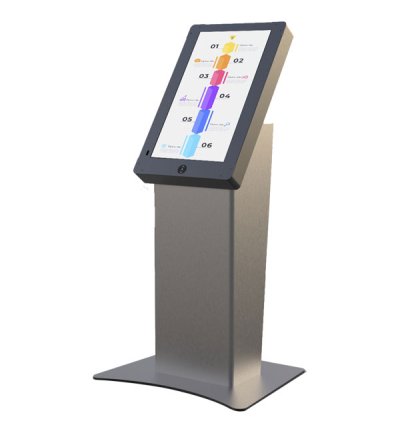
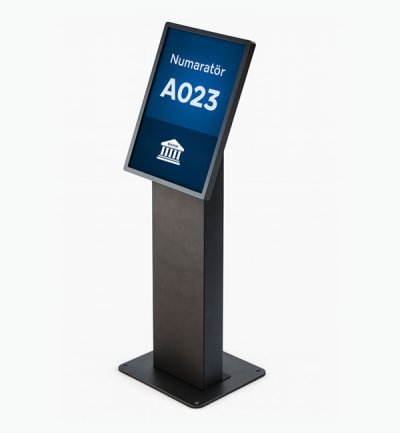
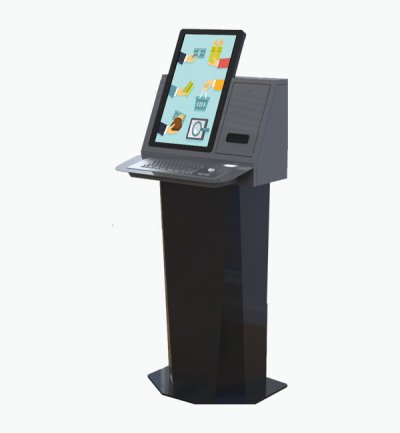
Unisign's diverse kiosk portfolio offers various models, thoughtfully engineered to address specific aesthetic preferences and functional requirements across various industries and applications. From the simplicity and ergonomic excellence of our A Model to the industrial durability of our P Model, each design represents a tailored solution that balances visual appeal with operational performance to meet your unique business objectives.
Select a kiosk around the user task, touch requirements and peripherals. Installation space, user reach and cable routing affect the setup. For a quotation, specify the intended application, device quantity and required connections.





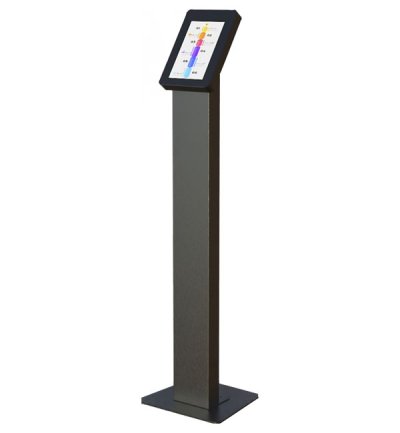
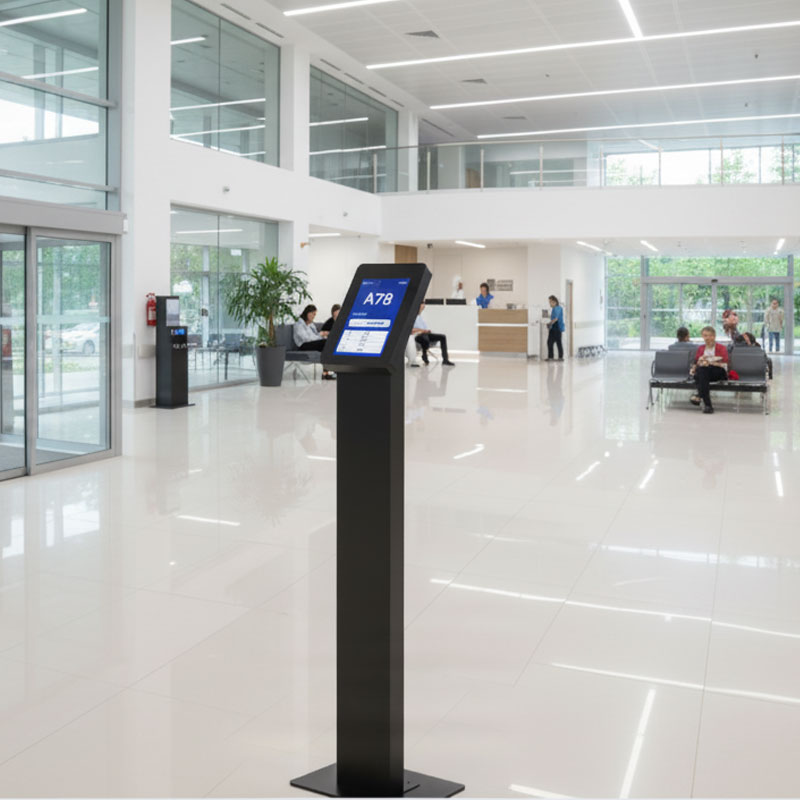
The A Model represents the perfect foundation for your digital interaction needs, featuring a clean, straight-stand design that seamlessly integrates into any environment. This essential kiosk solution prioritizes functionality while maintaining an elegant profile that won't compromise your space's aesthetic appeal. Built with robust construction and premium materials, the A Model ensures long-lasting performance in high-traffic areas while providing users with an intuitive touchscreen experience.
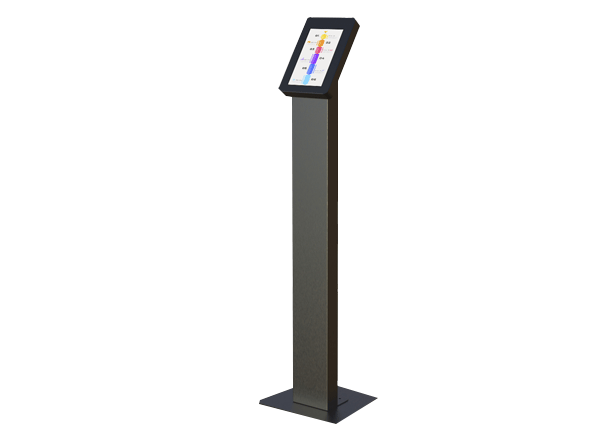
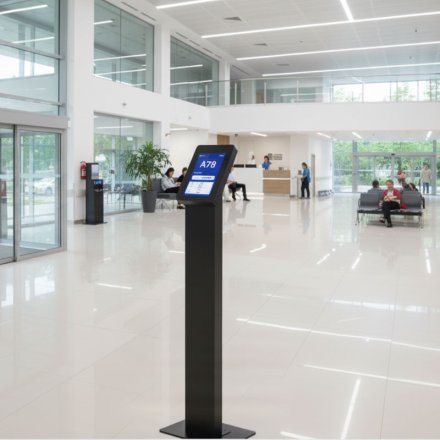
Experience effortless deployment with the A Model's streamlined installation process and universal compatibility across multiple applications. The straightforward design philosophy extends to its maintenance requirements, making it an ideal choice for businesses seeking reliable digital solutions without complexity. This model's versatility shines in retail environments, corporate lobbies, educational institutions, and healthcare facilities where clear communication and user-friendly interfaces are paramount.
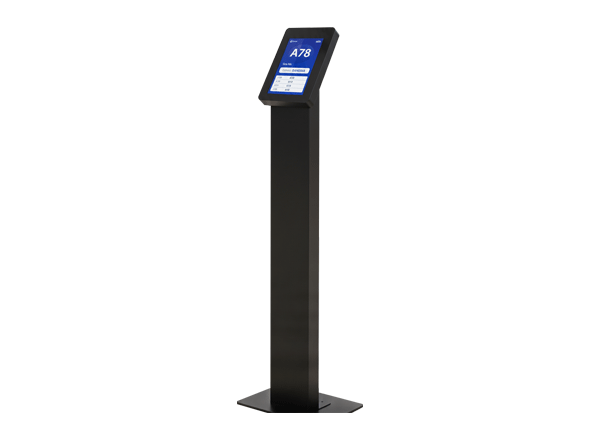
Cost-effectiveness meets quality in the A Model's thoughtful engineering, delivering exceptional value without sacrificing performance or durability. The model's standardized components and straightforward architecture ensure easy servicing and component replacement, minimizing downtime and operational costs. This approach makes the A Model particularly attractive for multi-location deployments where consistency and reliability are essential.
The A Model's timeless design ensures it won't become outdated as trends evolve, protecting your investment while providing a professional appearance that enhances your brand image. Its neutral aesthetic allows seamless integration with existing decor and branding elements, making it a versatile choice for businesses across various industries and design preferences.
Choose the A Model when you need a dependable, straightforward kiosk solution that delivers core functionality with professional presentation. This model excels in applications where simplicity, reliability, and cost-effectiveness are primary considerations, providing a solid foundation for your digital interaction strategy while maintaining the flexibility to adapt to changing business needs.
Frequently asked questions
What are the key specifications of 32inch?
The model specification lists Resolution: 1920x1080; Brightness: 400 cd/m². Include the model code and selected screen size when ordering, as other options in the same series may have different specifications.
How should the kiosk installation space be planned?
Consider enclosure dimensions, user reach and circulation space together. Plan power, network and peripheral cable routes; the mounting surface and maintenance access must suit the selected model.
How can I clarify the order scope?
Provide the product code, quantity, installation location and intended equipment. Ask for accessories, fixings, software and installation requirements to be identified separately in the quotation.
How should content resolution be selected for 32inch?
The model specification lists a resolution of 1920x1080. Prepare the content pixel dimensions and aspect ratio for this value; use a suitable layout rather than stretching artwork with a different shape.
What should I verify for kiosk peripherals?
List the printer, reader, computer or payment terminal required by the workflow. Check each component’s physical fit, connection, power requirements and application support.
What should be tested when receiving a kiosk?
Test the display, touch response, network connection and any selected peripherals with the intended application. Check that users can start and finish the main task and use cancel and help actions.