Türkçe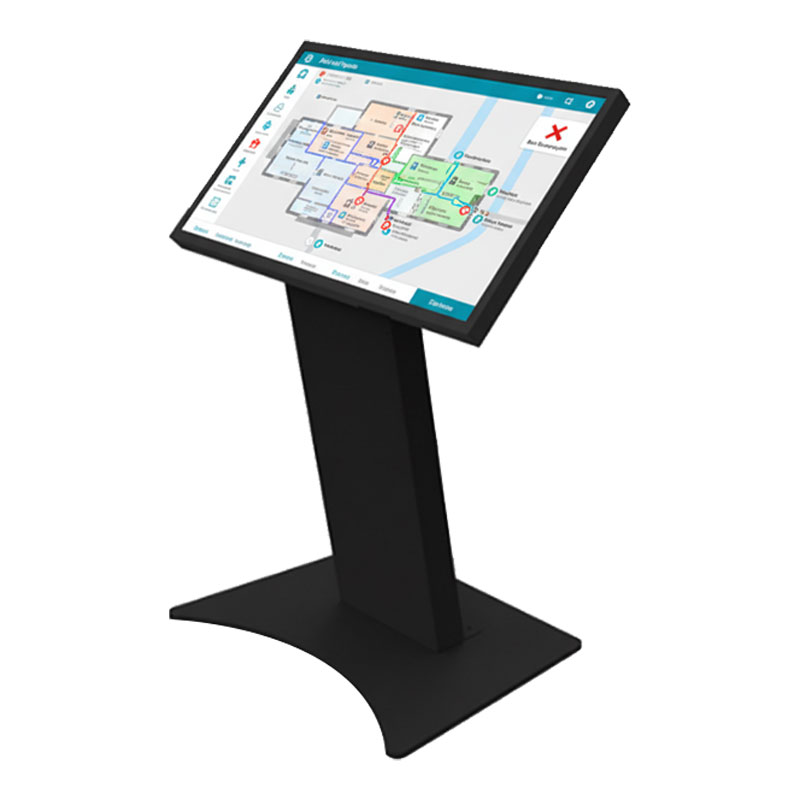
KBDA320MA
Unisign's diverse kiosk portfolio offers various models, thoughtfully engineered to address specific aesthetic preferences and functional requirements across various industries and applications. From the simplicity and ergonomic excellence of our A Model to the industrial durability of our P Model, each design represents a tailored solution that balances visual appeal with operational performance to meet your unique business objectives.
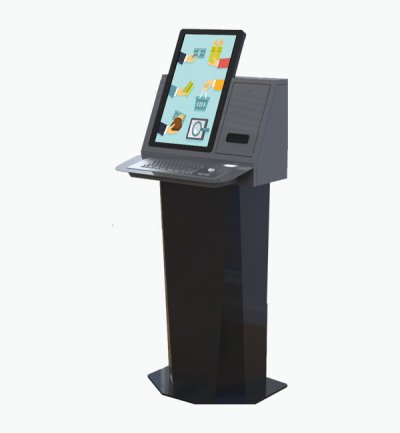
Select a kiosk around the user task, touch requirements and peripherals. Installation space, user reach and cable routing affect the setup. For a quotation, specify the intended application, device quantity and required connections.





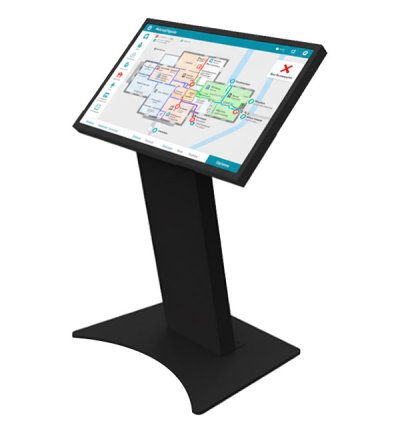
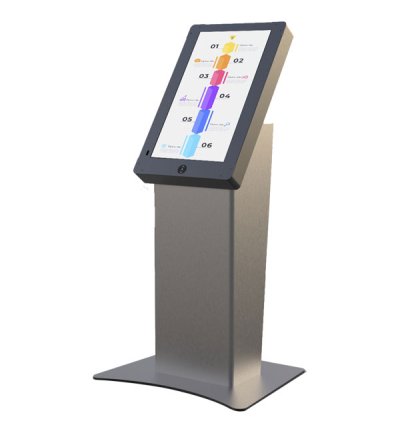
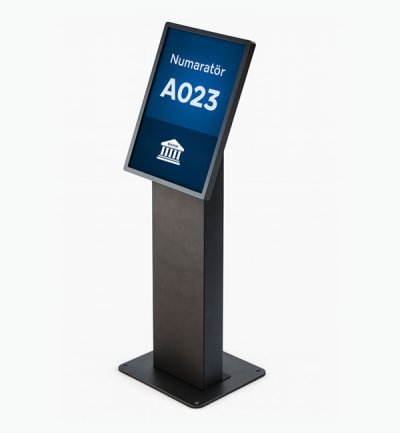
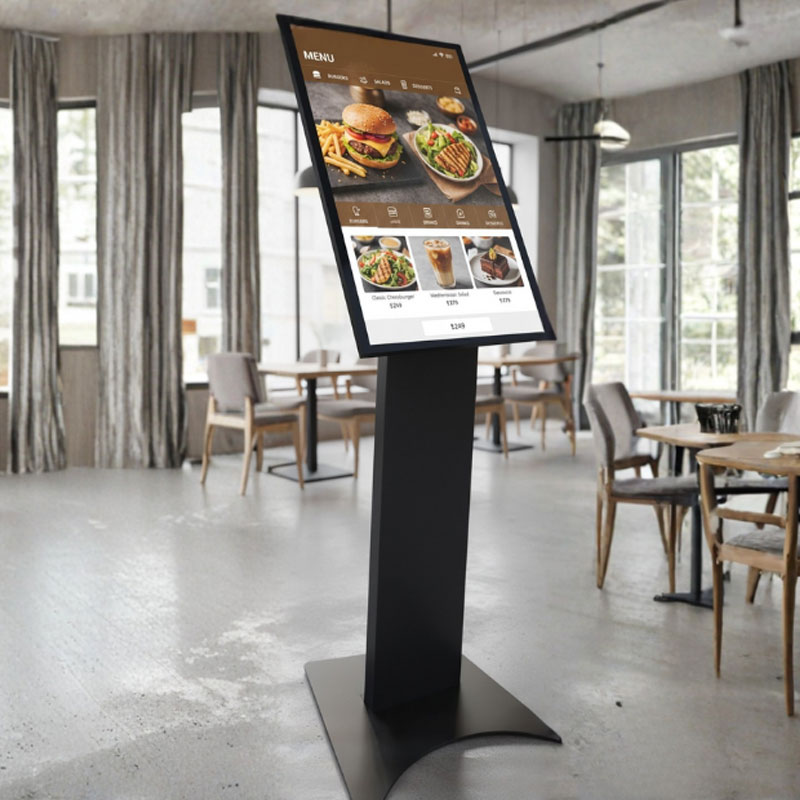
The D Model delivers unparalleled flexibility through its innovative angled stand design and comprehensive VESA mount compatibility, accommodating diverse display brands and screen sizes to match your specific requirements. This adaptability ensures seamless integration with existing equipment and provides future-proofing for technology upgrades without requiring complete system replacement.

Installation versatility reaches new levels with the D Model's adjustable mounting system that accommodates various display configurations and brand preferences. Whether you prefer Unisign, Samsung, LG, Elo, or other leading display manufacturers, the D Model's universal compatibility ensures optimal performance while maintaining your preferred supplier relationships and standardization requirements.
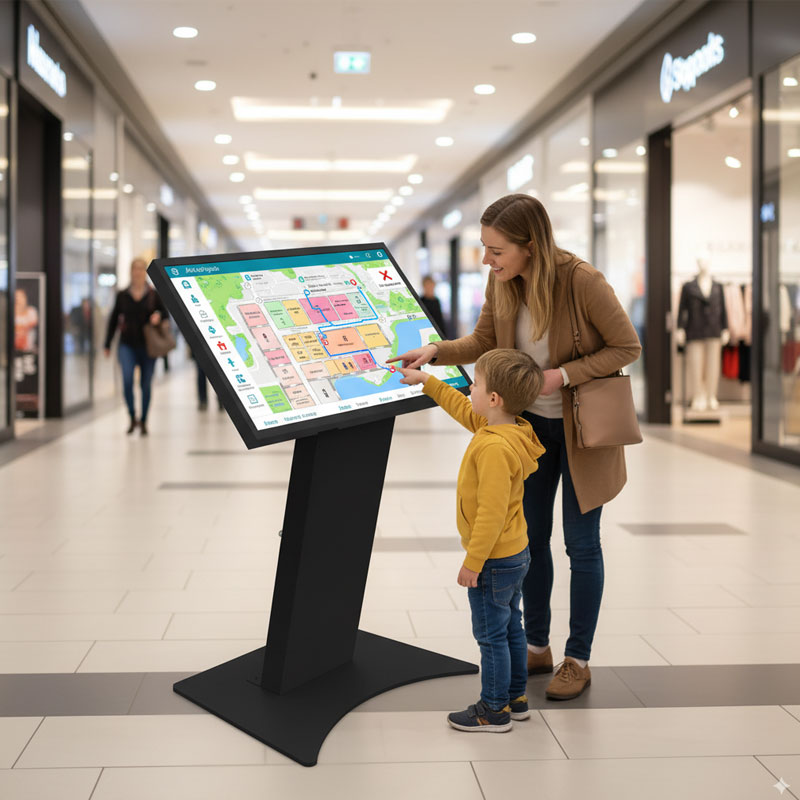
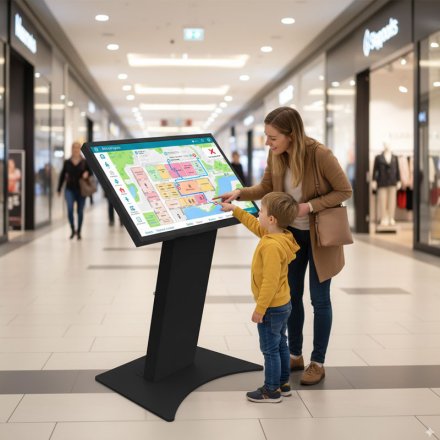
The angled stand design provides ergonomic benefits while creating a professional appearance that works effectively in both landscape and portrait orientations. This flexibility allows customization of the user experience based on application requirements, whether displaying wayfinding information, product catalogs, or interactive services that benefit from specific screen orientations.
Future-ready architecture ensures the D Model remains relevant as display technology evolves and business needs change. The modular design philosophy allows easy component upgrades and customization, protecting your investment while providing the flexibility to adapt to emerging technologies and changing operational requirements.
Cost efficiency emerges from the D Model's compatibility with existing display inventory and preferred supplier relationships, reducing procurement complexity and leveraging existing volume purchasing agreements. This flexibility translates to lower total cost of ownership and simplified maintenance procedures across multiple locations and deployments.
Frequently asked questions
How should the kiosk installation space be planned?
Consider enclosure dimensions, user reach and circulation space together. Plan power, network and peripheral cable routes; the mounting surface and maintenance access must suit the selected model.
How can I clarify the order scope?
Provide the product code, quantity, installation location and intended equipment. Ask for accessories, fixings, software and installation requirements to be identified separately in the quotation.
How should the kiosk interface be prepared?
Design the interface for the selected display resolution and orientation. Place primary controls within easy reach and check text from the intended standing or seated position.
What should I verify for kiosk peripherals?
List the printer, reader, computer or payment terminal required by the workflow. Check each component’s physical fit, connection, power requirements and application support.
What should be tested when receiving a kiosk?
Test the display, touch response, network connection and any selected peripherals with the intended application. Check that users can start and finish the main task and use cancel and help actions.