 Türkçe
 Pro Line Kiosk
CATEGORIES
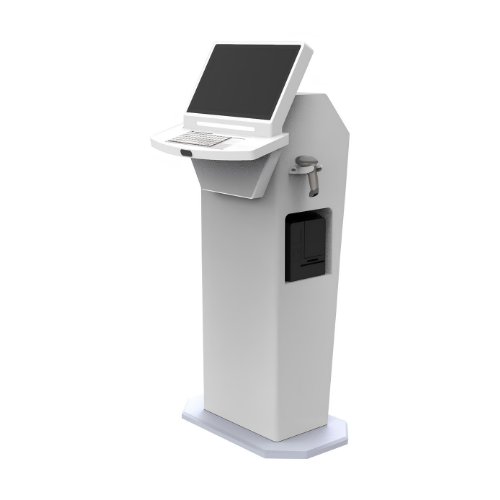
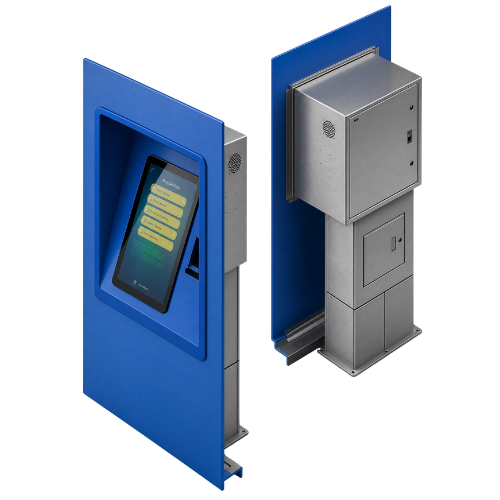
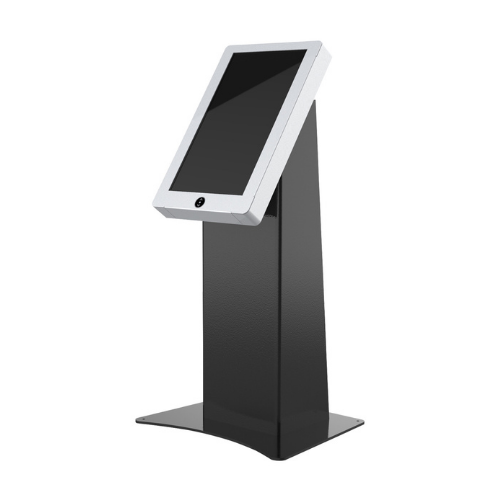
Select a kiosk around the user task, touch requirements and peripherals. Installation space, user reach and cable routing affect the setup. For a quotation, specify the intended application, device quantity and required connections.
Pro Line Kiosk Frequently Asked Questions
-
- Consider enclosure dimensions, user reach and circulation space together. Plan power, network and peripheral cable routes; the mounting surface and maintenance access must suit the selected model. Include the customer approach, standing position and nearby doors or shelving in the layout. Wall, desk and floor installation options are not interchangeable; check the selected enclosure format against the supporting surface. External dimensions in the specification differ from the active display area. Access may be needed to open service panels or replace consumables. A measured photograph or layout drawing helps clarify these points before the equipment is ordered.
-
-
- Provide the product code, quantity, installation location and intended equipment. Ask for accessories, fixings, software and installation requirements to be identified separately in the quotation. Separate the equipment to be supplied from equipment you will provide. A computer or media player, signal cables and mounting hardware may be separate items within the same project. When comparing a proposal, check that the model codes, quantities and chosen configuration match the request. Consider any content preparation, software, delivery and installation requirements as separate items too. Confirm the delivery schedule and responsibilities for the installation during the order discussion.
-
-
- Design the interface for the selected display resolution and orientation. Place primary controls within easy reach and check text from the intended standing or seated position. Make back, cancel and help actions clear in the touch workflow. Assess the sample application, operating system and peripherals together before ordering so the hardware requirements are defined.
-
-
- List the printer, reader, computer or payment terminal required by the workflow. Check each component’s physical fit, connection, power requirements and application support. Equipment shown in a product image is not necessarily standard in every configuration. Include the model code and chosen components in the quotation to establish what is supplied and which integrations are required.
-
-
- Test the display, touch response, network connection and any selected peripherals with the intended application. Check that users can start and finish the main task and use cancel and help actions. Review cable access and maintenance points with the installation team. This checklist is purchasing guidance; the actual delivery, testing and installation scope should be stated in the quotation.
-
-
- Options listed in this category include P Series , FL Series , E Series Kiosk . Start with the installation location and the task, then narrow the shortlist accordingly. Open each model page to check the complete product code and that model’s technical values. Listing images do not establish that all sizes or equipment options are identical. Record physical dimensions, connections, mounting format and stated operating conditions in a consistent order when comparing products. If the new equipment will be used with an existing system, provide those model details too. Share your preferred products and quantities so the options can be reviewed together; identifying additional equipment and installation requirements helps define the appropriate scope.
-

