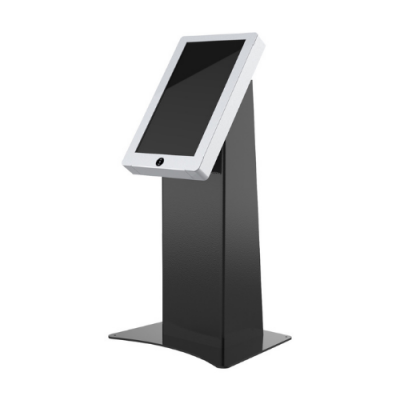
FL Model 21.5

KFLF215XA
Screen Size (inch)

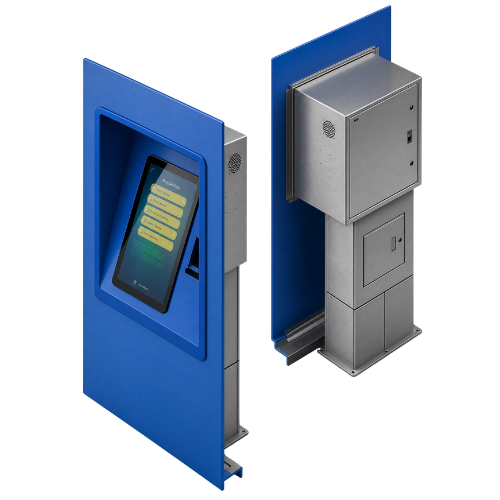
Unisign FL Series 21.5” is a secure, space-saving wall-recessed interactive kiosk designed for ticketing, card top-up and payment operations with an ATM-style installation.

Select a kiosk around the user task, touch requirements and peripherals. Installation space, user reach and cable routing affect the setup. For a quotation, specify the intended application, device quantity and required connections.

1920 x 1080
1920 x 1080
7/24 50.000 Hour
7/24 50.000 Hour
1500 cd/m2
1500 cd/m2
Key Features
24/7 Industrial Grade Displays
Sleek Design
Sleek Design
Customizable
Customizable
High Brightness with Vibrant Colors
General Overview
Space-Saving Wall-Recessed Kiosk Design

Unisign FL Series 21.5” is a wall-recessed kiosk solution designed for stations, public buildings, campuses and service halls with heavy daily traffic. Its ATM-style built-in structure keeps the main body behind the wall, leaving only the interactive screen and required openings visible. This creates a secure, clean and space-saving self-service point for corridors, waiting areas and narrow public spaces.
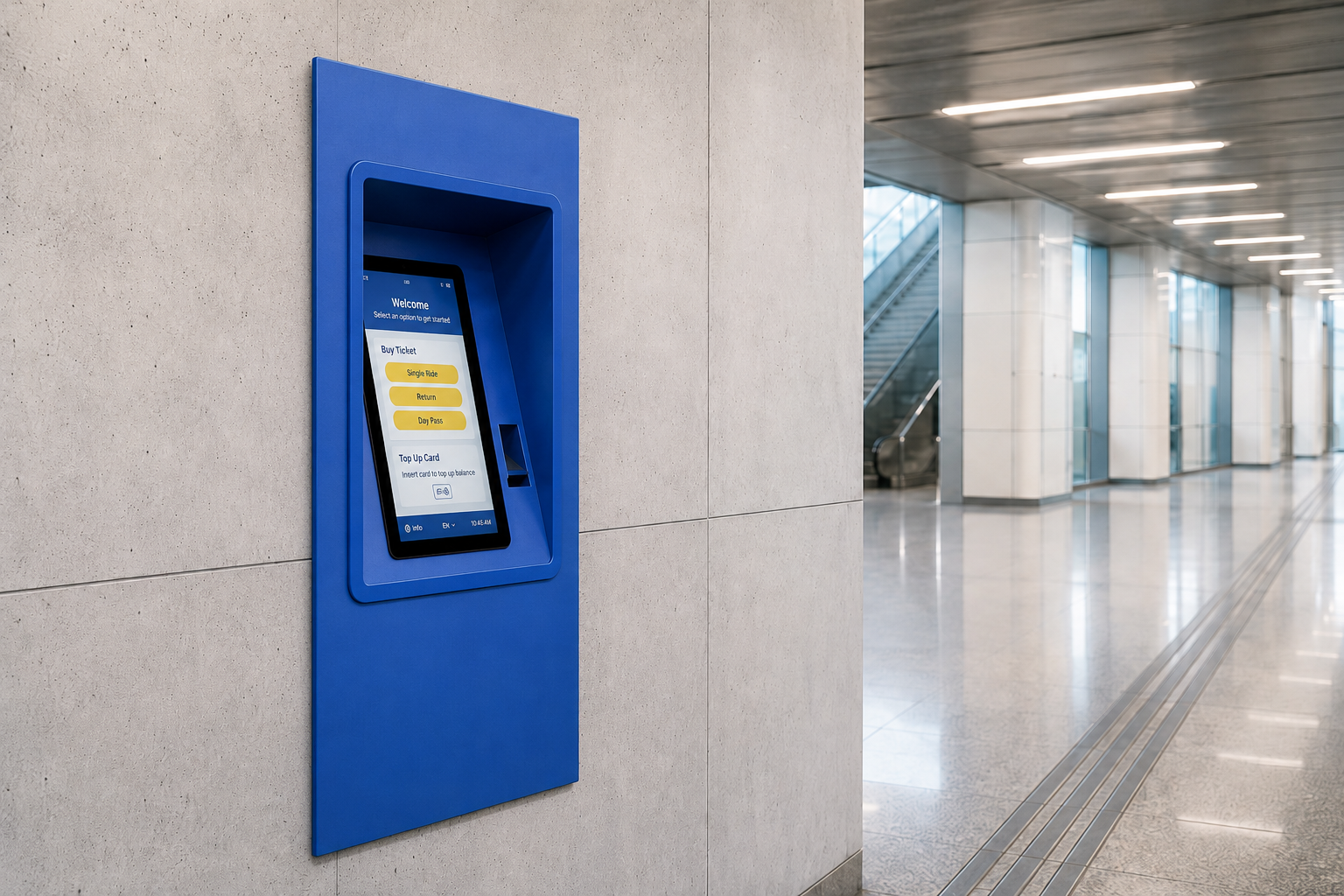
Space-Saving Wall-Recessed Kiosk Design
Smart Solution for Ticketing and Card Top-Up

The FL Series Kiosk is ideal for ticketing, card top-up, balance inquiry, payment and automated transaction scenarios. With a layout ready for readers and transaction peripherals, it supports fast and organized workflows in transportation hubs, municipal service areas, campus systems and public access points.
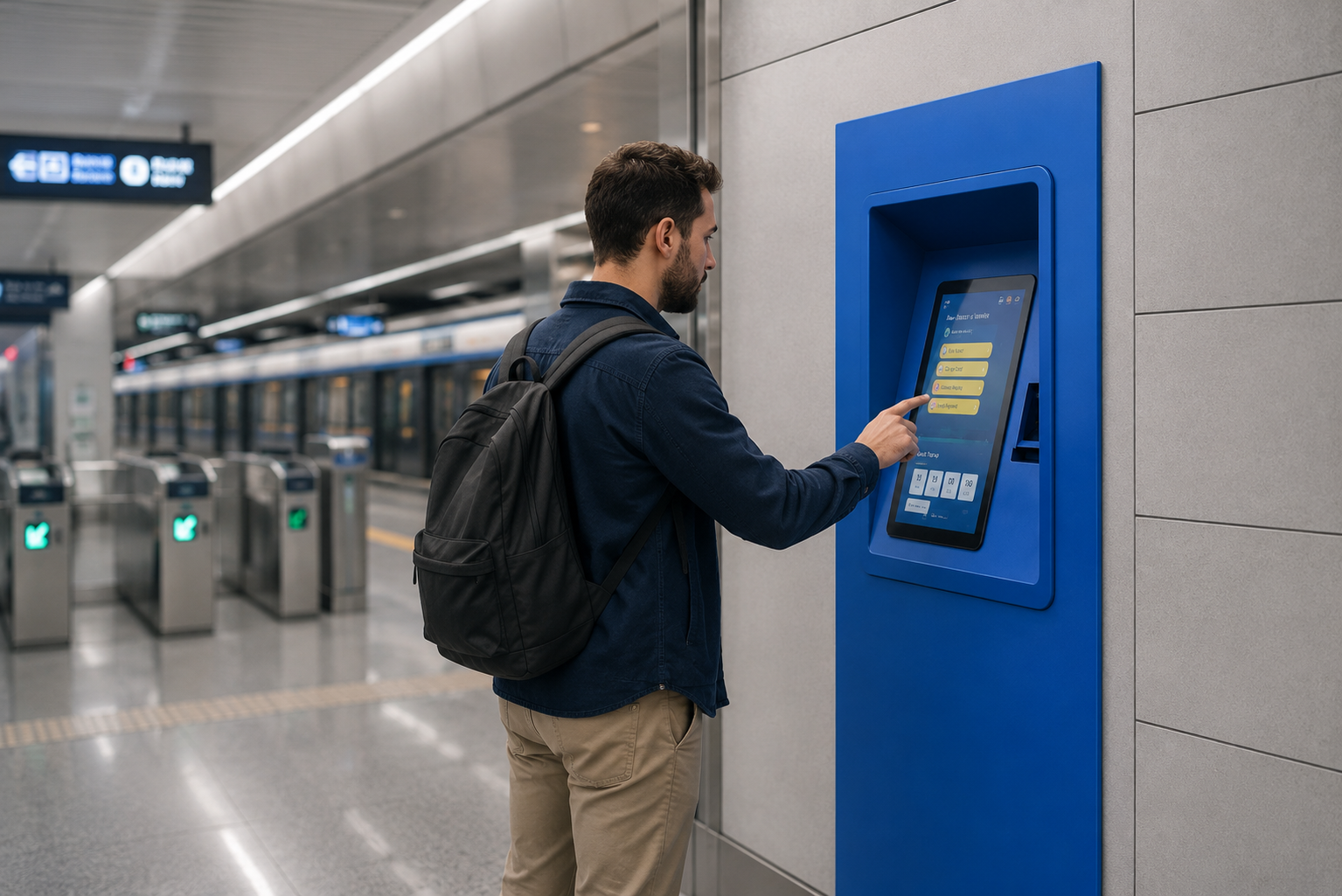
 

Smart Solution for Ticketing and Card Top-Up
Bright Display and Reliable Continuous Operation

With its 21.5” Full HD display, brightness up to 1500 cd/m² and 10-point capacitive touch technology, Unisign FL Series delivers a clear and responsive user experience on wall-mounted installations. Its durable internals and low-maintenance design make it a strong choice for organizations looking for a wall-recessed payment kiosk, ticketing kiosk or card loading terminal.
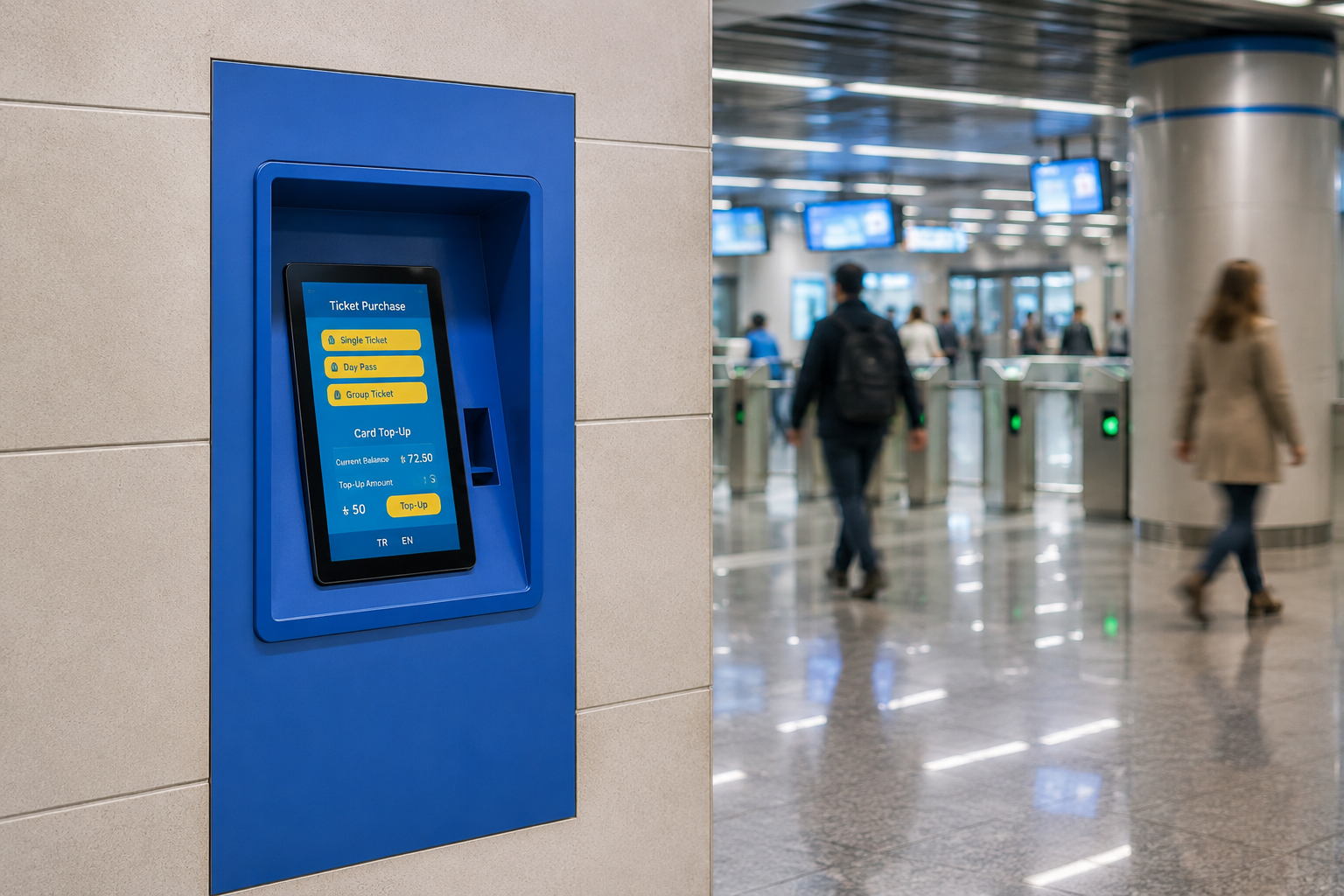
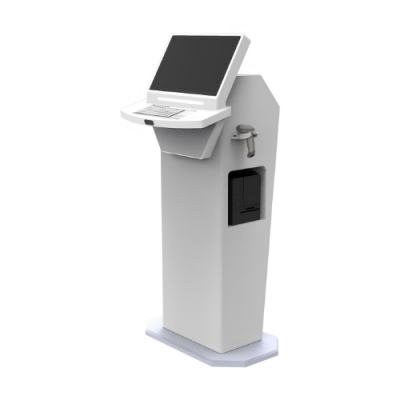
Bright Display and Reliable Continuous Operation
Technical Specifications

LCD Technology
TFT-LCD
Resolution
1920x1080
Active Display Area
476.064(W)×267.786(H) mm
Brightness
1500 cd/m²
Contrast Ratio
1000:1
Viewing Angle
89/89/89/89
Response Time
14 (Typ, G to G)

Touch Technology
Projected Capacitive
Touch Points
10
Interface
HDMI, DVI, VGA

Power Supply
AC 100 - 240 V~ (+/- 10 %) 50/60 Hz
Power Consumption (Avg.)
25W

Operation Life
7/24 Working Conditions
Operating Temperature
0 ~ 50 °C
Storage Temperature
- 20 ~ 60 °C
Humidity
10 ~ 80%

Frequently asked questions

What are the key specifications of FL Model 21.5?

The model specification lists Resolution: 1920x1080; Brightness: 1500 cd/m². Include the model code and selected screen size when ordering, as other options in the same series may have different specifications.

How should the kiosk installation space be planned?

Consider enclosure dimensions, user reach and circulation space together. Plan power, network and peripheral cable routes; the mounting surface and maintenance access must suit the selected model.

How can I clarify the order scope?

Provide the product code, quantity, installation location and intended equipment. Ask for accessories, fixings, software and installation requirements to be identified separately in the quotation.

How should content resolution be selected for FL Model 21.5?

The model specification lists a resolution of 1920x1080. Prepare the content pixel dimensions and aspect ratio for this value; use a suitable layout rather than stretching artwork with a different shape.

What should I verify for kiosk peripherals?

List the printer, reader, computer or payment terminal required by the workflow. Check each component’s physical fit, connection, power requirements and application support.

What should be tested when receiving a kiosk?

Test the display, touch response, network connection and any selected peripherals with the intended application. Check that users can start and finish the main task and use cancel and help actions.