Türkçe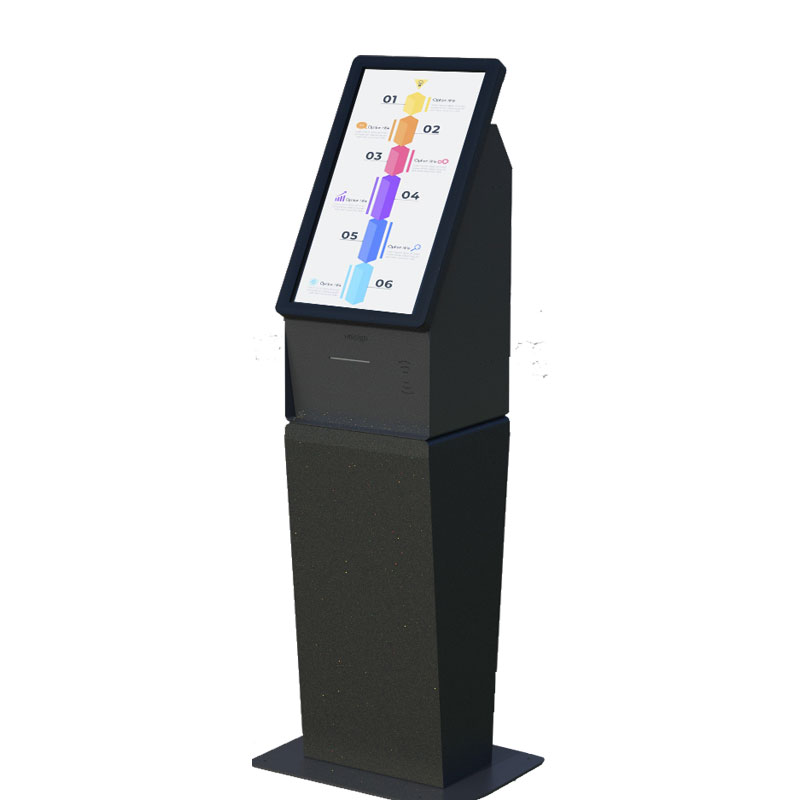
21.5inch
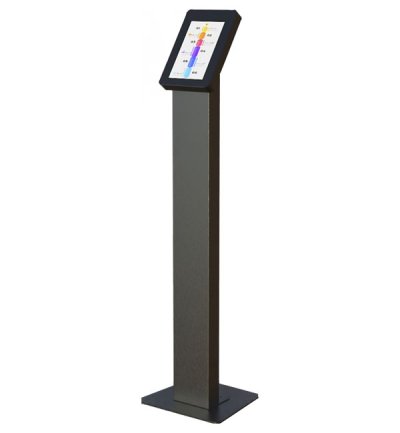
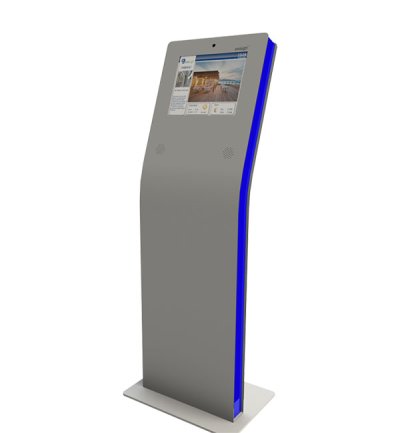
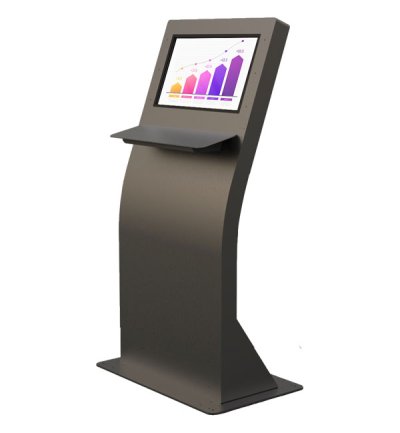
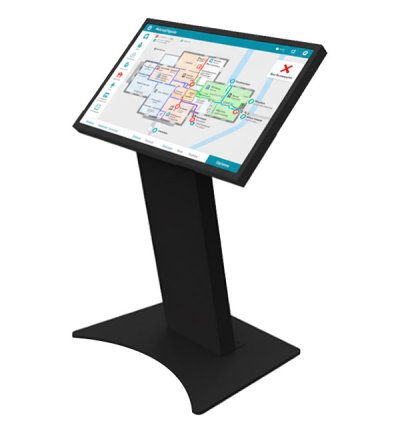
Unisign's diverse kiosk portfolio offers various models, thoughtfully engineered to address specific aesthetic preferences and functional requirements across various industries and applications. From the simplicity and ergonomic excellence of our A Model to the industrial durability of our P Model, each design represents a tailored solution that balances visual appeal with operational performance to meet your unique business objectives.
Select a kiosk around the user task, touch requirements and peripherals. Installation space, user reach and cable routing affect the setup. For a quotation, specify the intended application, device quantity and required connections.





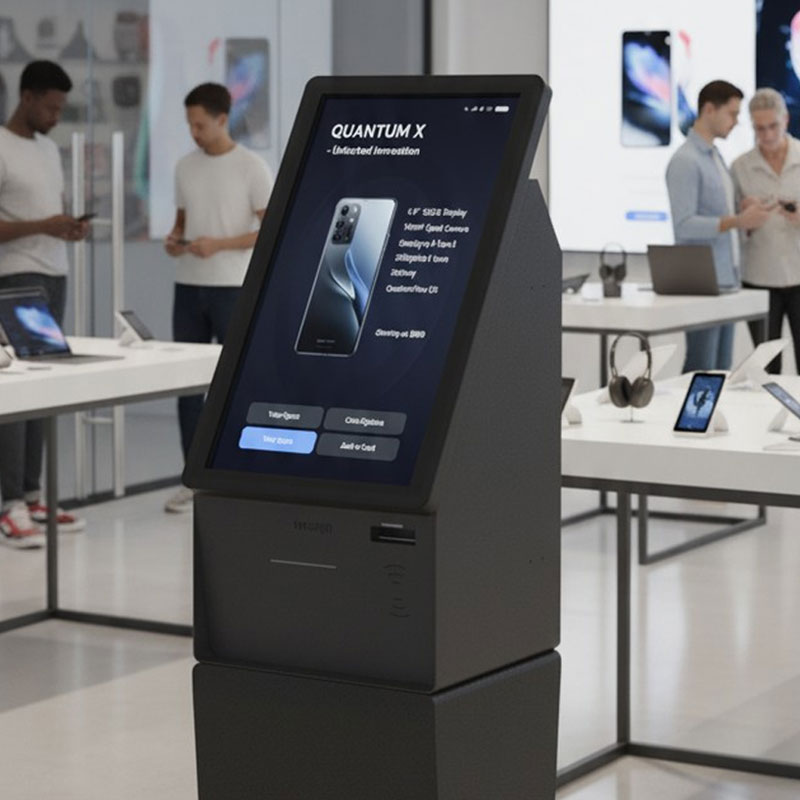
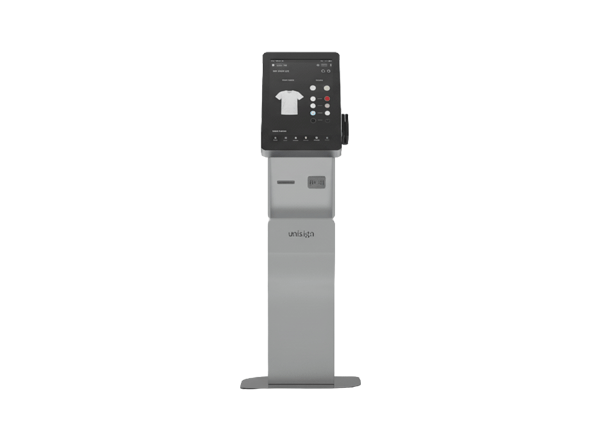
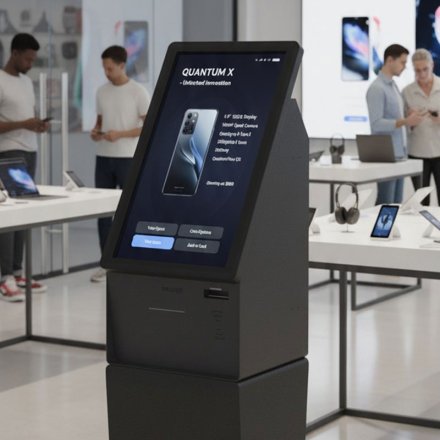
The Q Model epitomizes retail sophistication through its sleek design and aesthetic appeal that enhances premium retail environments while providing powerful functionality for customer engagement and sales support. This retail-focused solution combines visual elegance with practical features that drive customer satisfaction and sales performance.
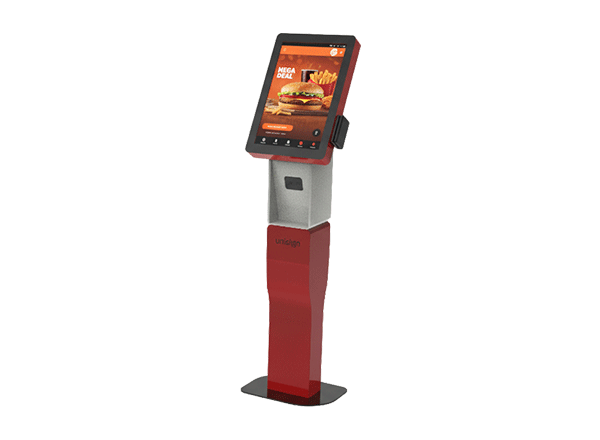
Retail optimization shines through the Q Model's carefully proportioned 21.5" and 18.5" screen options that provide ideal sizing for product displays, promotional content, and interactive shopping experiences. These screen sizes ensure engaging visual presentations while maintaining appropriate scale for retail environments where space efficiency and customer flow are crucial.
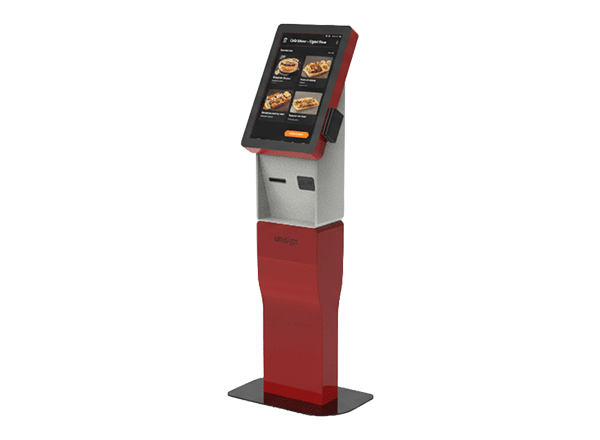
The Q Model's refined aesthetic complements high-end retail environments, luxury boutiques, and flagship stores where visual presentation directly impacts brand perception and customer experience. The sleek design creates positive first impressions that influence purchasing decisions and reinforce brand positioning.

Customer engagement reaches new levels through the Q Model's intuitive interface and attractive presentation that encourages interaction and exploration. The model's design psychology principles reduce hesitation and increase completion rates for product searches, promotional sign-ups, and customer feedback collection.
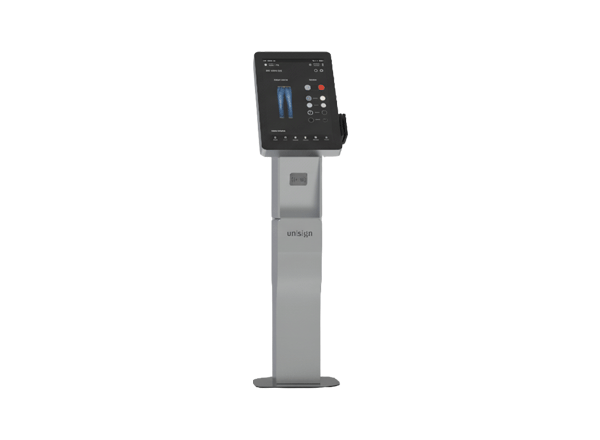
Sales support functionality enables the Q Model to serve as a powerful tool for product information, inventory checking, and customer service that enhances the shopping experience while reducing staff workload. This dual benefit improves operational efficiency while increasing customer satisfaction and sales conversion rates.
Frequently asked questions
How should the kiosk installation space be planned?
Consider enclosure dimensions, user reach and circulation space together. Plan power, network and peripheral cable routes; the mounting surface and maintenance access must suit the selected model.
How can I clarify the order scope?
Provide the product code, quantity, installation location and intended equipment. Ask for accessories, fixings, software and installation requirements to be identified separately in the quotation.
How should the kiosk interface be prepared?
Design the interface for the selected display resolution and orientation. Place primary controls within easy reach and check text from the intended standing or seated position.
What should I verify for kiosk peripherals?
List the printer, reader, computer or payment terminal required by the workflow. Check each component’s physical fit, connection, power requirements and application support.
What should be tested when receiving a kiosk?
Test the display, touch response, network connection and any selected peripherals with the intended application. Check that users can start and finish the main task and use cancel and help actions.