Türkçe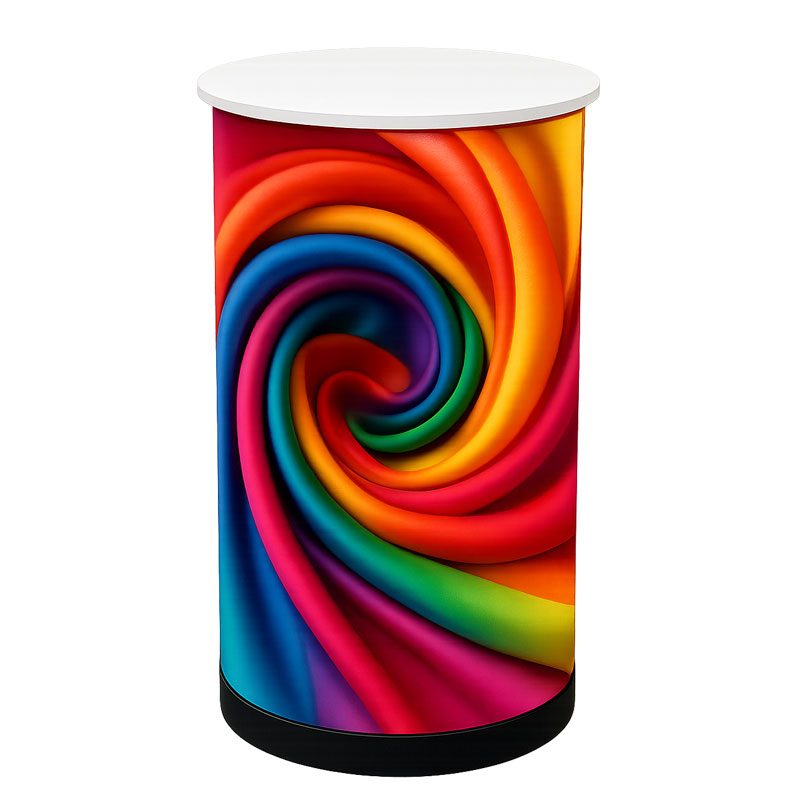
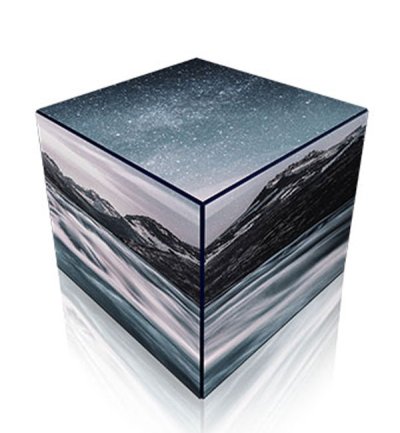
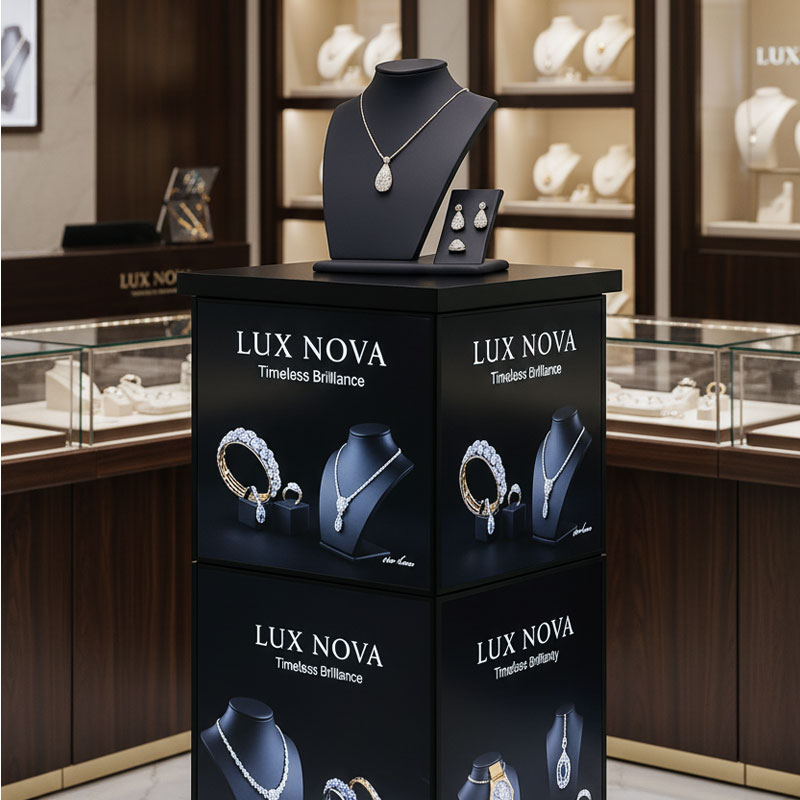
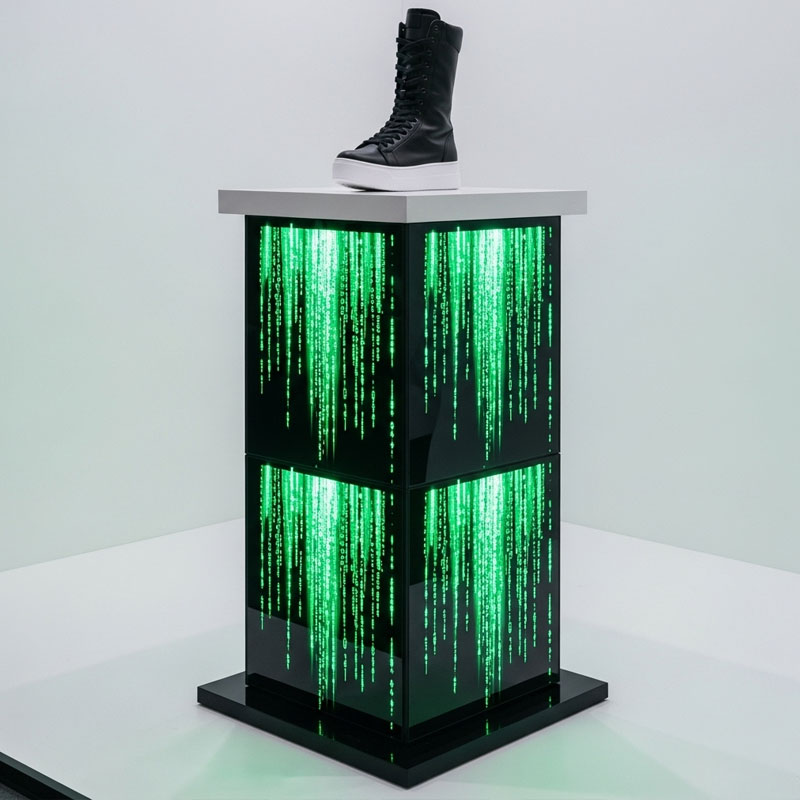
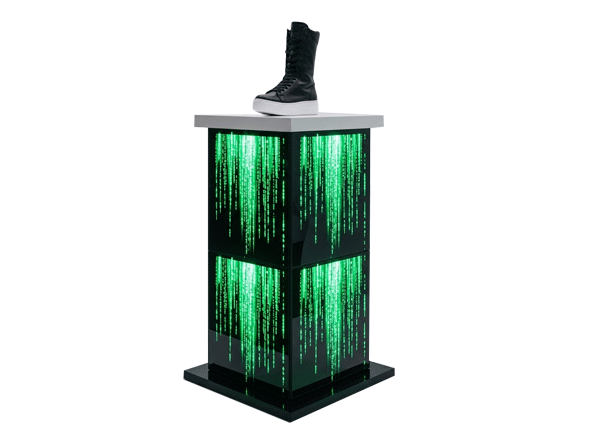
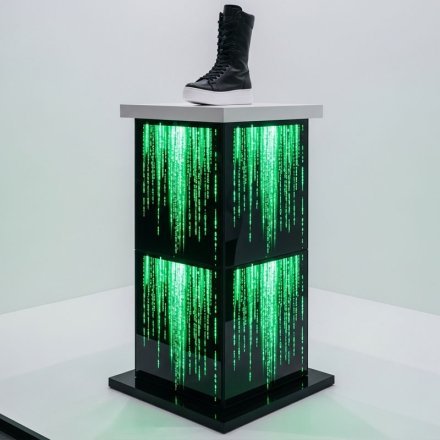
LED Stand 64 × 64 × 96 cm P2.5
Direct View LED Displays represent the pinnacle of digital signage technology, where individual LEDs function as pixels to create stunning, seamless visual experiences. Unlike traditional LCD displays, our Direct View LED solutions utilize surface-mounted device (SMD) technology, combining red, green, and blue micro LEDs to produce an unlimited color spectrum with exceptional brightness and contrast. With their modular design, these displays can be customized to fit any space or application, offering unmatched flexibility in size, shape, and configuration. From indoor fine-pitch displays delivering crystal-clear close-up viewing to high-brightness outdoor solutions that compete with direct sunlight, Unisign's Direct View LED portfolio transforms any environment into a dynamic communication platform.




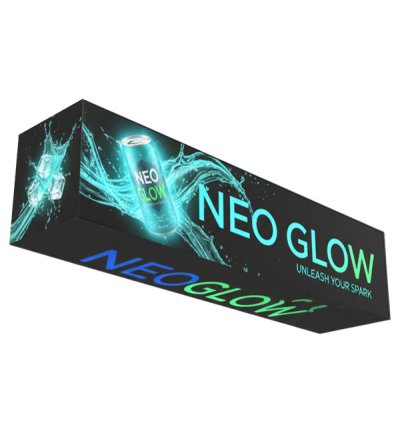
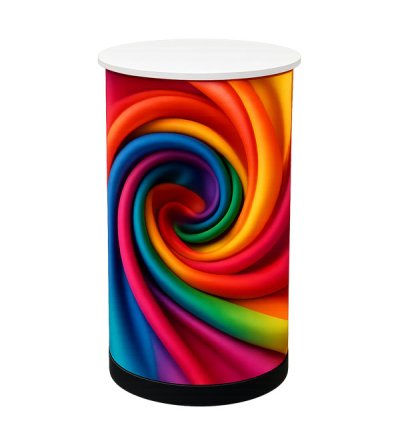
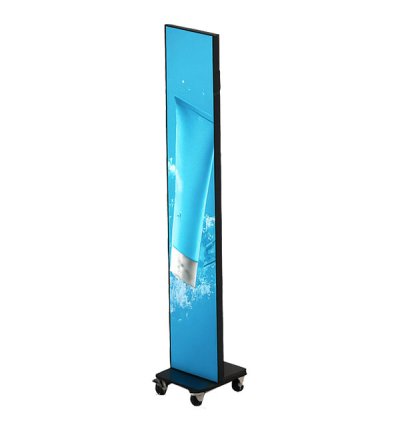
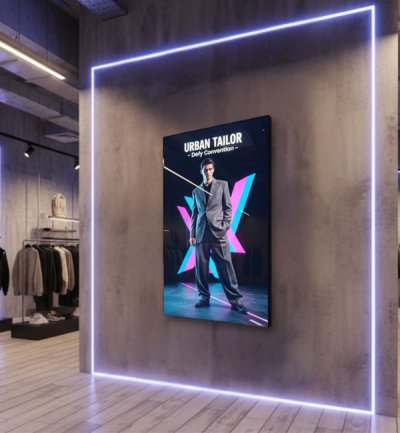
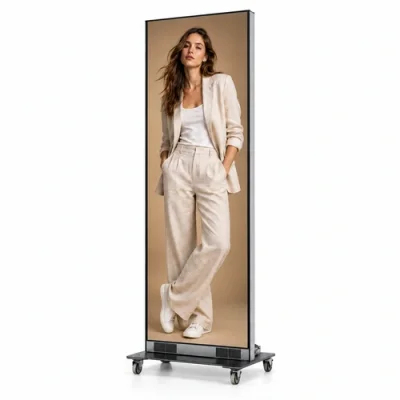
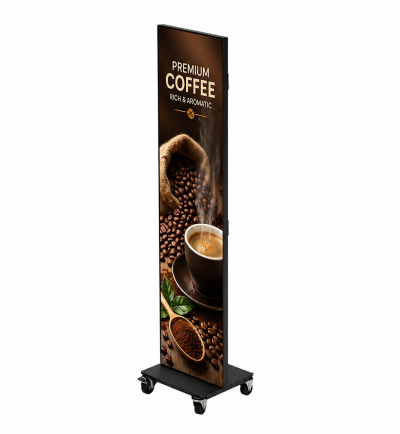
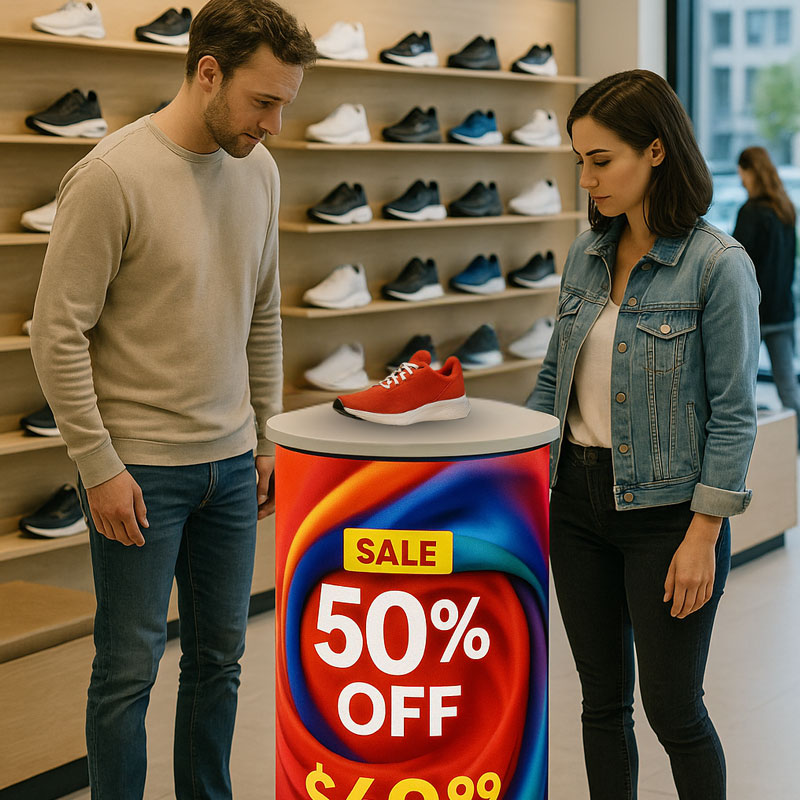
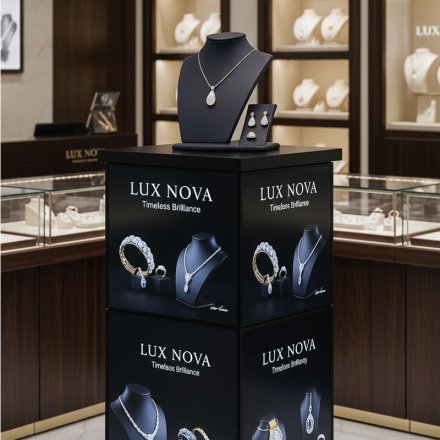
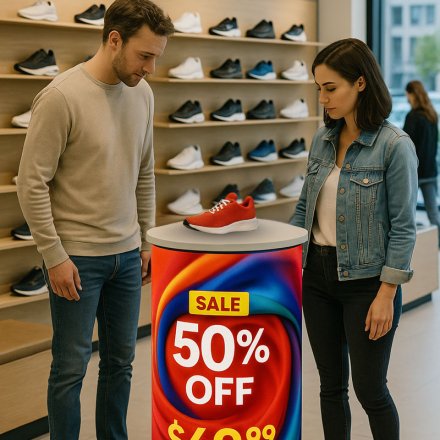
Unisign LED Stands provide a bold and engaging way to display digital content, drawing attention in retail spaces, exhibitions, and events. Both circular and rectangular designs create striking visual impact, making your messaging impossible to miss. They are ideal for promotions, wayfinding, and brand storytelling. The combination of shape and brightness ensures your content stands out in any environment.
Available in both circular and rectangular formats, our LED stands can complement a variety of spaces and design themes. Circular stands create dynamic, modern focal points, while rectangular stands offer traditional, highly visible display areas. Both formats are modular, allowing size customization to fit your specific requirements. This versatility ensures the stands can seamlessly integrate with any environment.
Frequently asked questions
What are the key specifications of LED Stand 64 × 64 × 96 cm P2.5?
The model specification lists Resolution: 256x256x384; Pixel pitch: P2.5; LED type: SMD1515. Include the model code and selected screen size when ordering, as other options in the same series may have different specifications. Include the physical width and height in the comparison; the same diagonal can correspond to different layouts. Total pixel resolution matters for small text and detailed graphics. For large artwork viewed from farther away, consider the content layout and display position together. Plan the selected modules or cabinets, control system and content source as one installation. Compare the listed specifications consistently and distinguish between the operating conditions of indoor and outdoor models.
How should I choose LED pixel pitch?
Consider pixel pitch alongside the closest viewing position and the intended content. Small text and close viewing may require more image detail. Screen size alone is not enough to determine the appropriate pitch. Include the physical width and height in the comparison; the same diagonal can correspond to different layouts. Total pixel resolution matters for small text and detailed graphics. For large artwork viewed from farther away, consider the content layout and display position together. Plan the selected modules or cabinets, control system and content source as one installation. Compare the listed specifications consistently and distinguish between the operating conditions of indoor and outdoor models.
What information is needed for a price quotation?
Share the model, quantity and installation location. Specify mounting, content playback or management software and any accessories separately so the hardware and service scope can be compared for your requirements. Consider the available installation space as well as the screen diagonal. A quotation request can include the intended task, daily operating hours, indoor or outdoor location and delivery destination. For multiple sites, list quantities and differing requirements separately so that model options can be compared. Identify any required connection or function that is not shown in the specification. This helps define a comparable equipment proposal rather than a screen price without the installation context.
How should content resolution be selected for LED Stand 64 × 64 × 96 cm P2.5?
The model specification lists a resolution of 256x256x384. Prepare the content pixel dimensions and aspect ratio for this value; use a suitable layout rather than stretching artwork with a different shape. Check that text, prices and logos can be read from the intended viewing distance using sample content. Match the computer or media player’s video output settings to the display specification as well.
How should maintenance access around an LED display be planned?
Assess the mounting surface and available clearance for the selected cabinet or module’s service arrangement. Power, data cables and ventilation belong in the installation plan. Verify front or rear service access from the model information rather than assuming every LED product uses the same arrangement. Share site photographs, target dimensions and access conditions when requesting a quotation.
How can I compare quotations for LED displays?
Physical size alone is not enough. Compare pixel pitch, total resolution, brightness, operating environment and the control system on the same basis. Ask for modules or cabinets, support structure, power and data connections, and installation to be identified separately. Specify the content source and software requirements so quoted prices can be compared against the same equipment and service scope.