Türkçe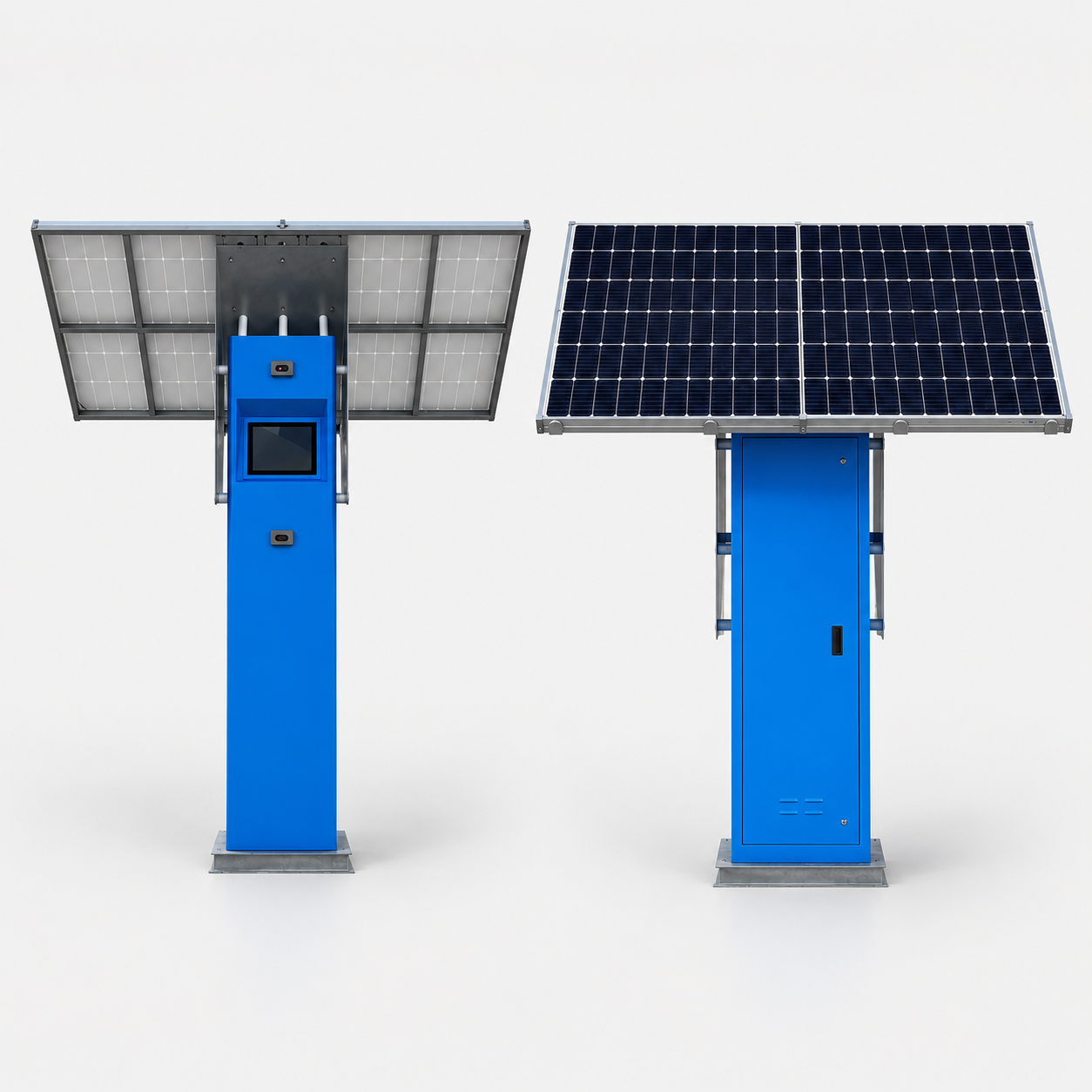
Solar Kiosk 12.1
Unisign Outdoor Solar Kiosk is a compact solar-powered kiosk solution designed for outdoor locations where access to mains electricity is limited. With its 12.1” interactive display, 1500 cd/m² high brightness and durable outdoor-ready structure, it provides a reliable information and service point for parks, parking areas, transit stops and remote public spaces.
Select a kiosk around the user task, touch requirements and peripherals. Installation space, user reach and cable routing affect the setup. For a quotation, specify the intended application, device quantity and required connections.



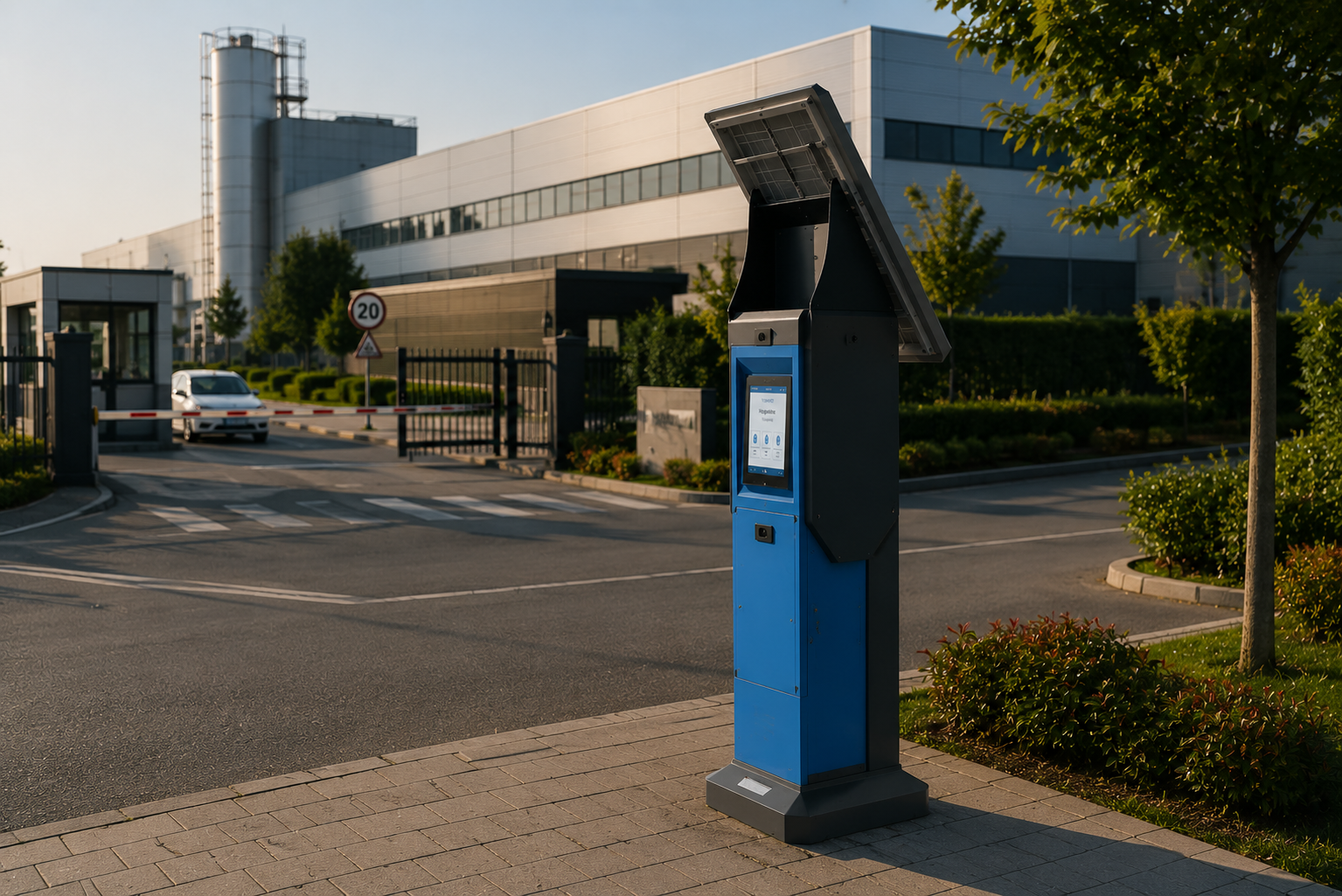
Unisign Outdoor Solar Kiosk is designed to create an independent service point in outdoor locations where power infrastructure is limited. With its solar-ready structure, it offers sustainable use in parks, parking areas, campuses and remote public spaces.
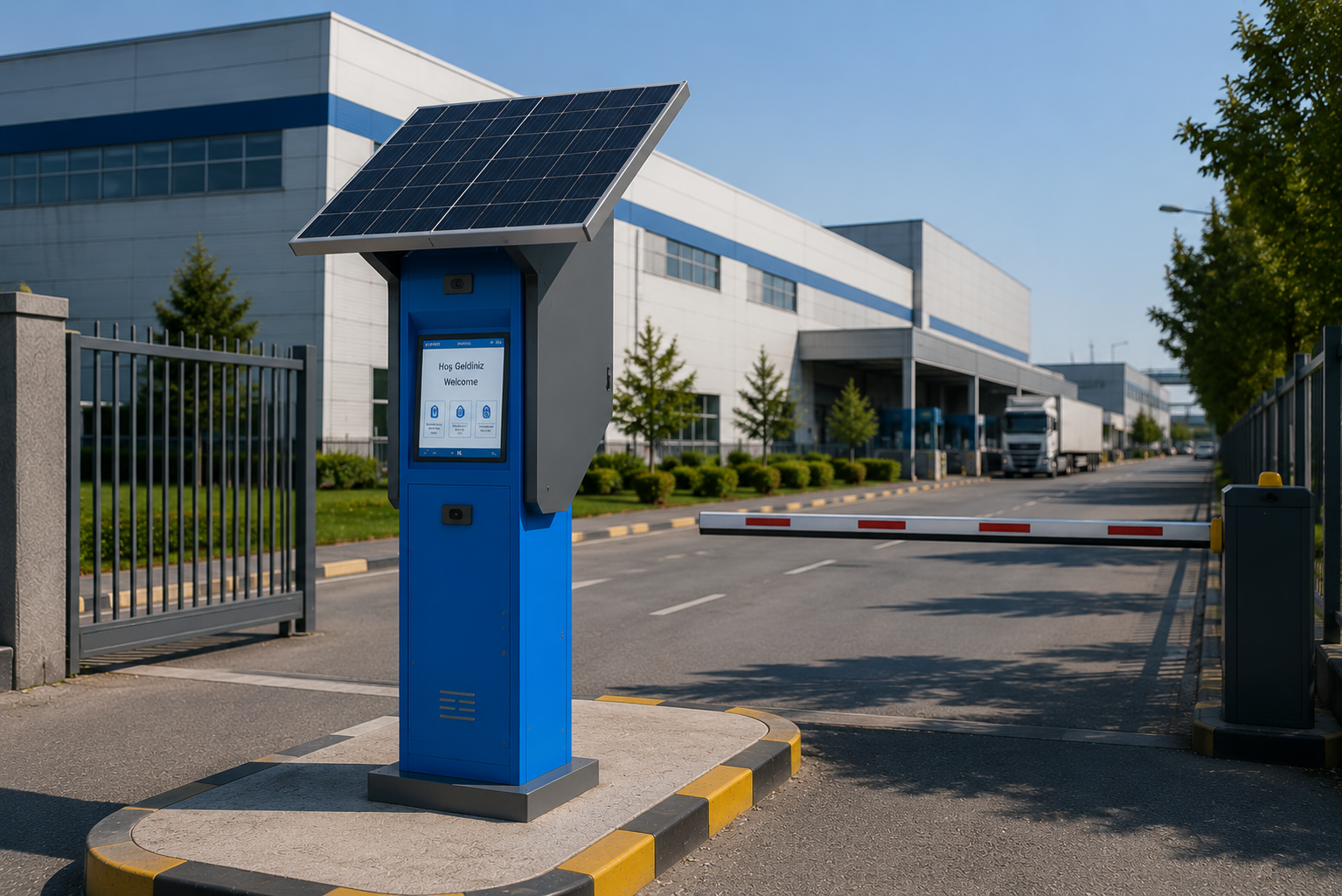
Its 1500 cd/m² high-brightness display keeps content readable even under direct daylight. Maps, directions, information screens and interactive service content remain clear in outdoor environments.
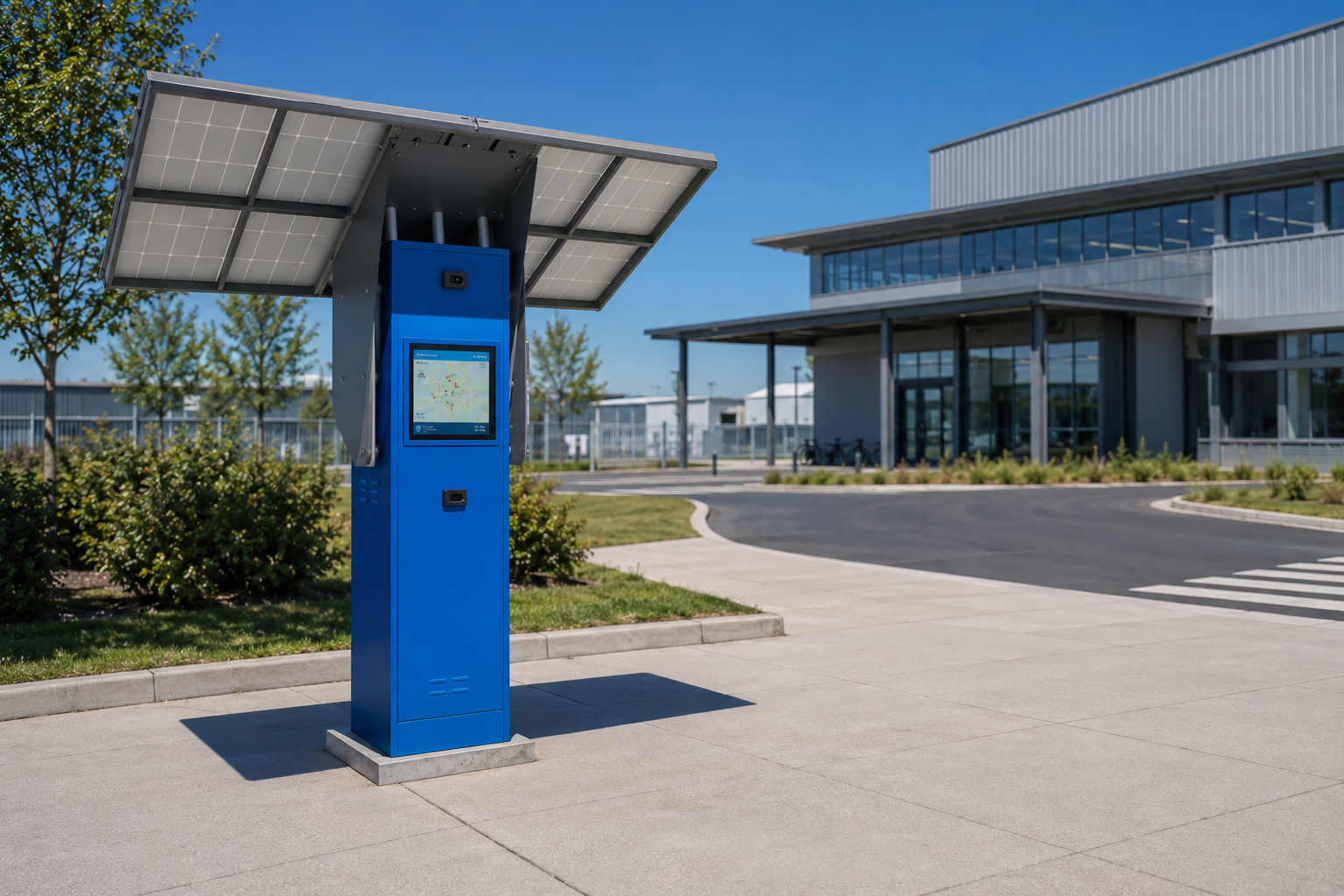
With its durable body structure and touchscreen support, Outdoor Solar Kiosk is developed for long-term and reliable outdoor use. Its energy-efficient design provides a modern, eco-friendly and low-maintenance kiosk solution.
Frequently asked questions
What are the key specifications of Solar Kiosk 12.1?
The model specification lists Resolution: 1024x768; Brightness: 1500 cd/m². Include the model code and selected screen size when ordering, as other options in the same series may have different specifications. Include the customer approach, standing position and nearby doors or shelving in the layout. Wall, desk and floor installation options are not interchangeable; check the selected enclosure format against the supporting surface. External dimensions in the specification differ from the active display area. Access may be needed to open service panels or replace consumables. A measured photograph or layout drawing helps clarify these points before the equipment is ordered.
How should the kiosk installation space be planned?
Consider enclosure dimensions, user reach and circulation space together. Plan power, network and peripheral cable routes; the mounting surface and maintenance access must suit the selected model. Include the customer approach, standing position and nearby doors or shelving in the layout. Wall, desk and floor installation options are not interchangeable; check the selected enclosure format against the supporting surface. External dimensions in the specification differ from the active display area. Access may be needed to open service panels or replace consumables. A measured photograph or layout drawing helps clarify these points before the equipment is ordered.
How can I clarify the order scope?
Provide the product code, quantity, installation location and intended equipment. Ask for accessories, fixings, software and installation requirements to be identified separately in the quotation. Separate the equipment to be supplied from equipment you will provide. A computer or media player, signal cables and mounting hardware may be separate items within the same project. When comparing a proposal, check that the model codes, quantities and chosen configuration match the request. Consider any content preparation, software, delivery and installation requirements as separate items too. Confirm the delivery schedule and responsibilities for the installation during the order discussion.
How should content resolution be selected for Solar Kiosk 12.1?
The model specification lists a resolution of 1024x768. Prepare the content pixel dimensions and aspect ratio for this value; use a suitable layout rather than stretching artwork with a different shape. Check that text, prices and logos can be read from the intended viewing distance using sample content. Match the computer or media player’s video output settings to the display specification as well.
What should I verify for kiosk peripherals?
List the printer, reader, computer or payment terminal required by the workflow. Check each component’s physical fit, connection, power requirements and application support. Equipment shown in a product image is not necessarily standard in every configuration. Include the model code and chosen components in the quotation to establish what is supplied and which integrations are required.
What should be tested when receiving a kiosk?
Test the display, touch response, network connection and any selected peripherals with the intended application. Check that users can start and finish the main task and use cancel and help actions. Review cable access and maintenance points with the installation team. This checklist is purchasing guidance; the actual delivery, testing and installation scope should be stated in the quotation.