Türkçe
RBMA029NO
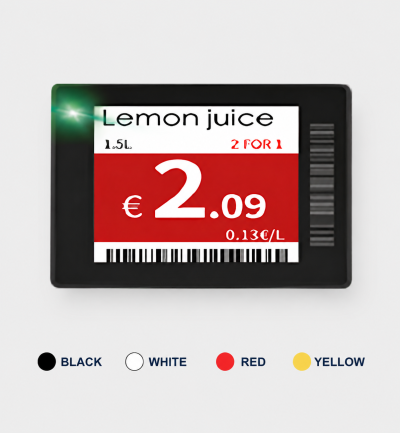
With its ultra-slim profile, durable PC protection panels, and waterproof options, the B Series is a revolutionary electronic shelf label range. Combining elegance, functionality, and versatility, it offers the perfect solution for high-density display areas.
When choosing an electronic shelf label, consider its display area, the pricing information to show and shelf placement together. Label quantity, holder type and the existing management infrastructure affect the quotation. Specify gateway, software and accessory requirements separately.





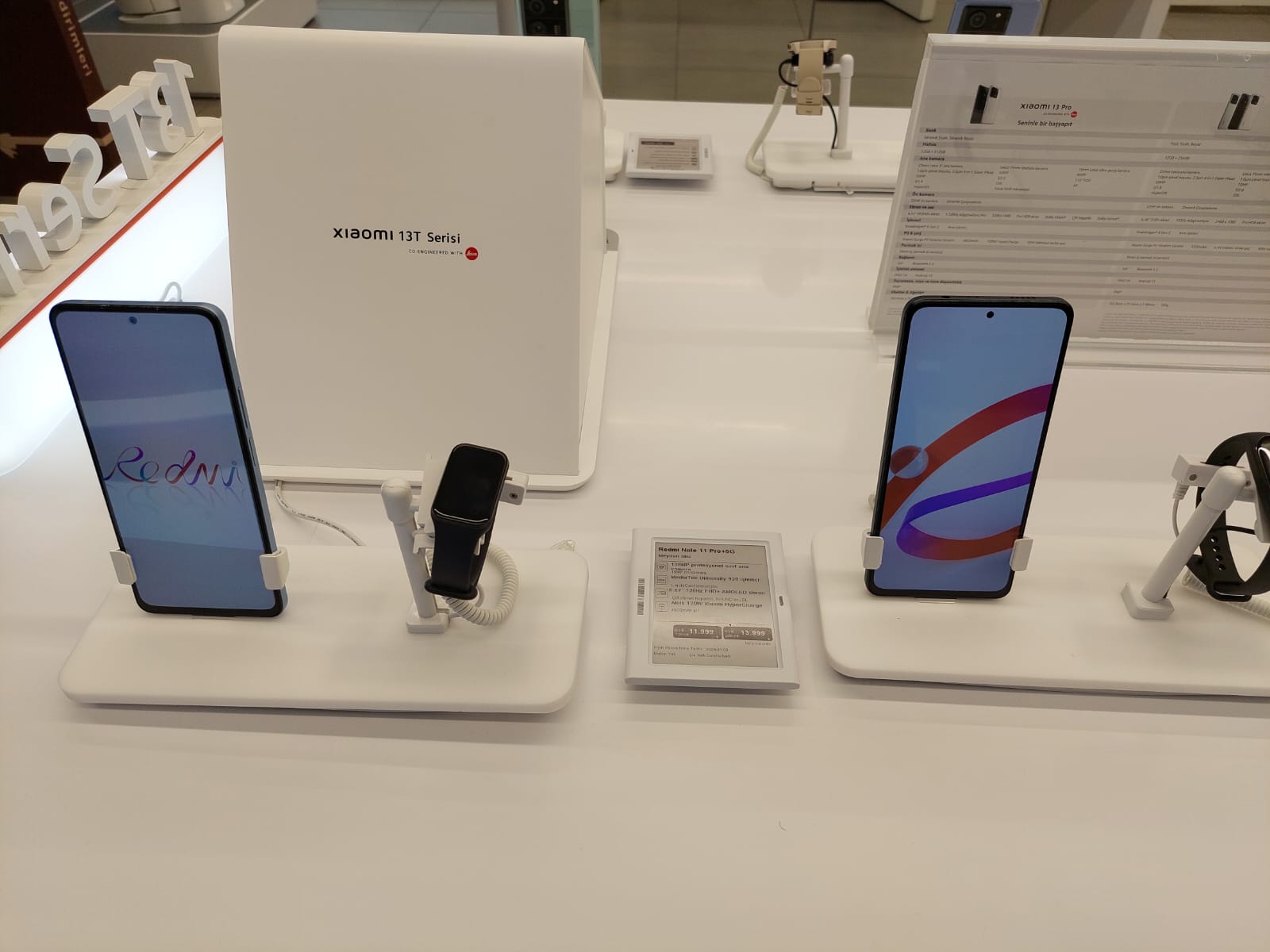
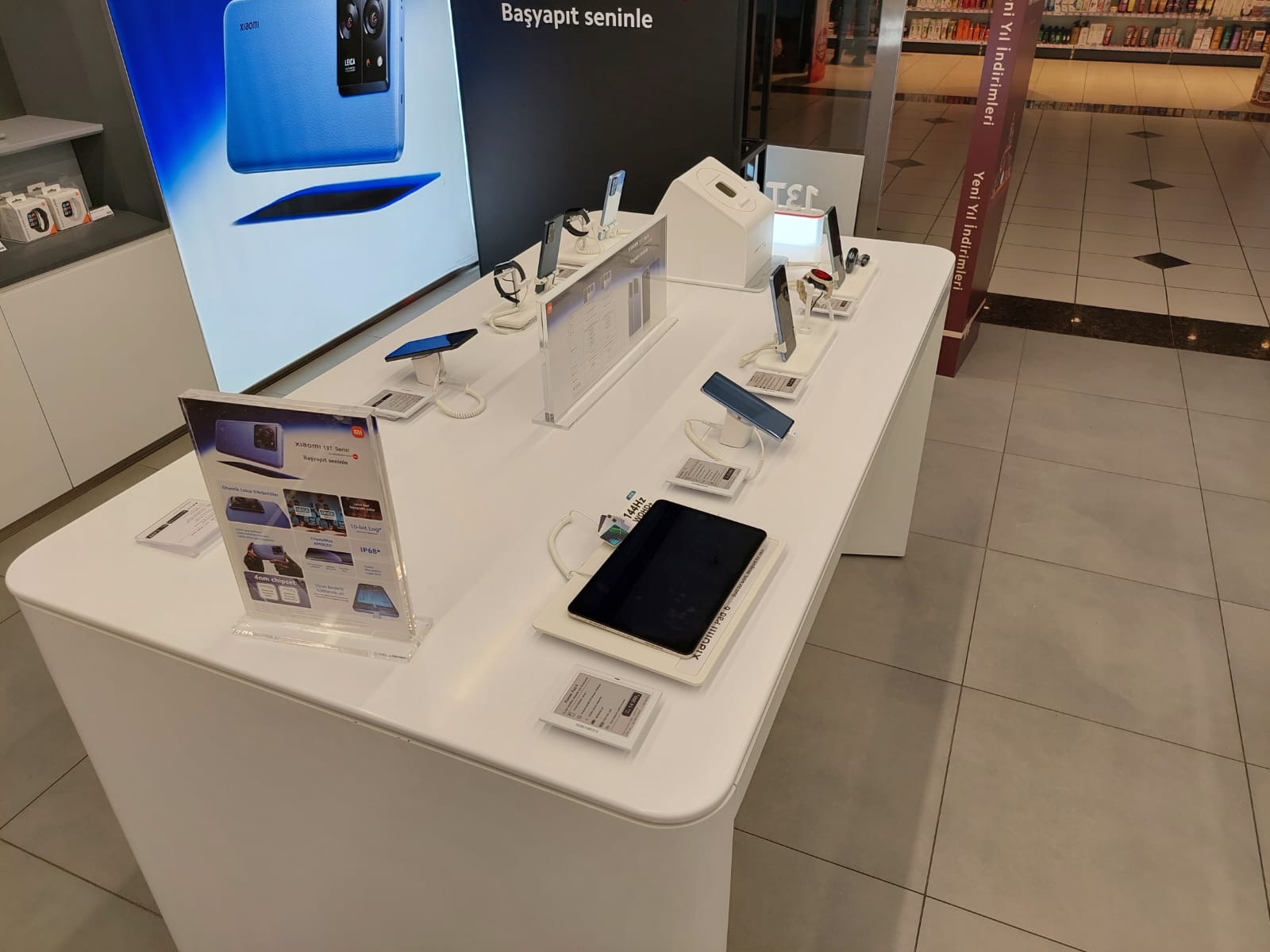
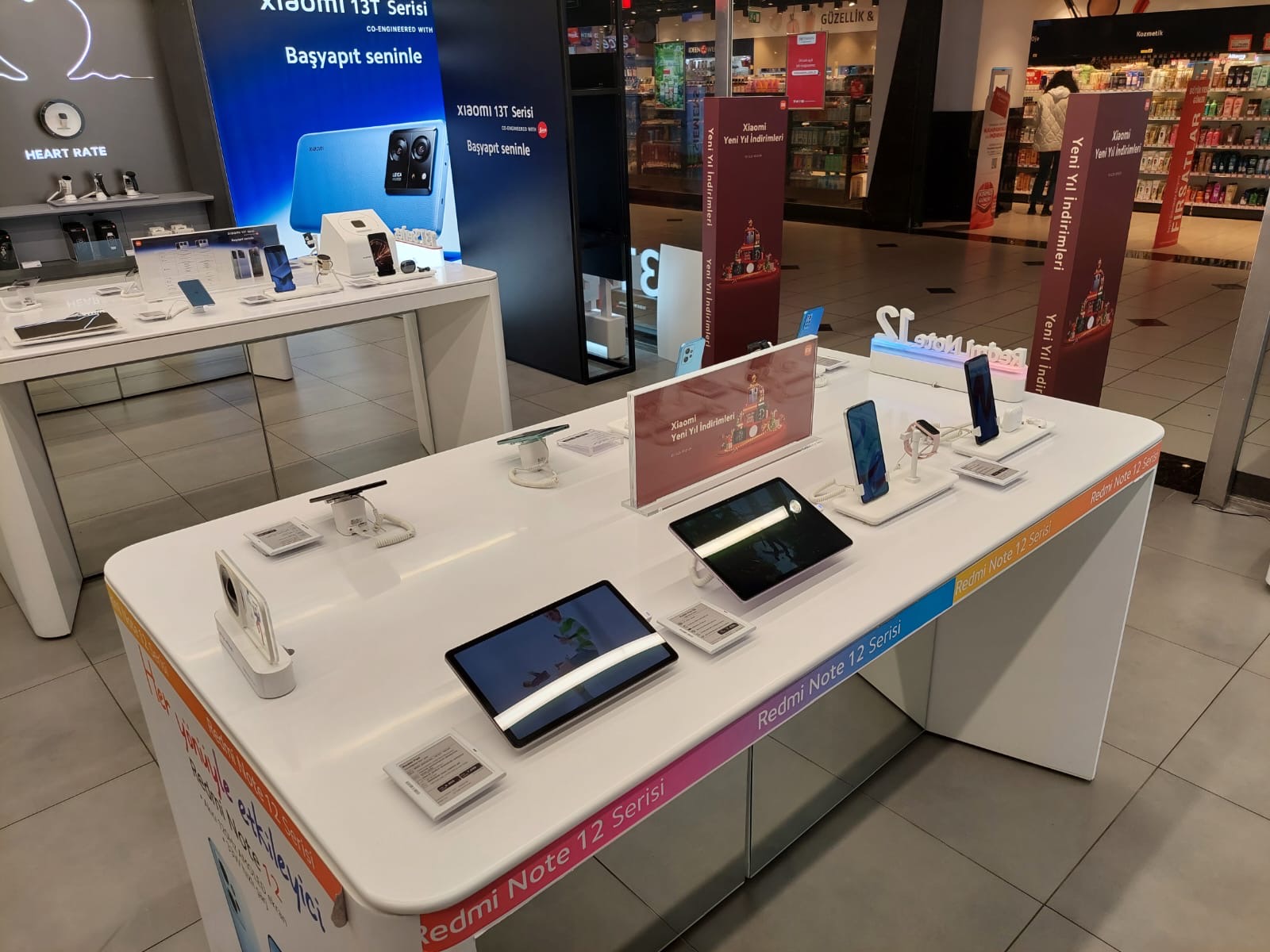
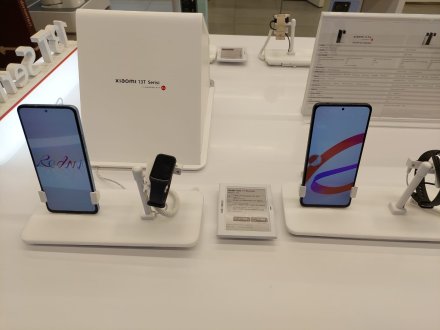
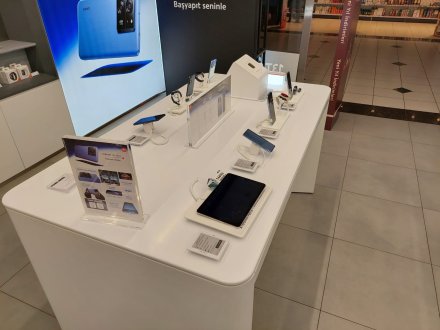
B Series is a sleek and durable electronic shelf label solution designed for modern retail environments. With its ultra-slim profile, PC protection panel, water-resistant options, and black or white color alternatives, it blends seamlessly with shelf aesthetics while offering reliable use in cosmetics, electronics, pharmacies, and smart office spaces.
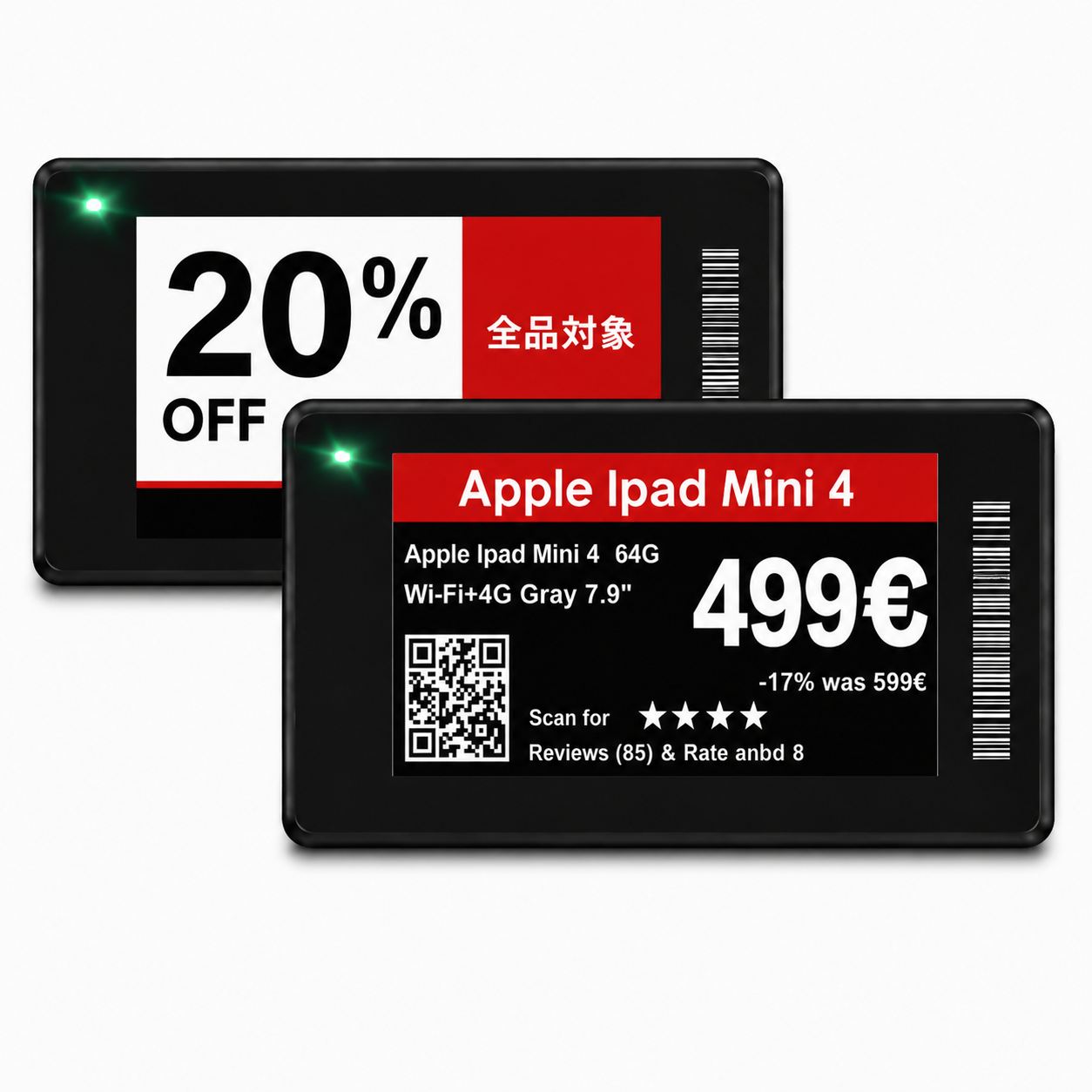
2.9” B Series displays long product names, discount lines and barcode information in a more comfortable flow with black, white, red color support. Its horizontal screen ratio keeps the shelf standard while delivering campaign information in a more readable way.
Frequently asked questions
What are the key specifications of RBMA029NO?
The model specification lists Display size: 2.9"; Resolution: 296*128. Include the model code and selected screen size when ordering, as other options in the same series may have different specifications. Identify the shelf types, label orientation and amount of product information required. Unit pricing, product names or promotional messages affect the usable display area. The holder must fit both the label enclosure and the shelf attachment. When extending a system, provide the model details of the existing labels, gateway and management software. Battery, communication and environmental specifications vary between models, so use the technical information for the exact label being selected.
What infrastructure is needed for electronic shelf labels?
Label management requires compatible communication infrastructure and software. Share your existing system, label quantity and mounting locations to confirm the gateway, software and holder scope before ordering. Identify the shelf types, label orientation and amount of product information required. Unit pricing, product names or promotional messages affect the usable display area. The holder must fit both the label enclosure and the shelf attachment. When extending a system, provide the model details of the existing labels, gateway and management software. Battery, communication and environmental specifications vary between models, so use the technical information for the exact label being selected.
What information is needed for a price quotation?
Share the model, quantity and installation location. Specify mounting, content playback or management software and any accessories separately so the hardware and service scope can be compared for your requirements. Consider the available installation space as well as the screen diagonal. A quotation request can include the intended task, daily operating hours, indoor or outdoor location and delivery destination. For multiple sites, list quantities and differing requirements separately so that model options can be compared. Identify any required connection or function that is not shown in the specification. This helps define a comparable equipment proposal rather than a screen price without the installation context.
How should an electronic price-label layout be prepared?
Arrange the product name, price, unit information and any promotion for the label’s usable display area. Check the smallest text from a normal shelf-reading distance. If a barcode or QR code is required, test it on the actual display rather than a printed sample. Verify the available colours and resolution in the selected model’s specification.
How should label placement be planned in a store?
Identify shelf types, product positions and the label quantity at each location. Holders must fit both the label enclosure and shelf attachment. For cold or humid areas, check the model’s stated operating conditions separately. Include gateway placement and wireless coverage assessment in the plan; label size alone does not establish communication range.
What should be checked when adding labels to an existing system?
Provide the existing system’s make and model, management software and gateway details. New labels must match the communication infrastructure; similar screen size does not prove compatibility. Specify the product code, required colours and holders separately. Before a wider rollout, assess price-data transfer and the displayed layout in a sample installation.