Türkçe
All-in-One 43″ Android Display
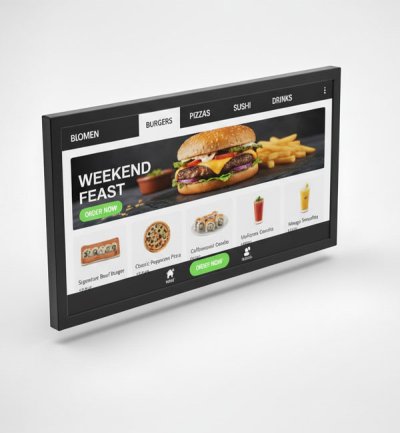
Unisign’s PCAP Touch Android displays combine high performance, refined design, and dependable quality—built specifically for commercial digital signage environments. Ideal for retail, transportation, hospitality, and corporate use, these interactive displays deliver a smooth and intuitive user experience. Engineered for durability and nonstop operation, Unisign touchscreens offer a powerful all-in-one solution that’s easy to integrate, manage, and trust.
Choose an Android display by more than screen size: check the intended application against the operating system, memory and connection specifications. Display quantity, mounting orientation and the way content will be updated help determine the appropriate hardware.





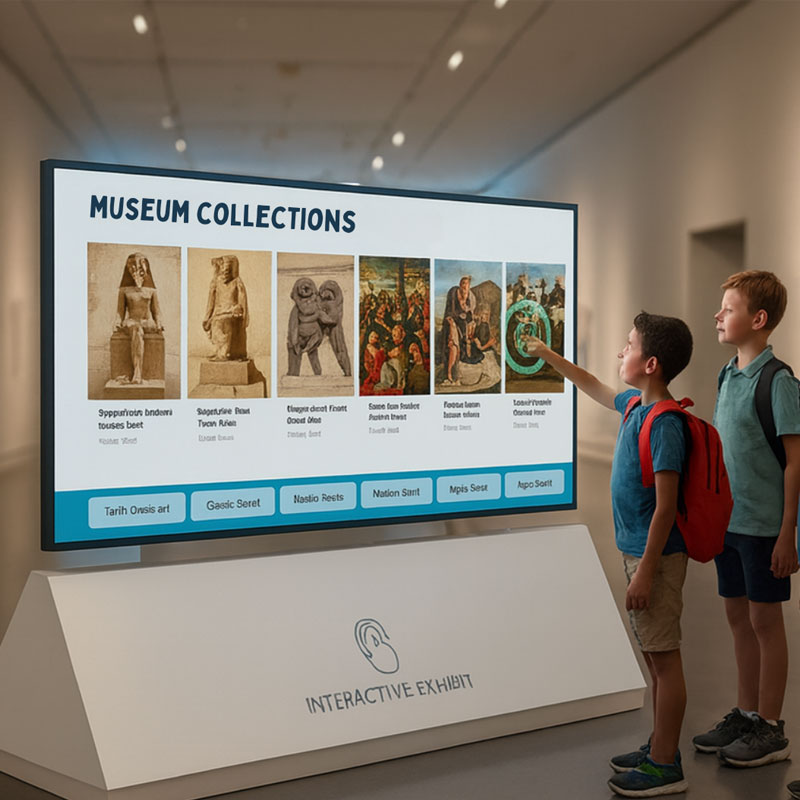
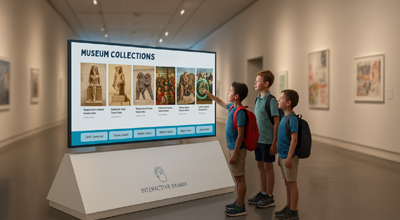
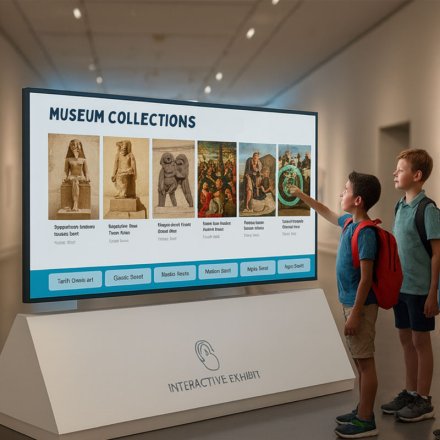
Unisign PCAP (Projected Capacitive) touch technology delivers a highly responsive, tablet-like experience with precise 10-point multi-touch functionality. Optimized for large-format applications, the displays ensure fast, accurate touch detection with excellent gesture support—even through glass or in areas with frequent public interaction. This makes them ideal for self-service kiosks, wayfinding, and interactive promotions.

Our displays feature a commercial-grade Android operating system designed for performance, security, and remote management. With key features like secure boot, root protection, and OTA (Over-the-Air) updates, Unisign ensures long-term stability and data safety. The integrated platform supports leading CMS systems, enabling effortless deployment and network-wide control in signage ecosystems of any size.
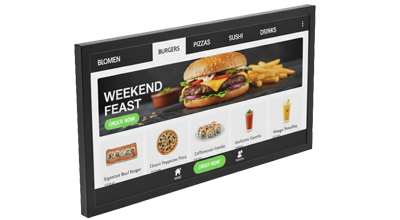
Unisign touch displays are crafted with a focus on both durability and aesthetics. Featuring toughened glass, scratch-resistant surfaces, and a robust metal housing, they are built to endure continuous use in demanding environments. The slim and modern design ensures a clean, professional look, whether wall-mounted or integrated into custom enclosures.

Unisign offers extensive customization options, making our displays ideal for system integrators and solution providers. From branding and firmware customization to pre-installed software and tailored housings, we adapt the product to suit your unique requirements. This flexibility supports faster deployment, stronger brand presence, and seamless integration into your existing systems.
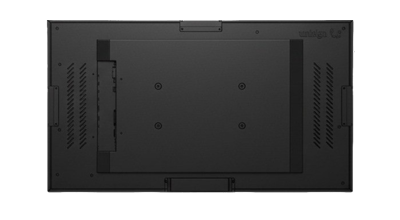
Efficiency meets responsibility in every Unisign product. Our Android touch displays are designed with energy-saving components and extended product lifecycles, helping reduce maintenance needs and operational costs. Features like low standby power consumption, OTA updates, and hardware built for longevity support a more sustainable digital signage strategy for businesses focused on long-term value.
Frequently asked questions
What are the key specifications of All-in-One 43″ Android Display?
The model specification lists Display size: 43; Resolution: 1920x1080; Brightness: 700 cd/m². Include the model code and selected screen size when ordering, as other options in the same series may have different specifications.
Will my application work with this Android display?
Compare the application’s Android version, memory, touch and network requirements with the hardware specification. Share the application name and required peripherals before ordering so compatibility can be checked.
What information is needed for a price quotation?
Share the model, quantity and installation location. Specify mounting, content playback or management software and any accessories separately so the hardware and service scope can be compared for your requirements.
How should content resolution be selected for All-in-One 43″ Android Display?
The model specification lists a resolution of 1920x1080. Prepare the content pixel dimensions and aspect ratio for this value; use a suitable layout rather than stretching artwork with a different shape.
Which dimensions matter for mounting and cable planning?
Check the display dimensions, weight and any mounting pattern listed in the specification. The bracket load capacity must suit both the equipment and the mounting surface.
How should an order for several displays be planned?
List the screen size, ambient light and content source at each location. If the same model will be used across sites, check that mounting orientation, connections and operating conditions are suitable everywhere.