 Türkçe
Tabletop Kiosks
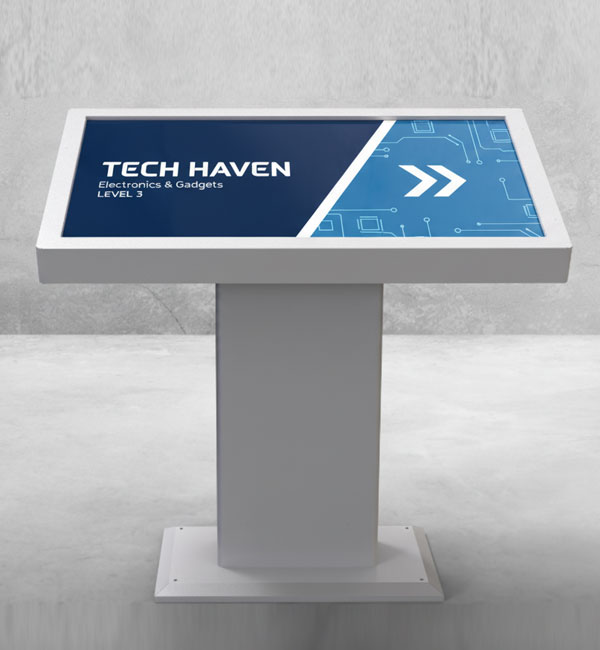

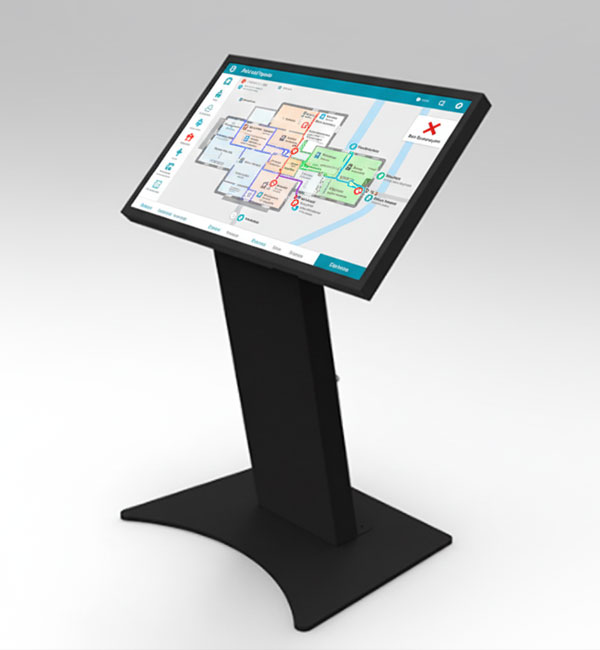
Tabletop kiosks bring touchscreen interaction within easy reach at a table or counter. Restaurants, cafés, stores and showrooms can use them for self-service ordering, digital catalogues, product comparison and visitor information.
Choosing and installing a model
Compare Desk A, Desk B and Desk C by screen size, layout and connectivity needs. Display and touch specifications, operating system options and peripheral compatibility depend on the selected model and configuration. See the relevant product page for exact specifications.
Tabletop Kiosks Frequently Asked Questions
-
- A tabletop kiosk provides a touchscreen point of service at a table or counter. Restaurants and stores can use it for self-service ordering, product discovery and information.
-
-
- Tabletop kiosks are used in restaurants, cafés, stores and exhibition spaces. They bring ordering, product browsing and information within easy reach at a table or counter.
-
-
- Tabletop kiosks give users direct access to a screen at a table or counter. This layout brings product browsing, information and self-service tasks together at one touchscreen point.
-
-
- Design the interface for the selected display resolution and orientation. Place primary controls within easy reach and check text from the intended standing or seated position. Make back, cancel and help actions clear in the touch workflow. Assess the sample application, operating system and peripherals together before ordering so the hardware requirements are defined.
-
-
- List the printer, reader, computer or payment terminal required by the workflow. Check each component’s physical fit, connection, power requirements and application support. Equipment shown in a product image is not necessarily standard in every configuration. Include the model code and chosen components in the quotation to establish what is supplied and which integrations are required.
-
-
- Test the display, touch response, network connection and any selected peripherals with the intended application. Check that users can start and finish the main task and use cancel and help actions. Review cable access and maintenance points with the installation team. This checklist is purchasing guidance; the actual delivery, testing and installation scope should be stated in the quotation.
-
-
- Examples from the current specification tables of models in this category: 32inch: display size 31,5", resolution 1920 X 1080, brightness 400 cd/m². 43inch: resolution 1920x1080, brightness 700 cd/m². 55inch: resolution 3840x2160, brightness 800 cd/m². 32inch: resolution 1920x1080, brightness 400 cd/m². 43inch: resolution 1920x1080, brightness 700 cd/m². 32inch: resolution 1920x1080, brightness 400 cd/m². KDCA270EA: resolution 1920x1080, brightness 300 cd/m². 43inch: resolution 1920x1080, brightness 700 cd/m². 55inch: resolution 3840x2160, brightness 800 cd/m². 23.8inch: resolution 1920x1080, brightness 550 cd/m². These values apply only to the named models and should not be generalised to the entire range. Resolution, brightness and physical screen size describe different characteristics. Use the complete model code when comparing similar-looking products, and check operating conditions for your application separately. Refer to each product’s own specification table for connections, mounting and additional equipment.
-
-
- Screen size describes the physical image area, while resolution describes the number of pixels forming the image. Two products with the same diagonal can have different resolutions, so comparing inch values alone is insufficient. Brightness is a separate characteristic and should be assessed using the units in the specification table. Ambient light and viewing distance affect readability. If small text or a detailed interface is planned, prepare the design at the target display resolution and check it from the intended distance. A screen showing brief messages in large type may have different requirements. Hardware specifications do not compensate for poorly arranged content or an unsuitable mounting position. Define your priorities and compare candidate models using consistent criteria; a high value for one characteristic does not automatically satisfy every other requirement.
-

