Türkçe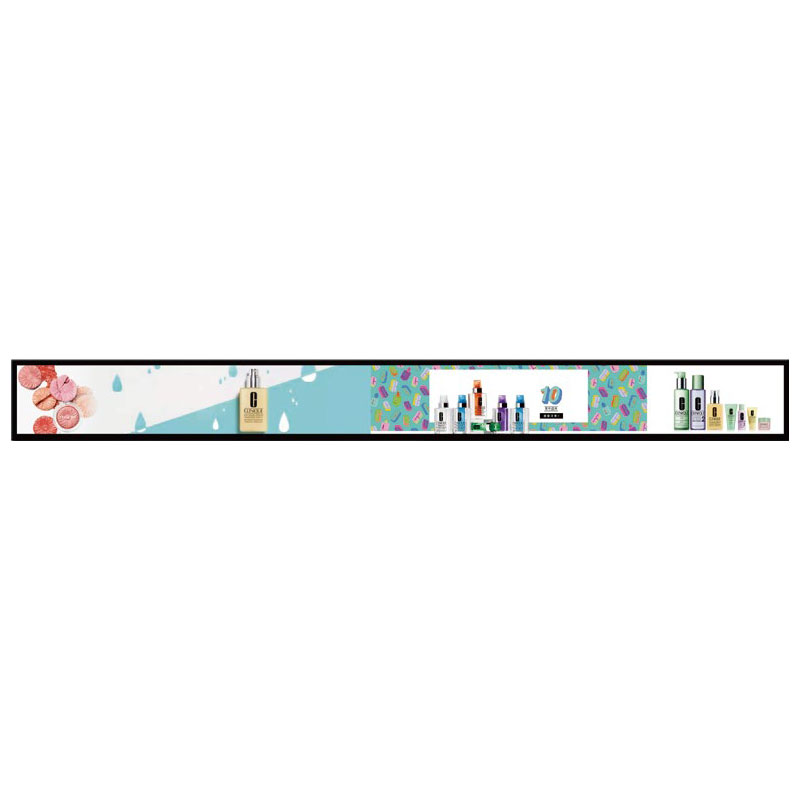
Stretched 23.1″ Bar Display
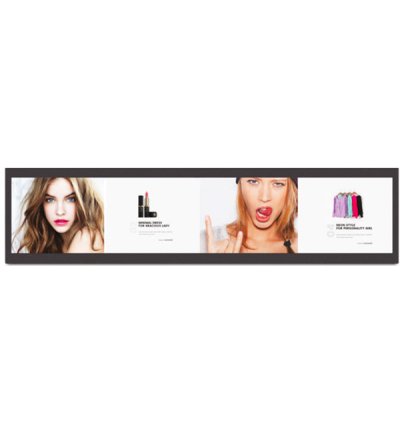
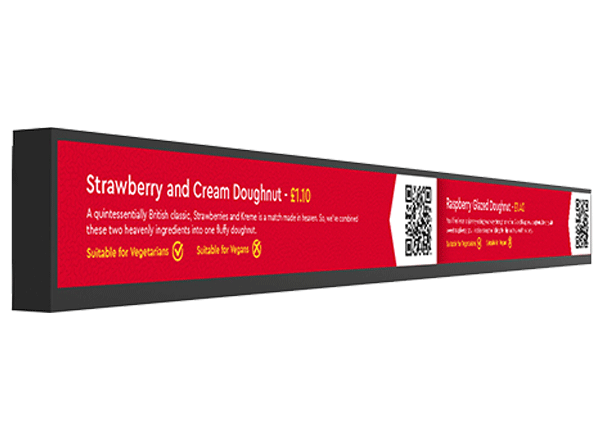
At Unisign, our Stretched LCD Displays set a new standard for delivering digital content in challenging spaces. These ultra-wide, Android-powered displays are purpose-built to fit where traditional screens can’t, offering a sleek, modern solution for retail and commercial environments. Whether highlighting pricing, promotions, or real-time information, they enable impactful communication exactly where it matters most. With reliable performance, elegant design, and flexible installation options, Unisign Stretched LCDs transform narrow spaces into powerful storytelling platforms.





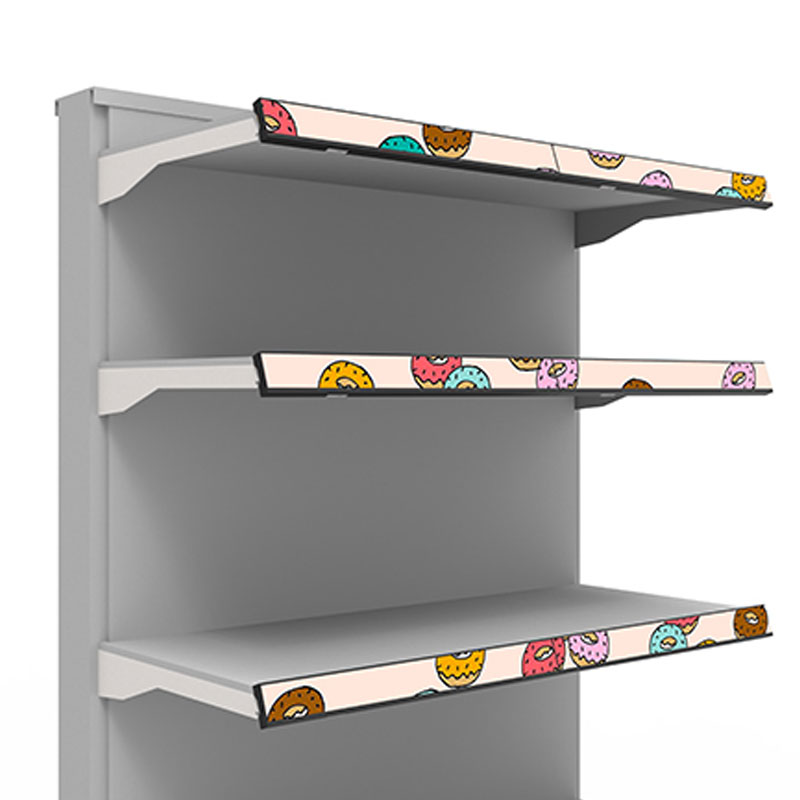
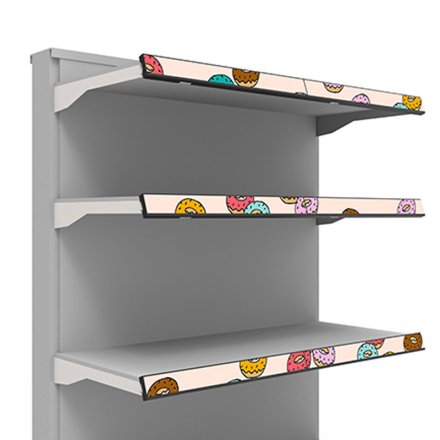
Turn traditional shelving into a digital communication tool. With Shelf Type Stretched LCDs, you can display dynamic pricing, product information, or targeted ads that captivate shoppers right at the decision point.

Our Android-based Shelf Displays make it easy to update and control content across stores or regions from a single platform, saving time while ensuring consistency across your network.
With ultra-thin profiles and customizable lengths, these displays integrate beautifully into existing shelving systems without disrupting the visual harmony of your store.
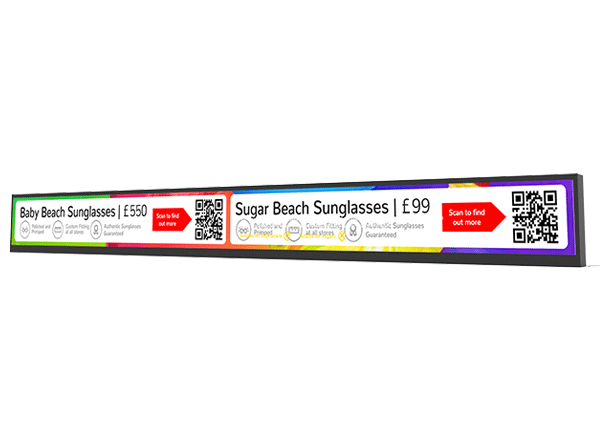
Showcase complementary products, limited-time offers, or loyalty rewards directly at the shelf, enhancing shopper engagement and driving additional revenue at the point of sale.
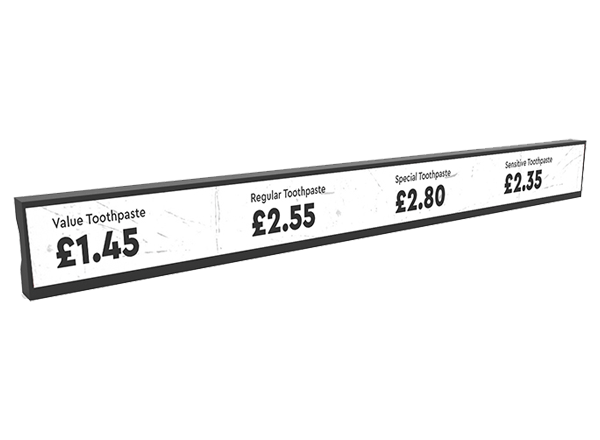
Built with flexibility and longevity in mind, our Shelf Type LCDs ensure your investment stays relevant as retail trends advance. Their modular, Android-based architecture makes it easy to adapt content strategies, scale across locations, and keep your in-store communication fresh and impactful.
Frequently asked questions
What are the key specifications of Stretched 23.1″ Bar Display?
The model specification lists Display size: 23.1" Stretched Panel; Resolution: 1920x158; Brightness: 400cd/m2. Include the model code and selected screen size when ordering, as other options in the same series may have different specifications. Start with the content and viewing distance. Information pages with detailed text and advertising layouts with large images have different display needs. Compare screen size, resolution, brightness and orientation together. Inputs should suit the existing content source, while the stated operating conditions should suit the installation location. Reflections from nearby lighting and access for maintenance also matter. Check the specification against the exact screen size that will be ordered.
How should stretched-display content be prepared?
Use the specified resolution and active display area as the basis. Size text for the viewing distance and create a suitable layout rather than stretching images designed for a conventional screen. Start with the content and viewing distance. Information pages with detailed text and advertising layouts with large images have different display needs. Compare screen size, resolution, brightness and orientation together. Inputs should suit the existing content source, while the stated operating conditions should suit the installation location. Reflections from nearby lighting and access for maintenance also matter. Check the specification against the exact screen size that will be ordered.
What information is needed for a price quotation?
Share the model, quantity and installation location. Specify mounting, content playback or management software and any accessories separately so the hardware and service scope can be compared for your requirements. Consider the available installation space as well as the screen diagonal. A quotation request can include the intended task, daily operating hours, indoor or outdoor location and delivery destination. For multiple sites, list quantities and differing requirements separately so that model options can be compared. Identify any required connection or function that is not shown in the specification. This helps define a comparable equipment proposal rather than a screen price without the installation context.
How should content resolution be selected for Stretched 23.1″ Bar Display?
The model specification lists a resolution of 1920x158. Prepare the content pixel dimensions and aspect ratio for this value; use a suitable layout rather than stretching artwork with a different shape. Check that text, prices and logos can be read from the intended viewing distance using sample content. Match the computer or media player’s video output settings to the display specification as well.
Which dimensions matter for mounting and cable planning?
Check the display dimensions, weight and any mounting pattern listed in the specification. The bracket load capacity must suit both the equipment and the mounting surface. Allow access to power and video cables, ventilation openings and maintenance points. Before installation, confirm that the chosen model supports the intended landscape or portrait orientation.
How should an order for several displays be planned?
List the screen size, ambient light and content source at each location. If the same model will be used across sites, check that mounting orientation, connections and operating conditions are suitable everywhere. For central content updates, identify the existing software and network. Compare quotations with hardware, media players, software licences and mounting listed separately.