 Türkçe
 Self Order Kiosk Rize
CATEGORIES
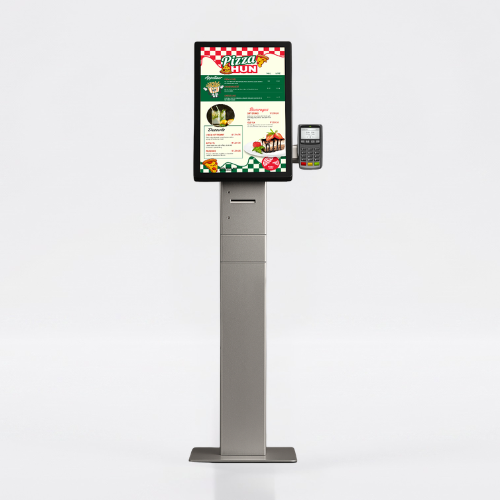
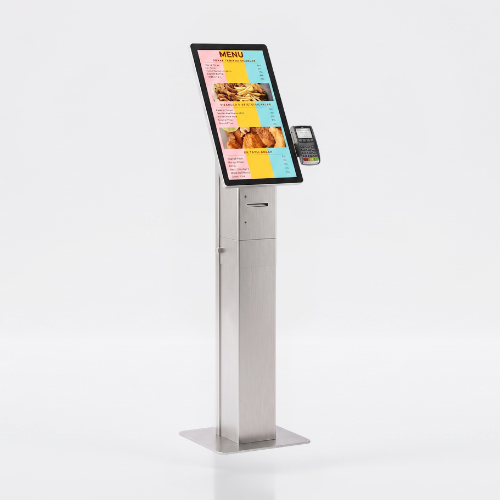
When selecting a self-order kiosk, define the ordering flow and payment method first. Confirm the printer, payment terminal and ordering software included in the selected configuration. Share the screen size, installation format and intended POS software for a quotation.
Self Order Kiosk Rize Frequently Asked Questions
-
- Assess ordering software, the POS system and payment terminal together. Choosing the hardware does not mean that every software or payment provider is already integrated; confirm compatibility and quotation scope before ordering.
-
-
- Share the model, quantity and installation location. Specify mounting, content playback or management software and any accessories separately so the hardware and service scope can be compared for your requirements.
-
-
- Design the interface for the selected display resolution and orientation. Place primary controls within easy reach and check text from the intended standing or seated position. Make back, cancel and help actions clear in the touch workflow. Assess the sample application, operating system and peripherals together before ordering so the hardware requirements are defined.
-
-
- List the printer, reader, computer or payment terminal required by the workflow. Check each component’s physical fit, connection, power requirements and application support. Equipment shown in a product image is not necessarily standard in every configuration. Include the model code and chosen components in the quotation to establish what is supplied and which integrations are required.
-
-
- Test the display, touch response, network connection and any selected peripherals with the intended application. Check that users can start and finish the main task and use cancel and help actions. Review cable access and maintenance points with the installation team. This checklist is purchasing guidance; the actual delivery, testing and installation scope should be stated in the quotation.
-

