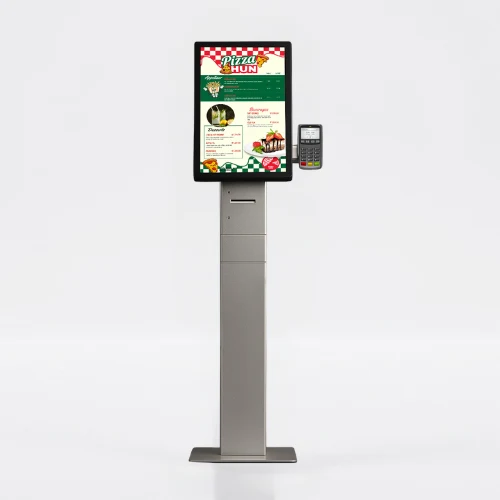
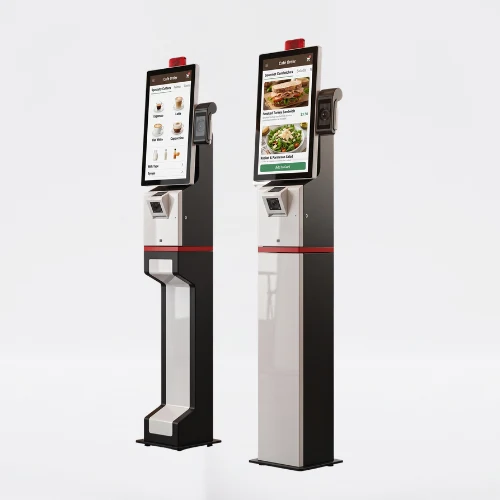
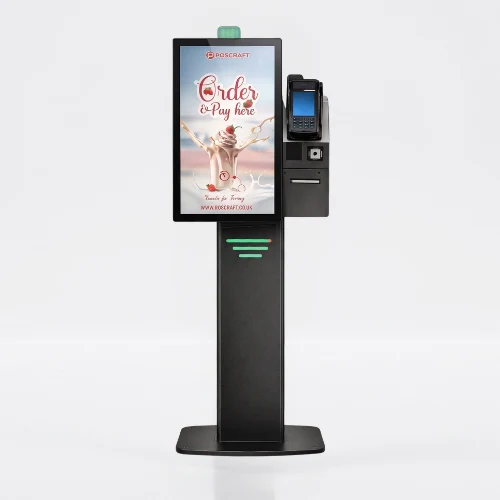
Self Order Kiosk

Self order and self service kiosk solutions let customers browse products, customise orders and complete supported payment steps through a touchscreen interface. They can help businesses organise the ordering process and reduce manual order entry.

The customer experience depends on the interface, menu setup and operational workflow. The kiosk, software and payment equipment should be selected together for the intended restaurant or retail environment.

POS and payment compatibility must be assessed for the selected hardware, software version and integration scope. Components for contactless, card, QR code or cash payments depend on the chosen model. Confirm whether a thermal receipt printer and customer display are included in the quoted configuration.

Technical Selection for Self Order and Self Service Kiosks

Touchscreen size, computer configuration and supported peripherals should be checked against the selected model’s specification. Ordering, payment, registration and information workflows depend on the application installed on the kiosk.

Evaluate payment terminals, printers and barcode readers together with the intended application. Compare operating system, remote management and daily operating requirements with the model specification and software scope. Selecting the hardware does not by itself confirm a ready-made software integration.

Share the installation setting, kiosk quantity and existing POS software so we can discuss the hardware, integration and any site survey requirements for your project.

Self Order Kiosk Frequently Asked Questions
    • A self-service kiosk is a touchscreen digital system that allows users to complete ordering, payment and information processes without staff assistance. Selections made through the user interface are processed instantly, providing a fast and seamless transaction experience.
    • Self order kiosk solutions shorten transaction times, accelerate customer flow, and increase operational efficiency. At the same time, they reduce error rates and support sales performance by digitalizing ordering processes.
    • Self-service kiosk systems are widely used in restaurants, fast-food businesses, retail, healthcare and transportation. They allow users to complete transactions independently while improving service speed and operational efficiency.
    • Design the interface for the selected display resolution and orientation. Place primary controls within easy reach and check text from the intended standing or seated position. Make back, cancel and help actions clear in the touch workflow. Assess the sample application, operating system and peripherals together before ordering so the hardware requirements are defined.
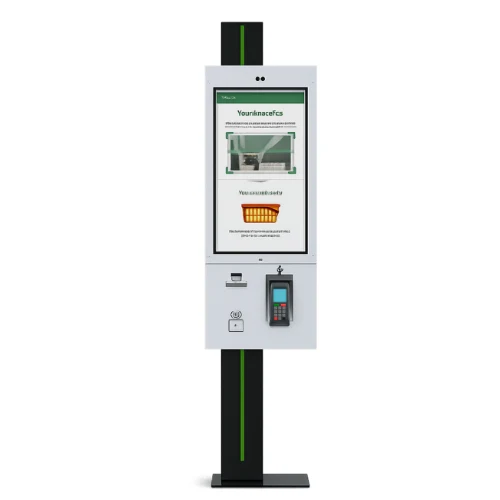
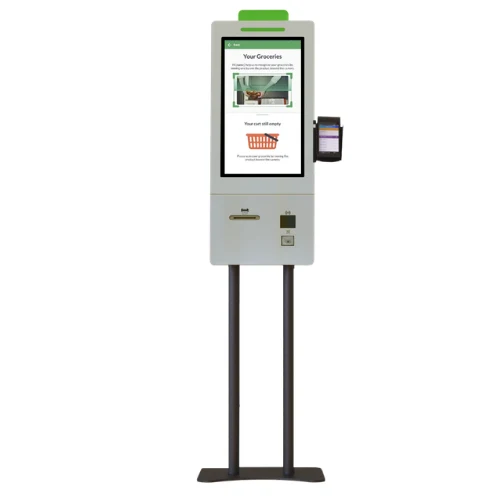
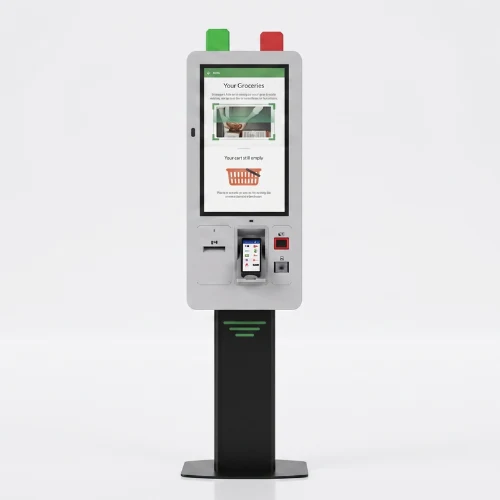
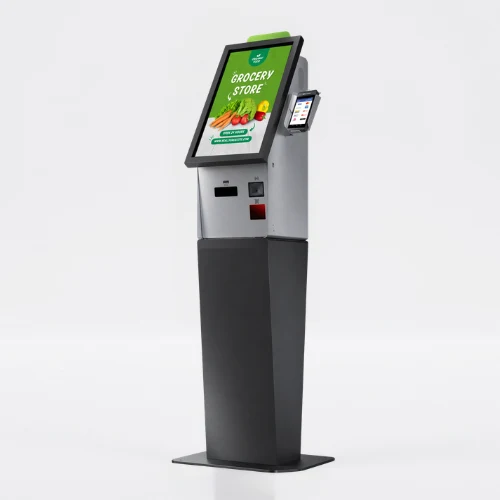
    • List the printer, reader, computer or payment terminal required by the workflow. Check each component’s physical fit, connection, power requirements and application support. Equipment shown in a product image is not necessarily standard in every configuration. Include the model code and chosen components in the quotation to establish what is supplied and which integrations are required.
    • Test the display, touch response, network connection and any selected peripherals with the intended application. Check that users can start and finish the main task and use cancel and help actions. Review cable access and maintenance points with the installation team. This checklist is purchasing guidance; the actual delivery, testing and installation scope should be stated in the quotation.
    • Examples from the current specification tables of models in this category: Self Order Kiosk Edirne 27: resolution 1080 x 1920, brightness 300 cd/m², ram 4GB. Self Order Kiosk Edirne 32: display size 32", resolution 1080 x 1920, brightness 400 cd/m². Self Order Kiosk Mersin 24: display size 23.8", resolution 1080 x 1920, brightness 550 cd/m². Self Order Kiosk Samsun KSSA 27: display size 27", resolution 1080 x 1920, brightness 300 cd/m². Self Order Kiosk Samsun KSSB Dual Side: resolution 1080 x 1920, ram 4GB. Self Order Kiosk Van 21.5: display size 21.5", resolution 1080 x 1920, brightness 500 cd/m². Self Order Kiosk Rize 23.8: display size 23.8, resolution 1080 x 1920, brightness 550 cd/m². Self Order Sivas 21.5: display size 21.5", resolution 1080 x 1920, brightness 500 cd/m². Self Order Konya 21.5: display size 21.5", resolution 1080 x 1920, brightness 500 cd/m². Self Service Kiosk Konya 23.8: display size 23.8", resolution 1080 x 1920, brightness 550 cd/m². These values apply only to the named models and should not be generalised to the entire range. Resolution, brightness and physical screen size describe different characteristics. Use the complete model code when comparing similar-looking products, and check operating conditions for your application separately. Refer to each product’s own specification table for connections, mounting and additional equipment.