 Türkçe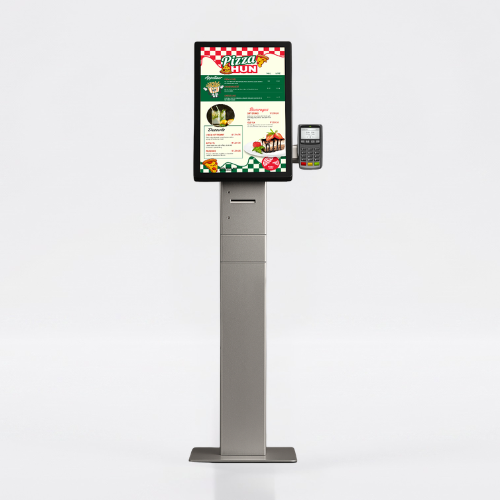
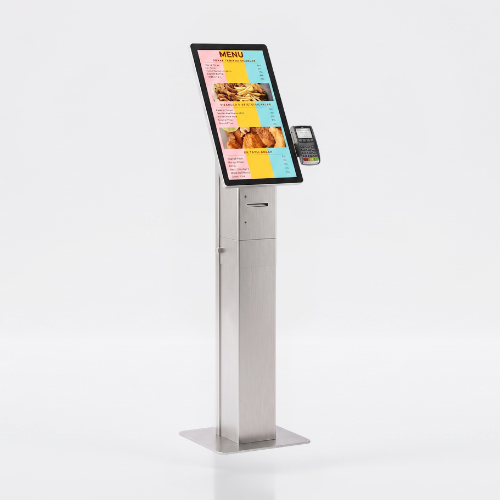
Self Service Kiosk Rize 21.5
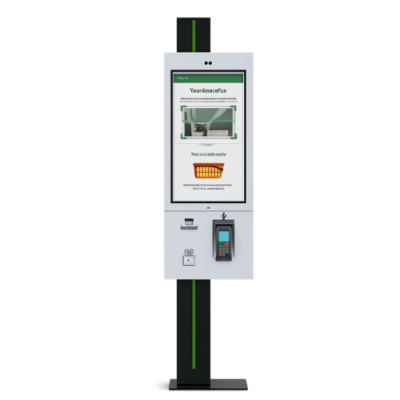
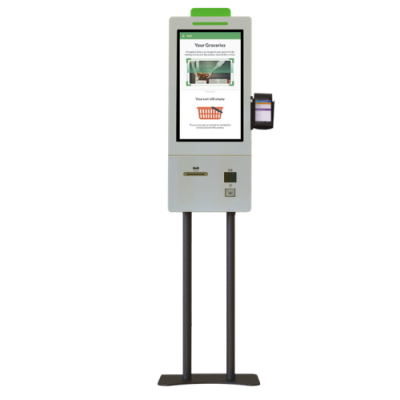
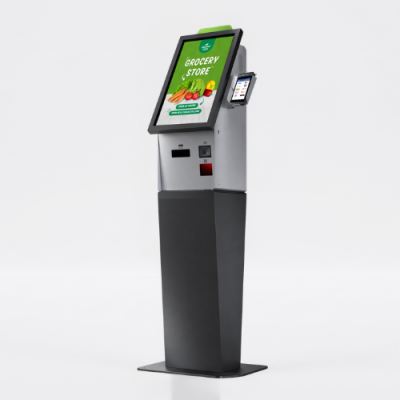
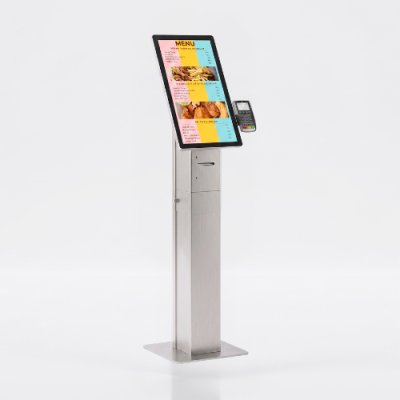
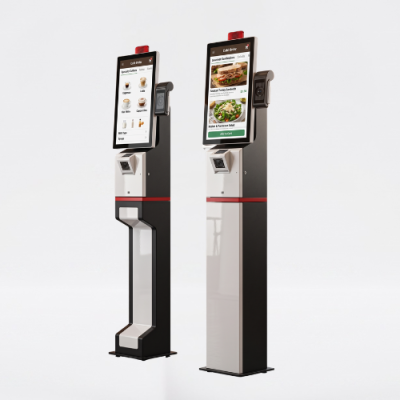
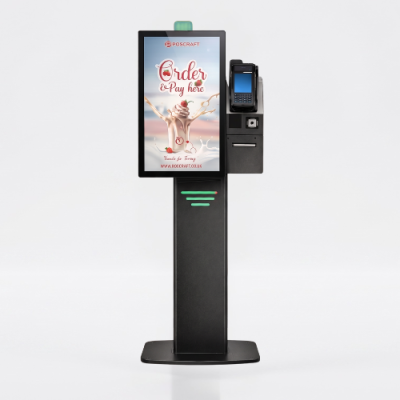
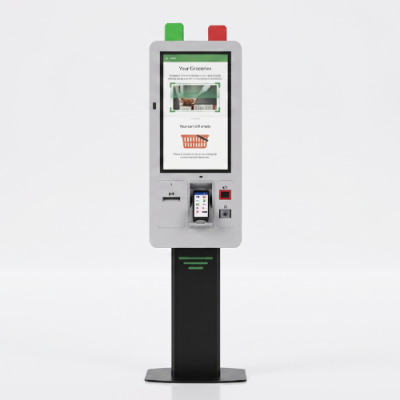
Unisign Rize Self Service Kiosk is a compact and powerful solution that brings ordering and payment processes together in a single device. With its modern design and integrated hardware, it provides a fast, organized and uninterrupted service infrastructure for businesses.
When selecting a self-order kiosk, define the ordering flow and payment method first. Confirm the printer, payment terminal and ordering software included in the selected configuration. Share the screen size, installation format and intended POS software for a quotation.





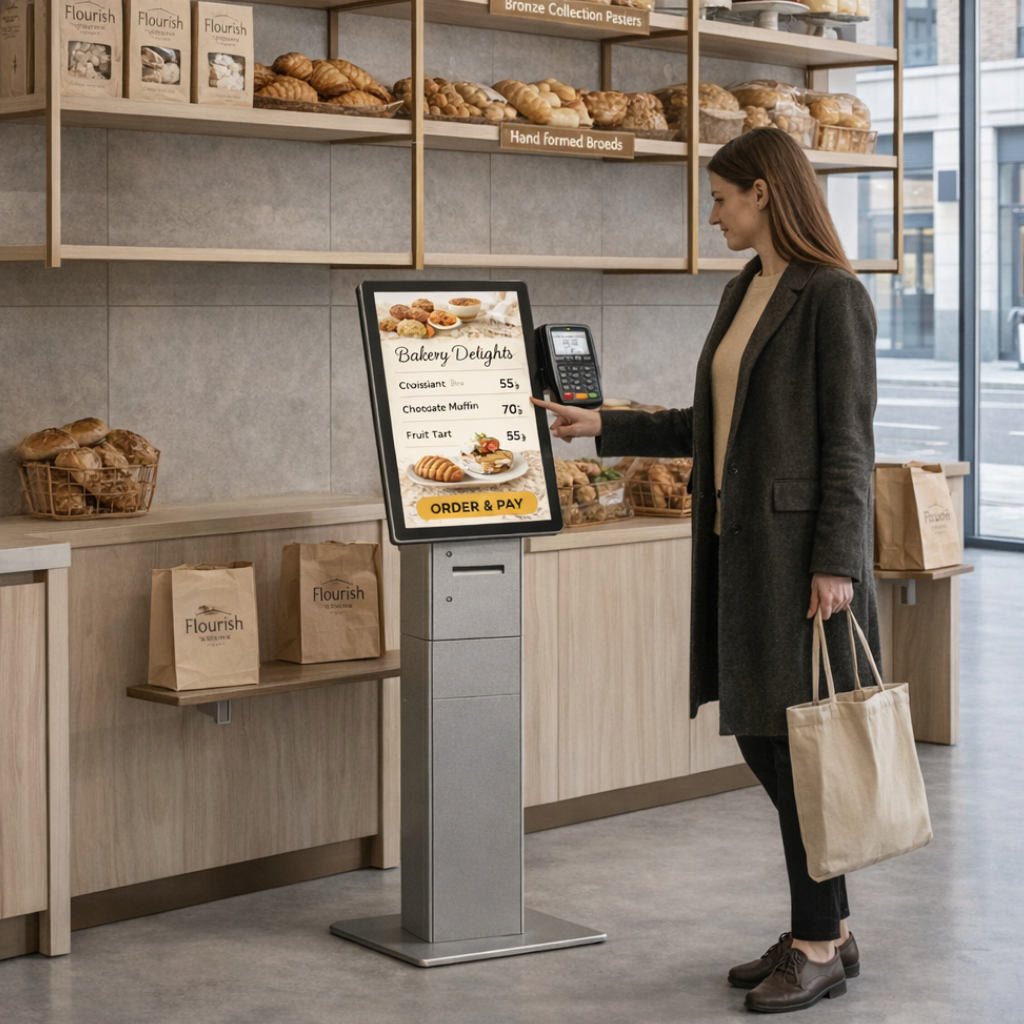
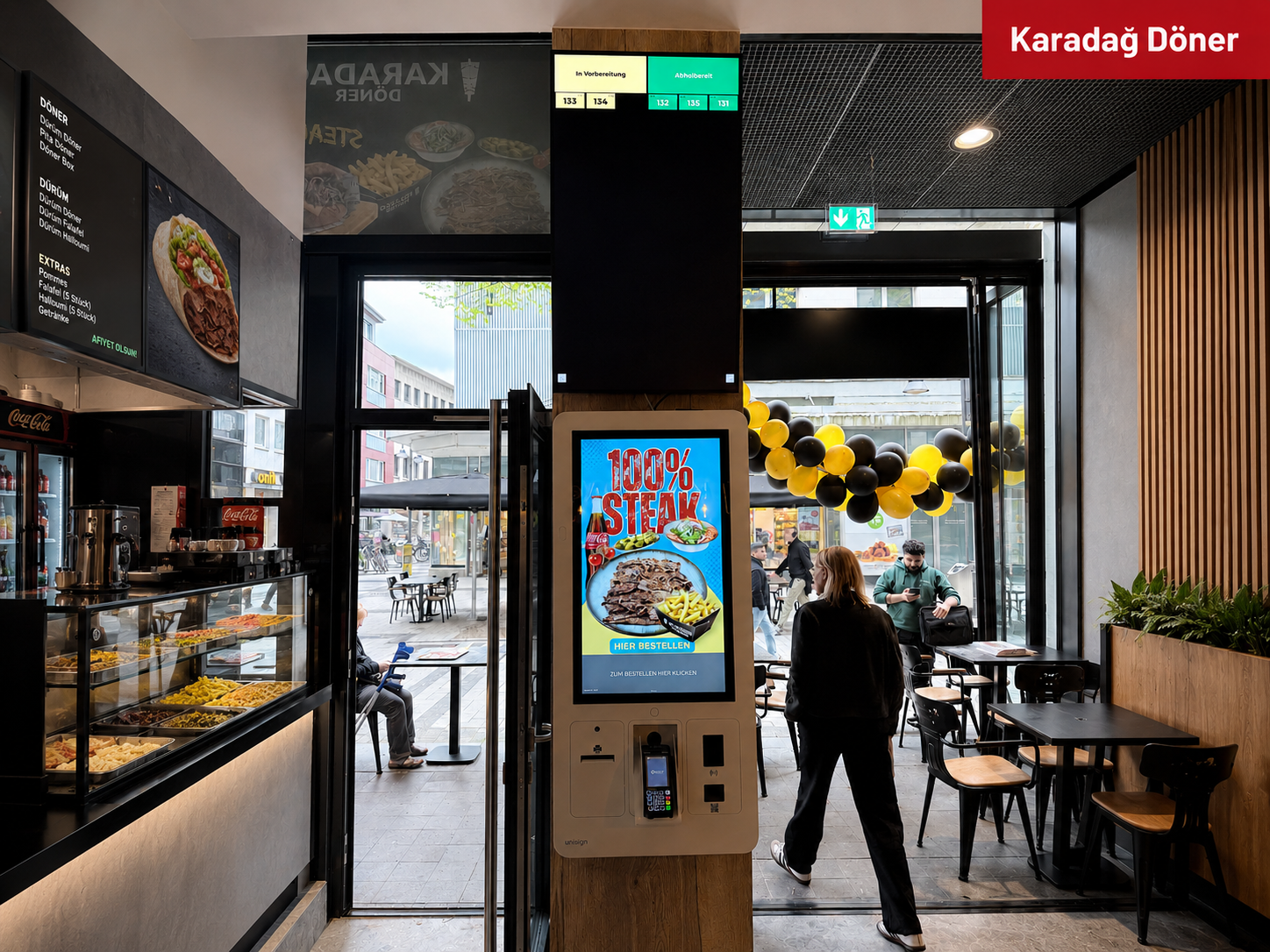
Users select products through the touchscreen, create their order and complete the payment directly on the kiosk.
The entire process is managed automatically and operates in full integration with the existing business systems.
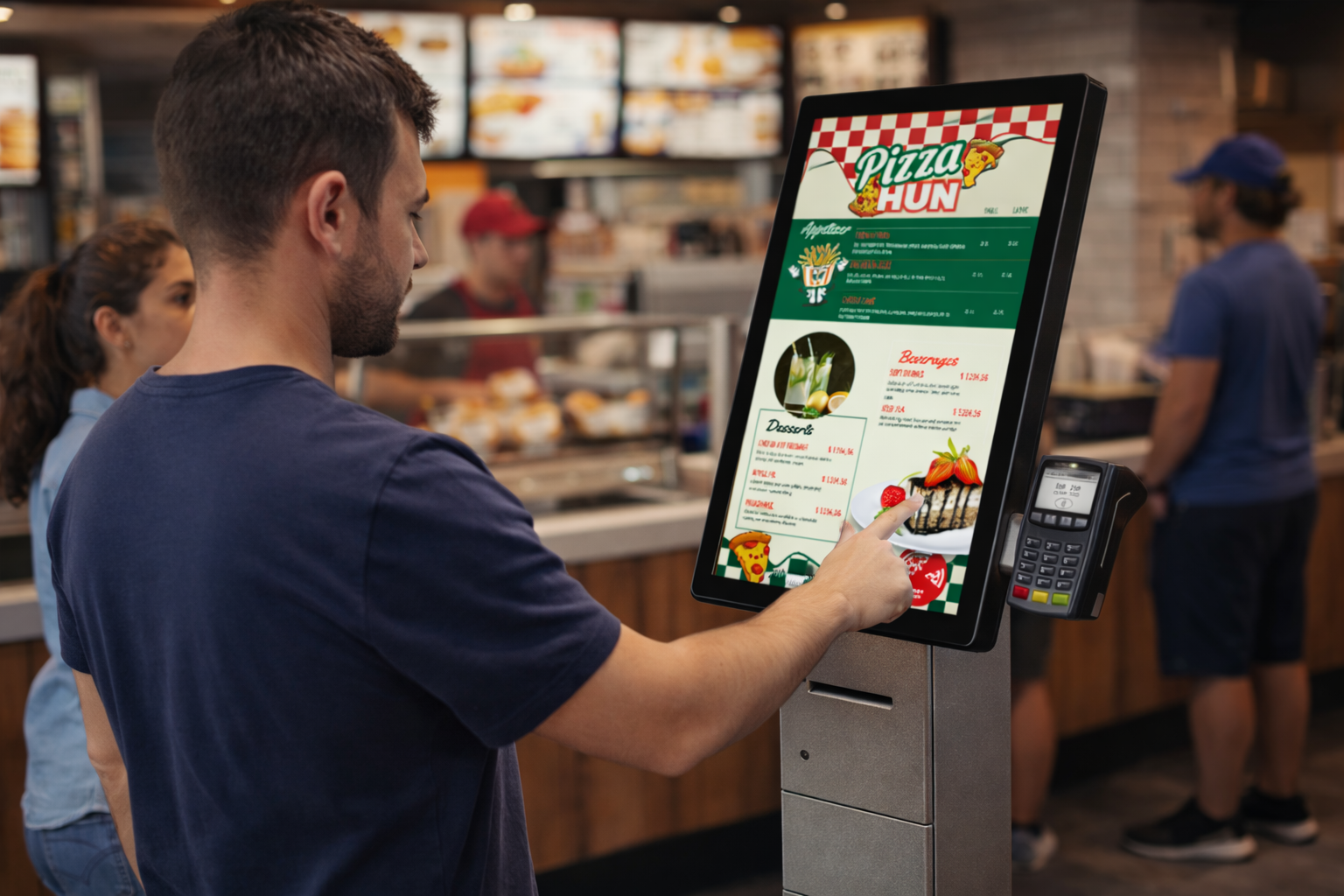
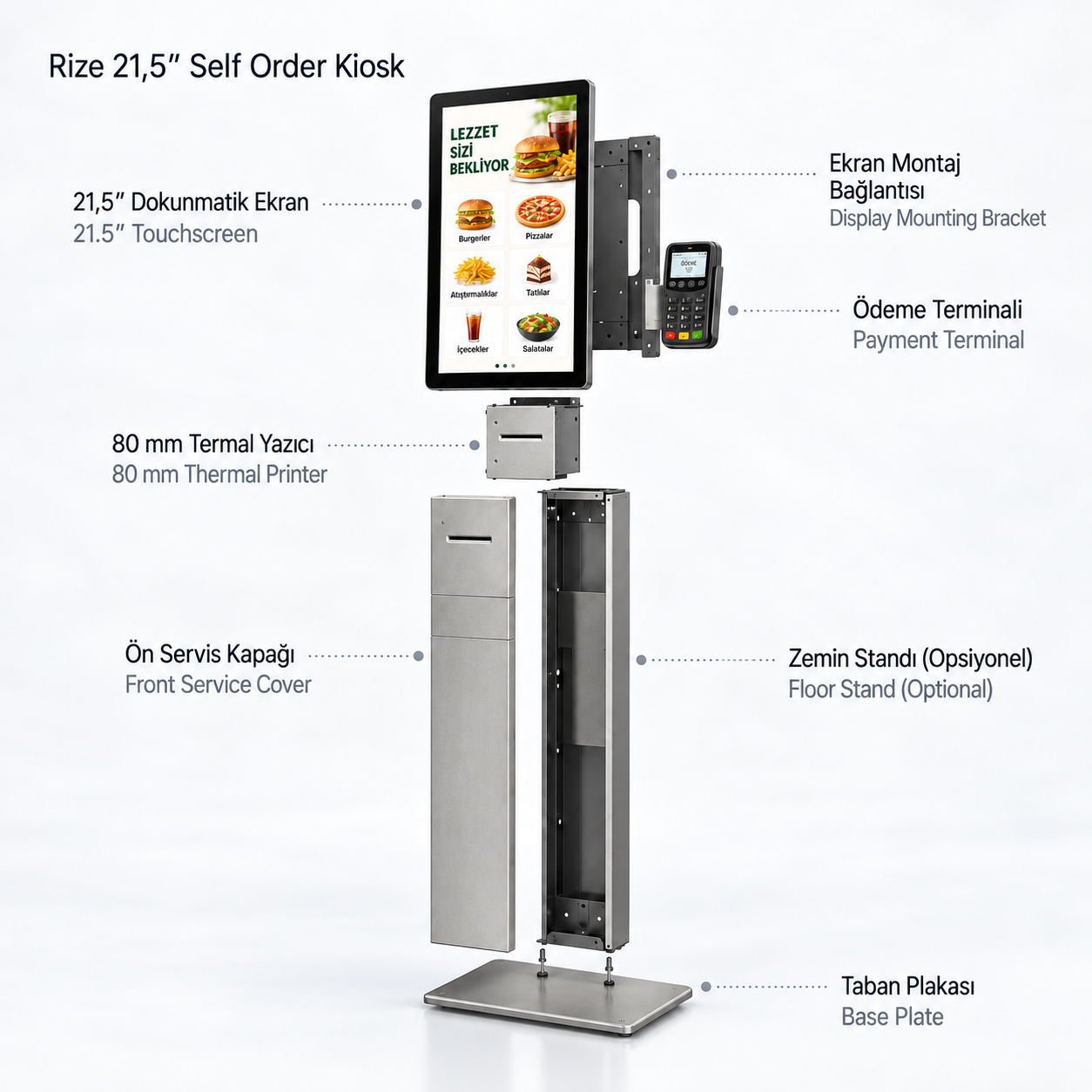
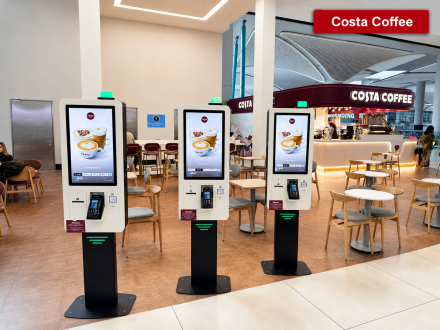
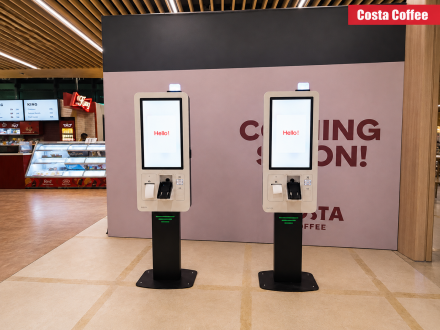
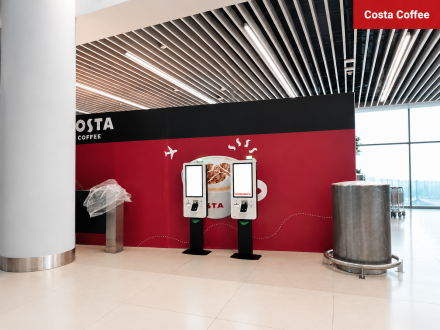
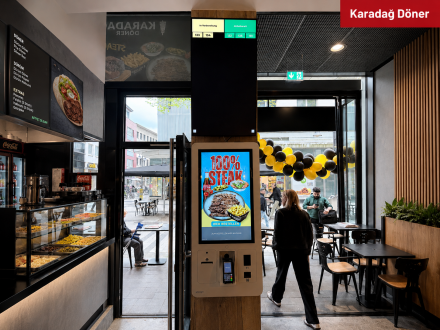
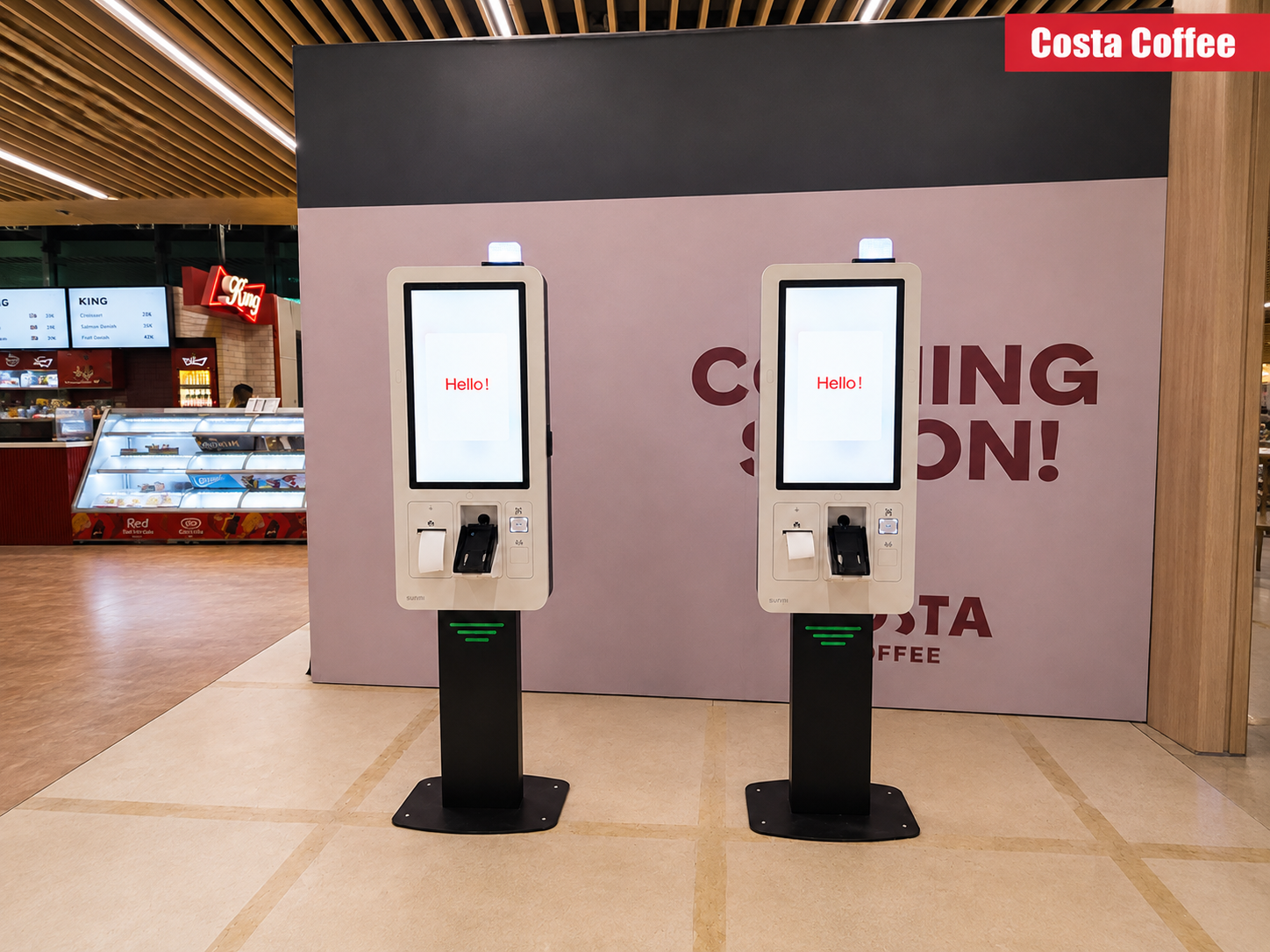
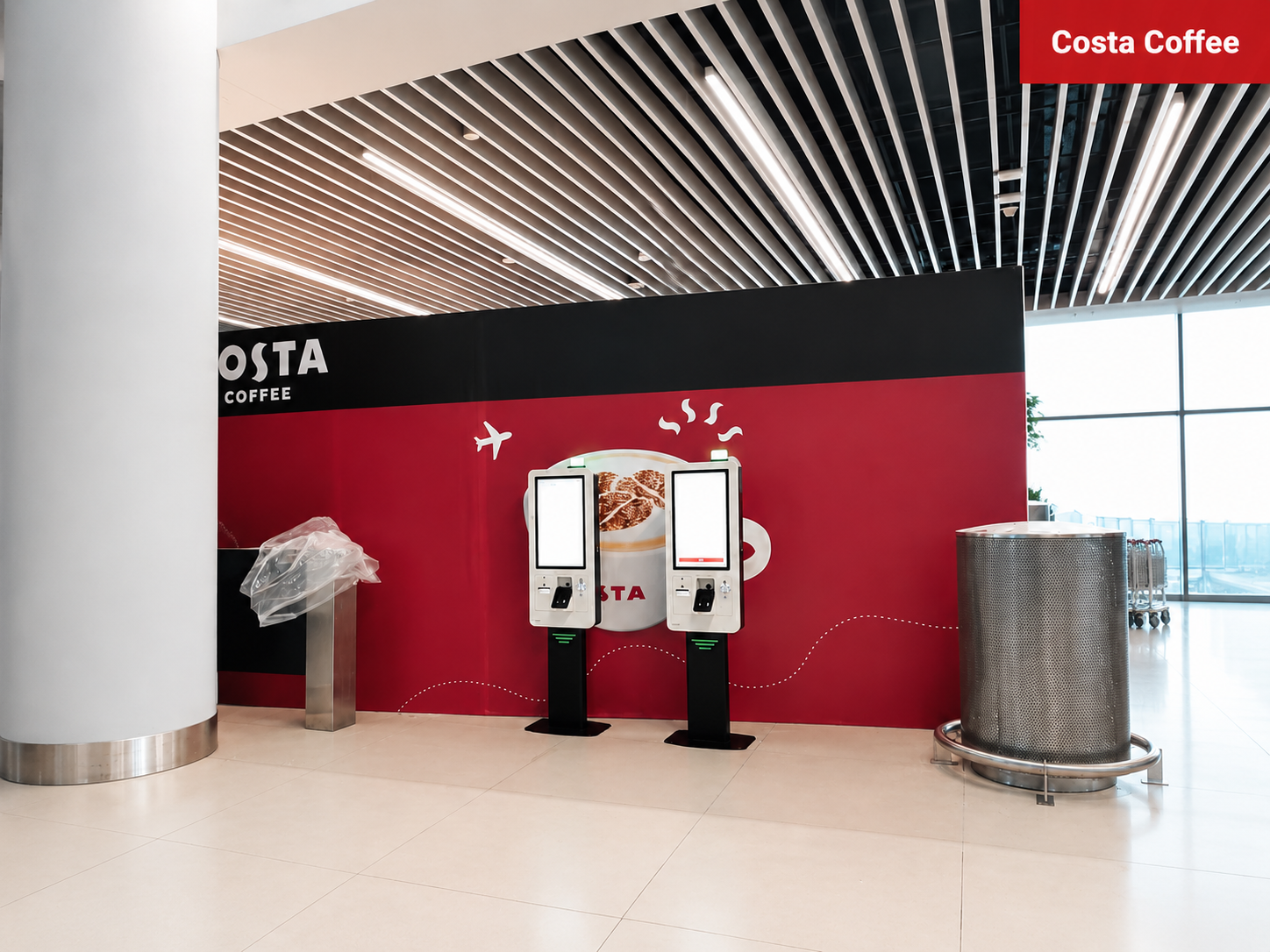
The Rize model features an all-in-one structure that combines all essential components in a single body.
The touchscreen, payment system and printer work seamlessly together to deliver a fast and smooth user experience.
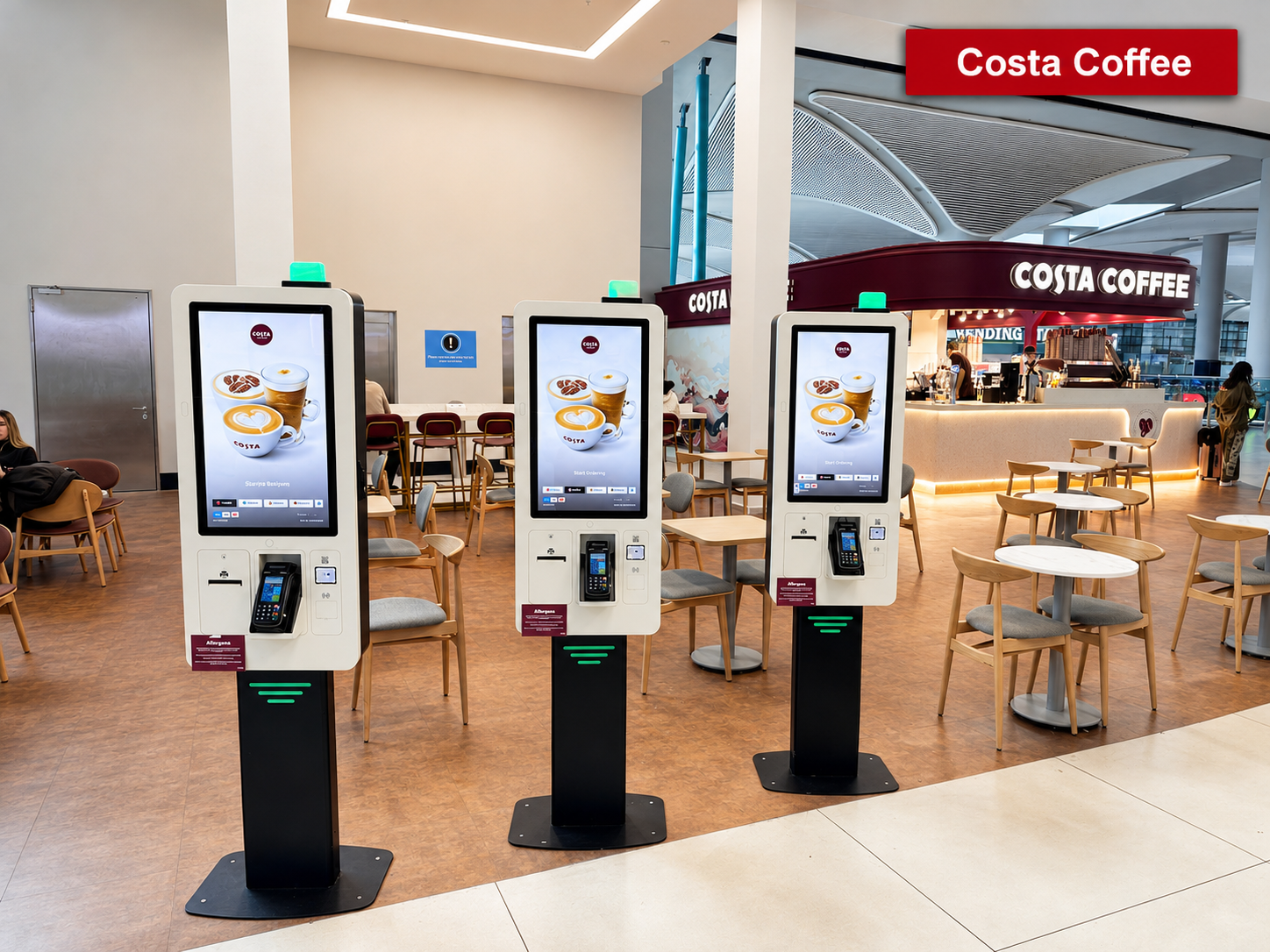
Its compact design allows efficient use even in limited spaces
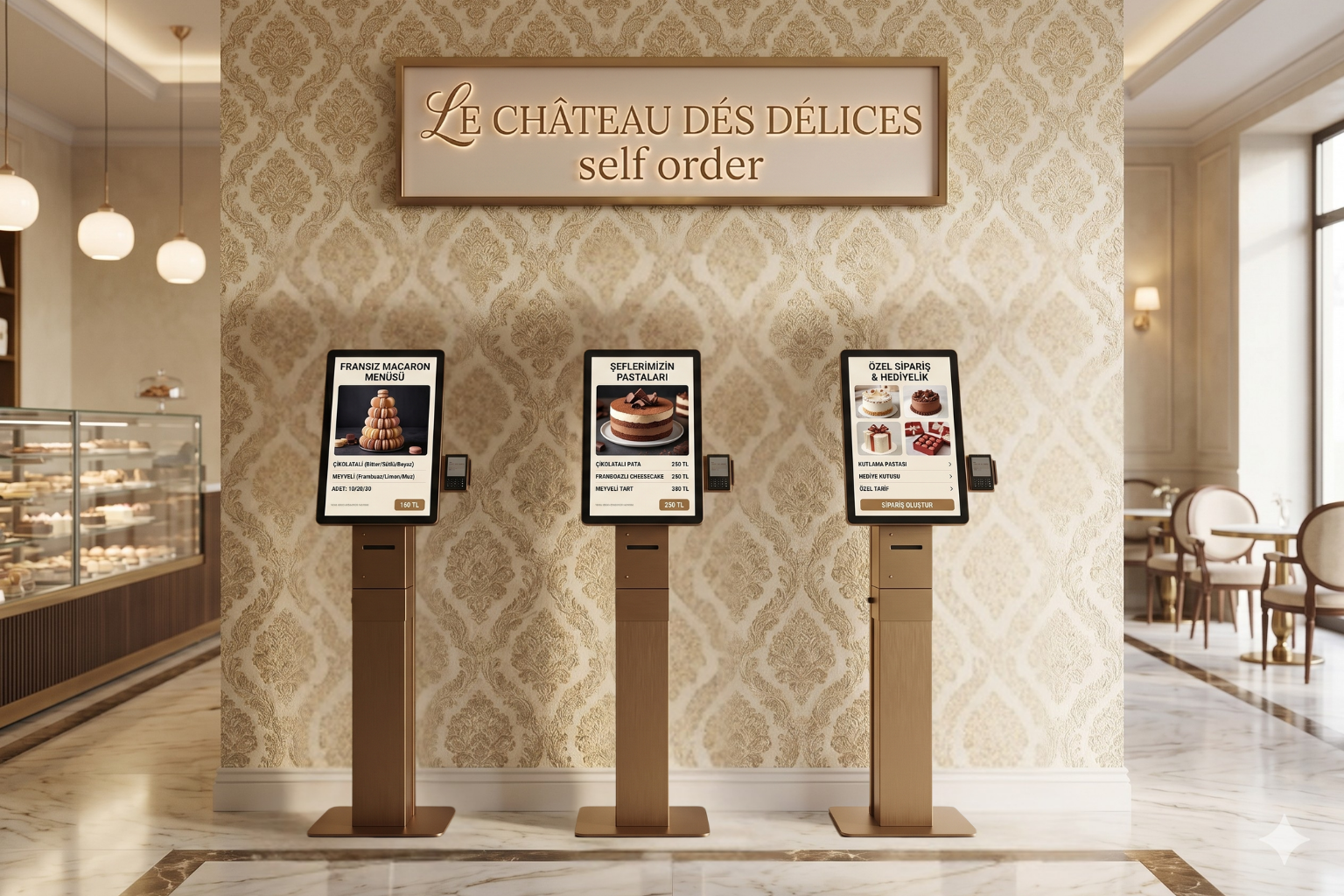
Ideal for quick service restaurants, cafés and chain businesses to accelerate ordering processes.
It can also be used in retail and self-service environments as a payment and transaction point.
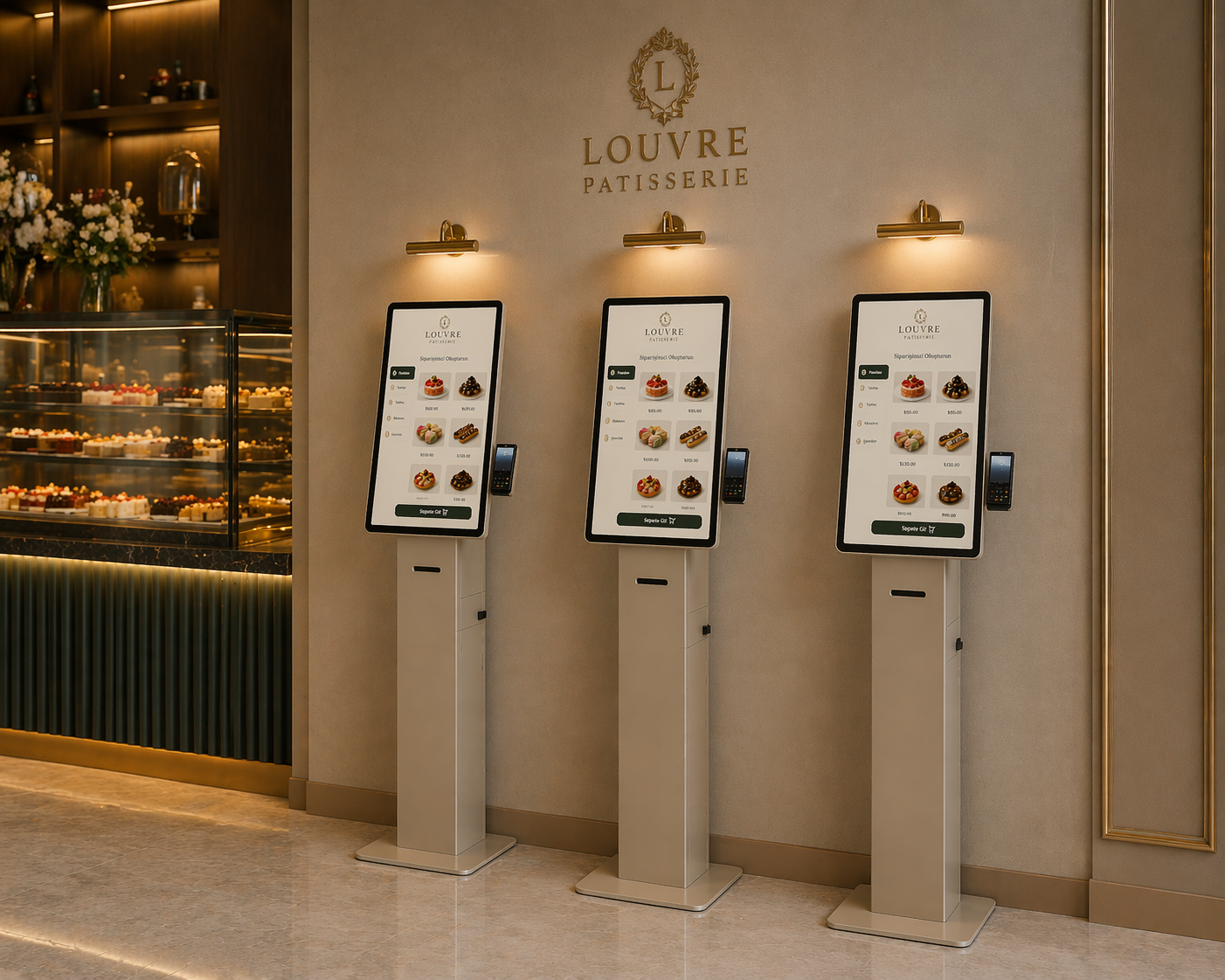
It consolidates all order and payment processes into a single device.
It reduces operational intensity, increases service speed, and makes customer flow more efficient.
With its compact design, it offers maximum performance in minimum space.
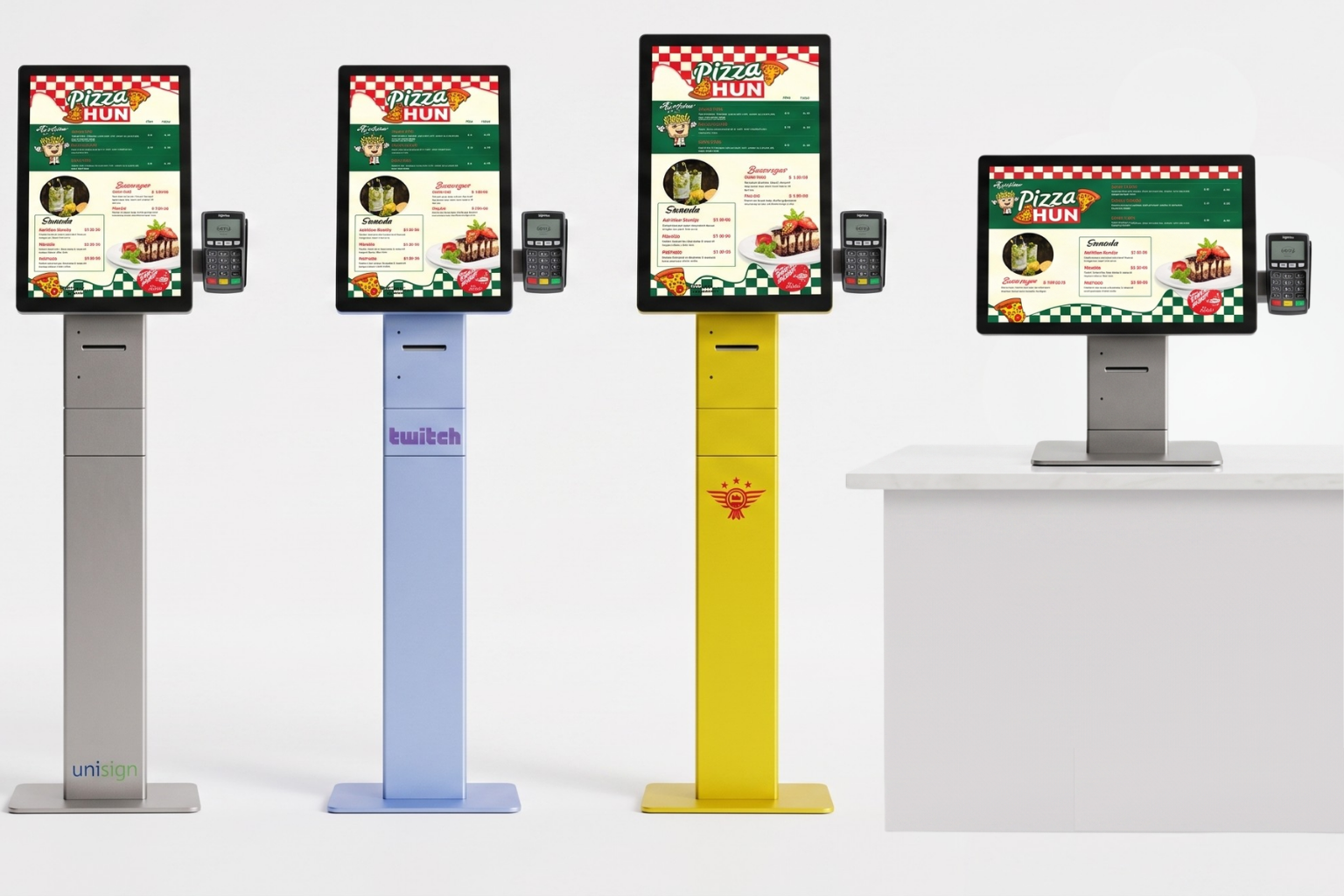
Its modern and simple design blends seamlessly into any environment.
It can be customized with brand-specific color and finish options.
.png&w=440 "Self Service Kiosk Rize 21.5")
.png&w=440 "Self Service Kiosk Rize 21.5")
.png&w=440 "Self Service Kiosk Rize 21.5")
.png&w=440 "Self Service Kiosk Rize 21.5")
.png&w=440 "Self Service Kiosk Rize 21.5")
.png&w=440 "Self Service Kiosk Rize 21.5")
.png&w=440 "Self Service Kiosk Rize 21.5")
.png&w=440 "Self Service Kiosk Rize 21.5")
.png&w=440 "Self Service Kiosk Rize 21.5")
.png&w=440 "Self Service Kiosk Rize 21.5")
.png&w=440 "Self Service Kiosk Rize 21.5")
.png&w=440 "Self Service Kiosk Rize 21.5")
.png&w=440 "Self Service Kiosk Rize 21.5")
.png&w=440 "Self Service Kiosk Rize 21.5")
.png&w=440 "Self Service Kiosk Rize 21.5")
.png&w=440 "Self Service Kiosk Rize 21.5")
Frequently asked questions
What are the key specifications of Self Service Kiosk Rize 21.5?
The model specification lists Display size: 21.5; Resolution: 1080 x 1920; Brightness: 500 cd/m². Include the model code and selected screen size when ordering, as other options in the same series may have different specifications. Review menu selection, options, basket, payment and order transmission as a complete workflow. Provide details of the restaurant software and the printer or kitchen display connections. If a payment terminal is needed, check the application connection as well as the physical fit. Include cancellation, lost connectivity and customer-assistance scenarios when reviewing the workflow. Identifying the display hardware, ordering software and payment infrastructure separately in the quotation helps define the required configuration.
How are ordering software and payments selected?
Assess ordering software, the POS system and payment terminal together. Choosing the hardware does not mean that every software or payment provider is already integrated; confirm compatibility and quotation scope before ordering. Review menu selection, options, basket, payment and order transmission as a complete workflow. Provide details of the restaurant software and the printer or kitchen display connections. If a payment terminal is needed, check the application connection as well as the physical fit. Include cancellation, lost connectivity and customer-assistance scenarios when reviewing the workflow. Identifying the display hardware, ordering software and payment infrastructure separately in the quotation helps define the required configuration.
What information is needed for a price quotation?
Share the model, quantity and installation location. Specify mounting, content playback or management software and any accessories separately so the hardware and service scope can be compared for your requirements. Consider the available installation space as well as the screen diagonal. A quotation request can include the intended task, daily operating hours, indoor or outdoor location and delivery destination. For multiple sites, list quantities and differing requirements separately so that model options can be compared. Identify any required connection or function that is not shown in the specification. This helps define a comparable equipment proposal rather than a screen price without the installation context.
How should content resolution be selected for Self Service Kiosk Rize 21.5?
The model specification lists a resolution of 1080 x 1920. Prepare the content pixel dimensions and aspect ratio for this value; use a suitable layout rather than stretching artwork with a different shape. Check that text, prices and logos can be read from the intended viewing distance using sample content. Match the computer or media player’s video output settings to the display specification as well.
What should I verify for kiosk peripherals?
List the printer, reader, computer or payment terminal required by the workflow. Check each component’s physical fit, connection, power requirements and application support. Equipment shown in a product image is not necessarily standard in every configuration. Include the model code and chosen components in the quotation to establish what is supplied and which integrations are required.
What should be tested when receiving a kiosk?
Test the display, touch response, network connection and any selected peripherals with the intended application. Check that users can start and finish the main task and use cancel and help actions. Review cable access and maintenance points with the installation team. This checklist is purchasing guidance; the actual delivery, testing and installation scope should be stated in the quotation.


.png)
.png)
.png)
.png)
.png)
.png)
.png)
.png)
.png)
.png)
.png)
.png)
.png)
.png)
.png)
.png)